Power Station Output Ports Explained
See what each port can run and where the limits hide. Match laptops, phones, coolers and tools to AC, USB-C, USB-A and 12V outputs before you buy a unit.
 By BuyOnceChoice Editorial Team
Updated November 16, 2026
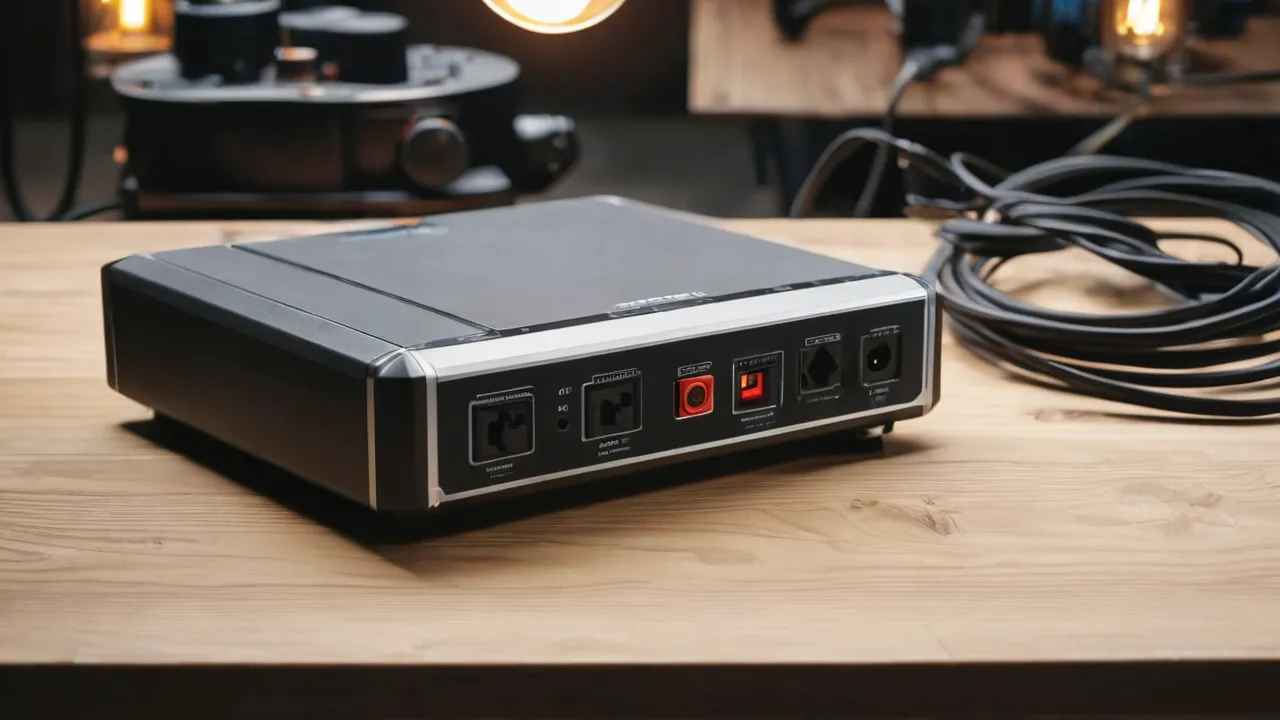
The ports on a power station are AC outlets for household plugs, USB-C ports (often with Power Delivery) for laptops and phones, USB-A ports for older chargers, a 12 volt DC car-style socket and barrel ports for vehicle and camping gear, and sometimes a wireless pad or special connectors. What matters is the wattage each port can supply, whether it can run at the same time as the others, and whether the plug type matches your devices.
This guide explains each port, the limits that surprise buyers, and a checklist you can use on a product page. The numbers below are typical, and your manual is the authority. For all-in-one systems, see our solar generators guides, browse the portable power stations category for models, read How We Review for our approach, and visit the power and energy section for related guides.
Why Ports Matter as Much as Capacity
A big battery is no help if it cannot power the thing you own. A laptop that needs a certain USB-C wattage will charge slowly or not at all on a weaker port. A refrigerator needs an AC outlet with enough output. A camping fridge may run more efficiently from a DC port than through the inverter. Each port has its own conversion path, losses, and limit, so the ports determine what the capacity is actually good for.
Ports also share a budget. Many stations list a total output that all ports together cannot exceed, and some limit the DC or USB ports separately from the AC inverter. Read the fine print about simultaneous output and about what happens when you exceed a port’s limit.
AC Outlets
AC outlets deliver household power through an inverter, usually 120 volts at 60 hertz in the United States. Look at the continuous wattage, the surge allowance, and the number and type of outlets. A standard three-prong outlet is common, and some larger units add a higher-amp outlet or a locking RV connector. Pure sine wave output is the safer choice for sensitive electronics, medical devices with power supplies, and motors, and the spec sheet should say so.
The inverter has a no-load draw, which uses a little battery even when nothing is plugged in. If you only need to charge a phone, using the USB ports and leaving the inverter off saves energy. For large appliances, check that the continuous rating covers the running watts and that the surge rating covers startup.
USB-C and Power Delivery
USB-C ports with Power Delivery negotiate a voltage and current with the device, and they come in different wattage tiers. A phone may need about twenty watts, a tablet a bit more, and a laptop commonly between forty-five and a hundred watts. The standard allows up to a hundred watts at the usual cable rating, and a newer extended range allows more with the right cable and ports. A port labeled USB-C may supply only a small amount, so read the wattage per port.
Use a cable rated for the wattage you need. A thin cable limits charging speed, and cables that carry more than sixty watts must have a chip inside identifying their rating. Some stations share wattage between two USB-C ports, so using both at once can lower each. If your laptop charger is rated for more than the port supplies, it may charge slowly or run on battery.
USB-A and Quick Charge
USB-A ports are older, rectangular ports, usually limited to around ten to eighteen watts each, and some support quick charge protocols that work only with compatible devices. They are fine for phones, earbuds, headlamps, and small accessories. They are not suited to laptops. If a station has several USB-A ports, check whether the total is shared.
12V DC Socket and Barrel Ports
The 12 volt car-style socket is common for tire inflators, camping fridges, and vehicle accessories. A socket on a power station is often limited to around ten amps, which is roughly 120 watts, though limits vary by model, so check the manual. Barrel connectors come in several sizes and are used by routers, LED strips, and small appliances, and they usually have a lower limit. Use the right adapter, match the voltage, and never assume a plug that fits is the correct one.
Camping fridges and some other gear run best from DC because the energy does not pass through the inverter. If you use a 12 volt compressor fridge, the DC socket saves some conversion loss. Check that the connector stays firmly seated when the vehicle moves, and use a fused cable.
Wireless Charging and Special Ports
Some stations add a wireless pad for phones. Wireless charging is less efficient than a cable, often around fifteen watts at best, and works only with compatible phones. Other special ports include RV connectors, solar input ports for panel connectors, high-power DC outputs for gear, and expansion ports to add a battery. Check each connector’s rated amps and polarity before connecting anything, because a wrong connection can damage the gear.
A Ports Checklist and Limits That Surprise Buyers
- AC: number of outlets, plug type, continuous watts, surge watts, pure sine wave.
- USB-C: watts per port, shared or not, and whether it can charge a laptop.
- USB-A: watts per port and any quick charge standard.
- 12 volt DC: amps and wattage, and the connector type.
- Total: combined output when all ports are in use.
- Input: the solar, wall, and vehicle ports, with voltage and watt limits.
Limits that surprise buyers include a combined output cap that is lower than the sum of the ports, DC ports that shut off when the AC inverter is on, USB ports that stop charging when the load is low, and AC outlets that are limited to a lower wattage when the unit is running on a given mode. Read the manual for each.
A Worked Example
Suppose you want to charge a laptop that needs 65 watts, a phone at 20 watts, and run a 12 volt fridge at 60 watts, all at once. The total is about 145 watts, which most stations can supply. But if the USB-C ports share a hundred watt budget, the laptop and the phone together fit within it only if the two ports can draw 85 watts at once. If the DC socket is limited to 100 watts, the fridge fits. Check those two numbers in your manual, and add some margin.
Common Port Mistakes
- Buying by total capacity and discovering the USB-C ports are too weak for a laptop.
- Using a thin cable on a high-wattage port and wondering why charging is slow.
- Running the AC inverter all day to charge phones, which wastes battery on conversion and idle draw.
- Plugging a device into a DC barrel port with the wrong polarity or voltage.
- Assuming every outlet can deliver the unit’s full rated output at once.
Each of these is avoidable by reading three lines of the manual: the per-port wattage, the combined limit, and the connector specification. If the product page omits them, ask the seller before you buy.
Matching Ports to a Real Device List
Make a table of your devices with the plug type and wattage of each, then walk down the list and mark which port will run it. Put the devices that must run together in one group and add their wattage. If the group exceeds the combined limit or a single port’s limit, change the plan: move a device to a different port, charge in turns, or choose a station with a higher limit. This ten-minute exercise catches most surprises before you spend money, and it works for stations with any number of ports. Keep the list in your gear bag so you can rebuild the plan quickly when conditions change.
Who Should Prioritize Which Ports
- Remote workers: USB-C Power Delivery at laptop wattage, and a pure sine wave AC outlet.
- Campers: 12 volt DC, USB-A, and USB-C, with a DC fridge in mind.
- Home backup users: several AC outlets, high continuous output, and a locking connector if the manual lists one.
- RV owners: the proper RV outlet and enough continuous output for the appliance, within the manual.
Follow the manual for cord ratings, and never connect a station to household wiring through an outlet. Any permanent connection to a home needs a licensed electrician and a transfer device.
Frequently Asked Questions
Can a power station charge a laptop through USB-C?
Yes, if the port supplies enough wattage and you use a rated cable. Check the laptop’s charger wattage and the port’s Power Delivery output. If the port supplies less, the laptop may charge slowly. If it supplies more, the laptop will take only what it needs.
What is the 12V port on a power station used for?
It powers vehicle-style accessories, such as tire inflators, camping fridges, and 12 volt lights. Many are limited to about ten amps, so check the wattage against the device. Running DC gear from this port can be more efficient than using the AC inverter.
Why does my power station shut off when I plug in a heater?
Heaters draw far more continuous power than most stations can supply, so the inverter hits its limit and shuts down to protect itself. Check the running watts on the heater’s label against the continuous output, and leave heating loads off a station unless it is clearly rated for them.
Final Thoughts
Ports decide what a power station can actually run. Check each port’s wattage, the combined limit, the plug types, and whether the AC output is pure sine wave. Match them to your devices, use rated cables, and follow the manual for any connection beyond simple plug-in use.
Related buying guides
- Power Station vs Gas Generator: Which to Buy
- Power Station vs Inverter Generator for Camping
- How to Store a Portable Power Station Long Term
About the author

The BuyOnceChoice Editorial Team researches durable products worth buying once. Our guides compare published specifications, warranty terms, expert review consensus, and verified owner feedback. We do not conduct our own product trials. See How We Review and our Editorial Policy for our standards.