Coffee Maker Programmable Features: Worth Paying For
Which programmable coffee maker features earn their cost, which add failure risk over years, and how to judge clock, Wi-Fi and control board risk.
 By BuyOnceChoice Editorial Team
Updated November 16, 2026
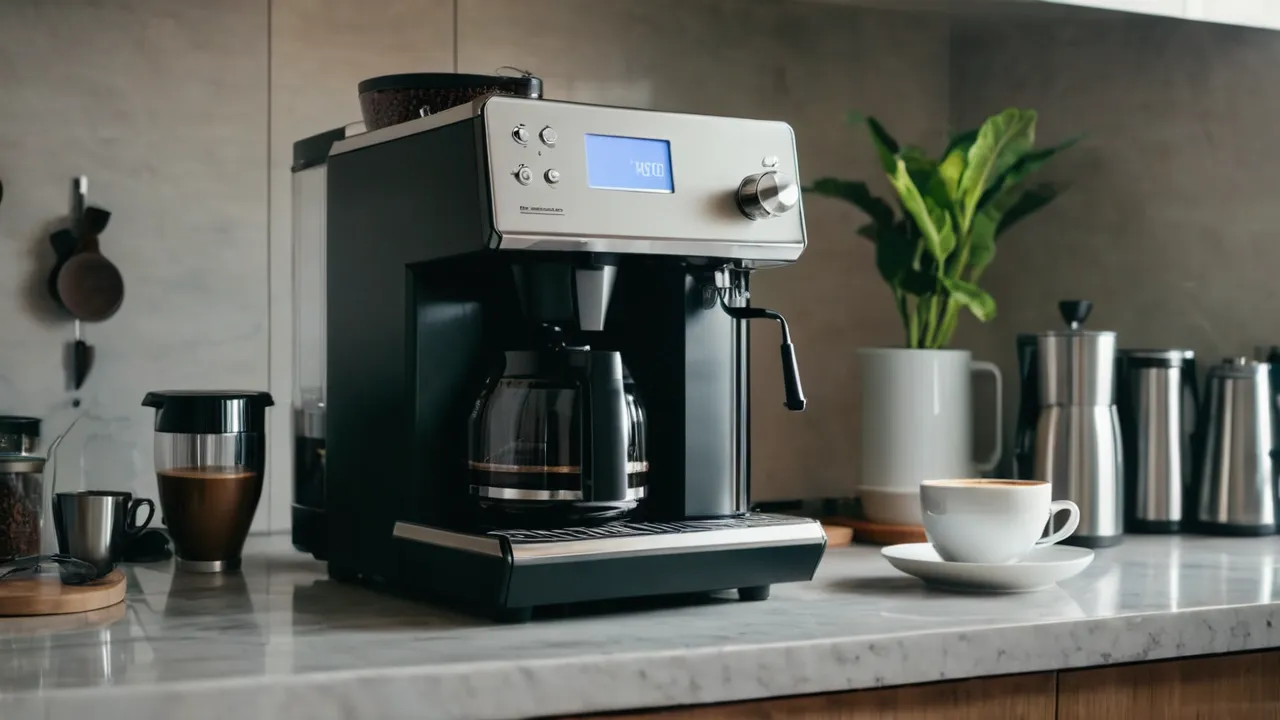
The programmable coffee maker features worth paying for are a simple, reliable timer, automatic shutoff, a brew pause or strength control if you use them, and a thermal carafe or other safe way to keep coffee warm. Features that add a complex control board, such as Wi-Fi, apps and touchscreens, give convenience but add parts that can fail long before the heater does. If you want a machine to last, choose fewer, simpler controls and a clear manual.
Coffee makers have grown more electronic. A clock, a timer and several brew modes are handy, but each added circuit is another thing that can fail in year three or four. This guide separates the features that earn their place from those that add risk.
What Programming Actually Adds
A programmable coffee maker has a clock and a timer, usually set with buttons and a small display. You load water and grounds at night, set a start time and wake up to coffee. That convenience is real and one of the few electronic features that changes daily life.
Beyond the timer, manufacturers add brew strength settings, small batch modes, pause and serve, adjustable hot plate temperature, self cleaning reminders and Wi-Fi control. Each has a cost, in price and in complexity. A feature is worth paying for if you will use it weekly and if its failure will not ruin the machine.
Features Worth Paying For
Reliable timer
A 24 hour timer lets coffee brew at a set time. Check how the clock behaves after a power outage. Some machines lose the time and the program, which means the timer will not run until you reset it. A battery backup or a memory function avoids that. Note that a timer does not mean unattended heating is harmless, so check that the machine has auto shutoff.
Automatic shutoff
Auto shutoff turns the heater or warming plate off after a set period, often from half an hour to a few hours. It reduces energy use and fire risk. Look for adjustable times and an indicator that the machine is on. Hot plates are a burn and fire risk, so shutoff matters most on glass carafe models.
Brew strength or bold setting
Some machines slow the brew to extract more. The effect is modest, but if you like a stronger cup it can help. Verify how it works in the manual, since some settings simply pulse the water.
Pause and serve
A feature that stops the drip when you remove the carafe lets you pour mid brew. It is useful and mechanically simple, a valve in the basket. Make sure it works with the carafe and basket you will use.
Thermal carafe
Not an electronic feature, but it pairs well with timers because there is no hot plate to leave on. See our comparison of thermal and glass carafes for detail.
Features That Add Failure Risk
Wi-Fi, apps and voice control
Connected features let you start a brew from your phone. They also add a wireless module, software and a dependence on a service that the company may stop supporting. The coffee maker may outlast the app. You still need to fill the machine by hand, so remote start is of limited use. If you want it, treat it as a bonus and confirm the machine works without the app.
Touchscreens and many presets
A color touchscreen on a countertop appliance faces steam, spills and heat. Capacitive screens fail from moisture, and a failed screen can disable the machine. Physical buttons and a simple display are more robust.
Complex self cleaning cycles
Descale reminders are helpful, but elaborate automated cycles add valves and sensors. Check what the manual asks you to do manually.
Built-in grinders
A grinder in the machine adds convenience and a motor, burrs and a hopper that need cleaning. If the grinder fails, the whole machine may be unusable. A separate grinder is easier to replace.
A Scoring Rule for Any Feature
Give each feature two scores from one to three. First, how often you will use it in a typical week. Second, how bad the failure would be if it stopped working. A timer you use daily scores high on use, and its failure is annoying but not fatal because you can still brew by hand. A touchscreen scores low on use and high on failure severity if the machine cannot run without it. Pay for features with high use and low failure severity, and skip the rest.
Features That Matter More Than the Brain
A good basket, a carafe with a drip-free spout, a removable reservoir, a stable base and accessible replacement parts matter more than another preset. These mechanical parts decide whether the machine is pleasant to use for years, and they are cheap to inspect from photos and the parts list on the maker’s site.
Clock and Control Board Risk Over Years
Control boards fail from heat, moisture and power surges. A board located near the heating element or the water path faces more stress. Signs of aging include a clock that resets, buttons that respond slowly, a display that dims or flickers, and a timer that skips. Boards are rarely sold as parts, so a failed board often means a failed machine.
To reduce risk, choose a model from a maker with a clear warranty and a service route, use a surge protector rated for the appliance load only if the manual allows, and avoid unplugging and replugging repeatedly. Keep the area around the controls dry, and clean spills promptly.
How to Check a Feature Before You Buy
Features are easy to list and hard to judge from a product page. A few questions narrow it down.
- What happens to the clock and the program during a power outage? A machine that blinks twelve and forgets your timer will not brew while you sleep.
- Can you operate every function with buttons and a simple display, without an app?
- Is auto shutoff adjustable, and can you tell at a glance whether the heater is on?
- Does the manual describe what the self clean or descale indicator does and how to clear it?
- Does the maker sell the carafe, lid and basket separately, so a broken part does not end the machine?
Also look at how many functions share one button. A single button with long press, double press and hold actions is cheap to build and annoying to use before coffee. Dedicated buttons cost a little more and are easier to remember.
Ask yourself how often you would use each feature in a typical week. A timer is used daily by some owners and never by others. If you wake after the coffee is already needed, a timer adds little. If you prefer to brew fresh as you stand in the kitchen, a simple machine with an on and off switch and a good heater may be the most reliable choice.
Finally, remember that features interact. A timer plus a glass carafe on a hot plate means the coffee may sit for a long time before you take it. A timer plus a thermal carafe keeps the coffee fresh until you pour it, which is a better match.
Who Should Pay for What
- Pay for a timer and auto shutoff if you want coffee ready when you wake up.
- Pay for brew strength control if you like to adjust and will use it.
- Pay for a thermal carafe if you drink coffee over several hours.
- Skip Wi-Fi and app features if you want long life and simple operation.
- Skip a touchscreen if you worry about durability.
- Skip a built-in grinder if you want easy repair, and buy a separate one instead.
See the coffee makers category and the best coffee maker roundup for how formats compare.
Safety Notes
Plug the machine directly into a grounded outlet and avoid extension cords. A timer that starts the heater while you sleep means a malfunction could occur unattended, so choose a machine with auto shutoff and keep flammables away from the hot plate. Unplug the machine before cleaning, and do not use a machine with a damaged cord or cracked housing. Follow the manual, and consult a qualified electrician for outlet problems.
Frequently Asked Questions
What features should I look for in a programmable coffee maker?
Look for a reliable 24 hour timer, adjustable automatic shutoff, a clock that survives a short power loss if the manual says so, a brew pause function, and a thermal carafe if you want coffee to stay hot. Add a strength control only if you will use it.
Is a programmable coffee maker worth it?
For many people, yes, because waking to ready coffee is a daily benefit. It is worth it if the timer is simple, the clock is reliable and the machine has auto shutoff. It is less worthwhile if you rarely use the timer or the controls add screens and apps.
Are Wi-Fi coffee makers worth the extra cost?
Rarely. Wi-Fi adds a wireless module and dependence on an app and service that the maker may stop supporting. A simple timer does the same job for most people. Consider Wi-Fi only if you will use remote start often and the maker clearly states its support commitments.
What happens to a programmable coffee maker’s timer after a power outage?
It varies. Some machines lose the clock and program and need resetting, while others keep them for a short time. Check the manual before buying. If power is unreliable where you live, choose a model that states how it handles interruptions, or plan to reset it after outages.
Final Thoughts
Pay for a reliable timer, auto shutoff and a sturdy carafe, and be skeptical of anything that adds screens, radios or software. The simplest controls are the least likely to fail, and a coffee maker that lasts is more useful than one with many modes. Read the manual for what happens after a power cut, and check the warranty. For more on how we weigh features and durability, see how we review.
Related buying guides
- Coffee Maker Size Guide: Cups, Carafes and Households
- Do You Need a Separate Grinder for an Espresso Machine
- Drip Coffee Maker vs Espresso Machine: Which Do You Need
About the author

The BuyOnceChoice Editorial Team researches durable products worth buying once. Our guides compare published specifications, warranty terms, expert review consensus, and verified owner feedback. We do not conduct our own product trials. See How We Review and our Editorial Policy for our standards.