Coffee Maker for Office: Capacity and Duty Cycle Checklist
A buying checklist for an office coffee maker: cups per hour, brew cycle, reservoir versus plumbed water, duty cycle, circuits and who maintains it.
 By BuyOnceChoice Editorial Team
Updated November 16, 2026
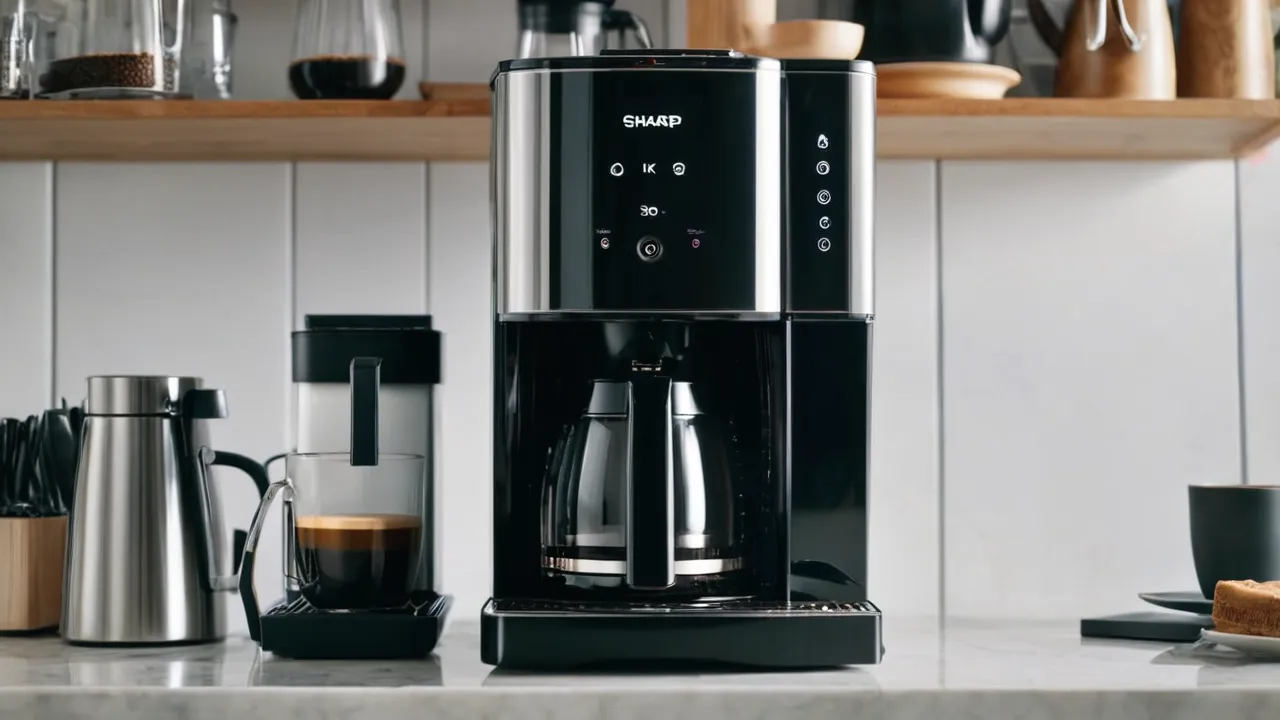
For an office, work out how many cups people drink in the busiest hour, then pick a coffee maker whose brew size and cycle time can keep up without running nonstop. Decide between a reservoir you fill and a plumbed in water line, confirm the machine’s rating for repeated daily use, check the circuit it will share, and name someone responsible for cleaning and descaling. A home machine used heavily in an office wears out faster and may fall outside its warranty, so read the terms.
Office coffee is a shared appliance used by people who did not buy it. Demand spikes in the morning, nobody owns descaling and the machine runs more cycles in a week than a home machine does in a month. This checklist helps you size, place and maintain one.
Step One: Estimate Demand
Count the people who will use the machine, and estimate how many cups each drinks in a typical workday. Then find the peak hour, usually the start of the day or after lunch. If thirty people each take a cup between eight and nine, you need thirty cups in an hour, not the average across the day.
Convert to brewing needs.
- Cups per hour: total cups in the busiest hour.
- Batch size: how many cups a carafe or brew cycle makes. A standard home carafe holds around ten to twelve five ounce cups, though the actual mug count is smaller.
- Cycle time: how long a batch takes. Check the product page for the stated brew time per carafe.
If one batch takes ten minutes and holds eight mugs, a single machine produces about forty eight mugs an hour at best, and in practice less because of refilling, cleanup and downtime. Use this arithmetic with the numbers for the machine you are considering. If demand exceeds supply, add a second machine or a thermal server that holds coffee, or choose a machine built for higher volume.
Step Two: Choose the Format
- Drip machine with a carafe: common, simple and inexpensive, but a glass carafe on a hot plate degrades coffee after a while. A thermal carafe holds temperature without a plate.
- Airpot or thermal dispenser: holds a large batch hot, pump dispensing, good for meetings.
- Single serve pod machine: convenient for small teams, a higher cost per cup and slower at peak.
- Bean to cup machine: grinds and brews each cup, with a higher price and more maintenance.
- Plumbed in machine: connects to a water line and refills automatically, which suits high volume, but needs installation.
Choose for your peak demand and the mess you can tolerate. A thermal carafe is the better match for coffee that sits through a meeting, while glass suits coffee that disappears in minutes.
A Peak Hour Example
Say twelve people each take one mug at the morning rush, and you want everyone served within twenty minutes. If your mugs hold ten ounces, that is one hundred twenty ounces. Divide by the brew volume on your machine’s spec sheet. A sixty ounce batch means two brews back to back, and with a ten minute cycle you finish just inside the window, with no slack for refills or a second cup. A machine that brews more per cycle, or two machines, lowers the pressure. Replace these figures with your own headcount and the maker’s stated brew volume and cycle time.
Step Three: Reservoir or Plumbed Water
A reservoir machine needs someone to fill it, and a large one means carrying water from a sink. A plumbed in machine removes that chore but needs a water line, a filter and an installer, and a drain for some types. Plumbing may need landlord approval and a licensed plumber. A water filter is often needed to protect the machine from scale and improve taste.
If the machine sits far from a sink, plan the refill route. A stack of jugs next to the machine is a sign that the reservoir is too small.
Step Four: Check Duty Cycle and Warranty
Duty cycle describes how much a machine is designed to run. Home machines are built for a few brews a day, and an office may run dozens. Heating elements, pumps and switches wear with each cycle. Commercial rated machines are built for heavy use and often have stronger components.
Read the warranty. Many home machine warranties exclude commercial or business use, and some limit coverage to household use. Using a home machine in an office may void the warranty if a failure occurs. Check the terms, or ask the manufacturer in writing. For a business that depends on coffee, buying a commercial rated machine is often the safer path.
A Printable Pre-Purchase Checklist
- Peak hour mugs counted and converted to ounces.
- Brew volume and cycle time read from the spec sheet.
- Format chosen: drip, thermal dispenser, pod or plumbed.
- Warranty wording checked for business or office use.
- Nameplate wattage noted and outlet circuit confirmed.
- Water supply route planned, including filter.
- Owner named for cleaning, descaling and restocking.
- Replacement carafe, basket and filter availability confirmed.
Step Five: Circuit and Placement
Coffee makers draw significant power while heating. A drip machine often draws a good portion of a standard circuit, and commercial machines may need more. Plug directly into a grounded outlet, avoid extension cords and power strips, and do not share the circuit with a microwave or kettle if you can help it. A breaker that trips in a break room is a sign of overload. Ask a licensed electrician if you are unsure.
Place the machine on a stable, heat tolerant counter, near a sink if possible, with space for cups and supplies. Keep it away from paper, towels and other flammables, and allow clearance above for filling.
Step Six: Name a Maintenance Owner
This is the step that offices skip. Decide who will empty grounds, rinse the carafe and basket, wipe the plate, refill supplies and descale on schedule. Put the schedule on a card near the machine. Keep the manual and descaler in a nearby cabinet. If nobody owns the job, the machine will become dirty and fail early.
Routine tasks:
- Daily: discard grounds, rinse carafe and basket, wipe spills, empty drip tray.
- Weekly: wash parts with soap, wipe the exterior.
- Monthly or as the water requires: descale per the manual.
Wash every removable part, not only the carafe, since oils and scale build up in the basket and spray head.
Supplies, Water Quality and Etiquette
Supplies are part of the cost. Filters, descaler, cleaning cloths and cups need a restocking plan, and a shared coffee fund or a recurring order avoids the empty cupboard problem. Store coffee in a sealed container away from heat and light, and buy in quantities that you will use within a few weeks, since ground coffee goes stale fast. Whole beans are fresher but need a grinder, which is another machine to clean.
Water quality matters more in an office, since the machine runs every day. Hard water scales the heater quickly. If the building has hard water, use a filter on the supply or a filter pitcher, and descale on the schedule in the manual. A water report from the building manager can tell you what you are dealing with.
Etiquette is practical, not decoration. Post short instructions: how to fill the reservoir, how to start a brew, where the used filters go and what to do when the carafe is empty. Ask people to leave the carafe rinsed, not sitting with dregs, since old coffee leaves film. A clear sign reduces the chance that someone pours cold water into a hot glass carafe, a common way to crack it.
Think about accessibility. A reservoir that is hard to lift or a dispenser at an awkward height will frustrate some colleagues. A carafe with a comfortable handle and a pump pot for larger groups can help. And think about quiet spaces: a grinder or a steam wand is loud, so place the machine away from desks.
Safety Notes
Plug into a grounded outlet and do not use damaged cords. Hot plates, carafes and steam can burn. Keep a sign reminding users to use the handle. Use auto shutoff models to reduce fire risk, and unplug before cleaning. Follow the manual and the safety rules of your workplace, and have a qualified electrician look at any outlet or circuit problem.
Frequently Asked Questions
How many cups of coffee should an office coffee maker brew?
Count the mugs people drink in the busiest hour, convert to ounces, and divide by the machine’s brew volume. A machine should cover that peak with at most two back to back brews. Remember that a coffee maker cup is about five ounces, so check ounces rather than the cup count on the box.
Can I use a home coffee maker in an office?
You can, but home machines are built for a few brews per day and many warranties exclude business use. For a small team a good home machine can work if you clean it often and accept a shorter life. Read the warranty and consider a model with a service route.
How often should an office coffee maker be cleaned and descaled?
Wash the carafe, basket and removable parts daily, and wipe the plate and spill areas. Descale on the interval in the manual, which is usually shorter for hard water and heavy use. Name one person who owns the schedule, post it near the machine and keep supplies stocked.
What is the best way to keep office coffee hot?
A thermal carafe or dispenser keeps coffee hot without a hot plate, so the coffee does not scorch and fire risk is lower. A glass carafe on a hot plate works for short periods only. Choose a machine with auto shutoff, and brew in smaller batches if coffee sits long.
Final Thoughts
Size an office coffee maker by peak hour demand, pick a format and water supply you can sustain, check duty cycle and warranty terms, confirm the circuit and name an owner for cleaning. A machine that fits those five points will serve better than a bigger one that nobody maintains. For more on formats, see the coffee makers category, the best coffee maker roundup and how we review.
Related buying guides
- Coffee Maker Programmable Features: Worth Paying For
- Coffee Maker Size Guide: Cups, Carafes and Households
- Do You Need a Separate Grinder for an Espresso Machine
About the author

The BuyOnceChoice Editorial Team researches durable products worth buying once. Our guides compare published specifications, warranty terms, expert review consensus, and verified owner feedback. We do not conduct our own product trials. See How We Review and our Editorial Policy for our standards.