How to Calculate Home Electricity Use for Backup
Turn a utility bill into a daily kWh figure, then track nameplate watts and build an essentials table that sizes any backup system, battery, solar or generator.
 By BuyOnceChoice Editorial Team
Updated November 16, 2026
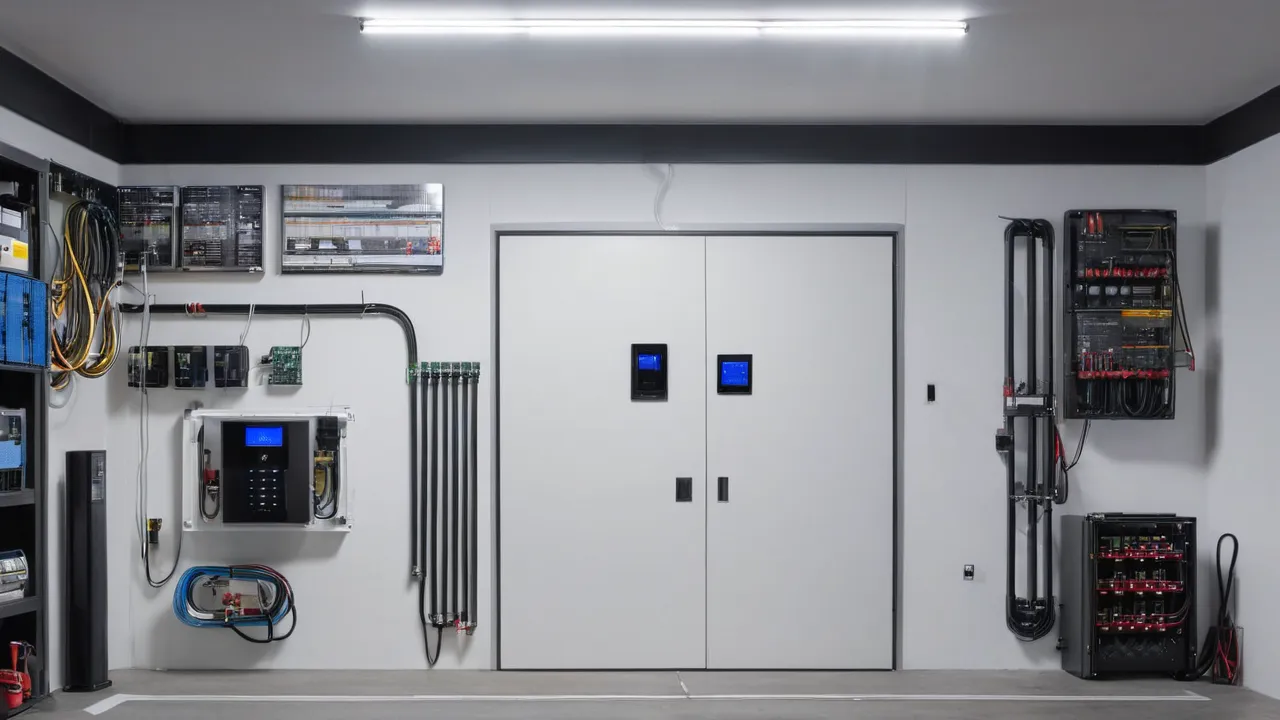
To calculate home electricity usage for backup power, find your daily energy use in kilowatt hours from your utility bill or smart meter, then build a list of the appliances you want to run and note each one’s running watts and starting watts. Two numbers come out: how much power you need at once, in watts, and how much energy you need over time, in watt hours.
Start With the Bill
Your electric bill lists kilowatt hours used for the billing period. Divide by the number of days to get average daily use. For example, 900 kilowatt hours in 30 days is 30 kilowatt hours a day, or about 1.25 kilowatts on average. That number is the whole house average, which is far larger than what you need for essential backup, since you will not run everything during an outage.
Look at several months. Usage swings with season, since air conditioning and electric heat can double or triple the total. Note your highest months, because an outage in a hot summer or cold winter is when backup matters most.
Using Smart Meter Data
Many utilities offer hourly or 15 minute data online. Download it if you can. It shows your peak demand, the highest power draw at any moment, and your baseline overnight use. Peak demand helps size an inverter, and baseline tells you the always on load. Look at the highest hours across a year, and find which appliances were running. If you do not have smart meter data, use a plug-in energy monitor on individual appliances.
Build the Nameplate Table
List each appliance you want during an outage in a table with these columns: name, running watts, starting watts if it has a motor, hours per day and daily watt hours. Find the watts on the nameplate or label, in the manual or by using a plug-in power meter. If a label lists amps and volts, multiply them to get watts, for example 5 amps at 120 volts is 600 watts. Many motor appliances, such as refrigerators, well pumps and air conditioners, draw extra power for a moment when they start.
If you cannot measure, treat estimates as rough and add a margin.
Separate Always-On, Cycling and Occasional Loads
Group loads into three types:
- Always on: router, modem, a night light and standby devices.
- Cycling: refrigerator, freezer, furnace blower, sump pump, which run part of the time.
- Occasional: microwave, coffee maker, hair dryer, washer, which run for short times.
For cycling loads, estimate the fraction of time on. A refrigerator may run about a third to half of the time, so multiply the running watts by hours times that fraction. Occasional loads count for the time you actually use them, and these are the ones you can control during an outage.
Convert to the Two Backup Numbers
You need two numbers. The first is peak power in watts, which is the largest total that might run at the same time, including the starting surge of the biggest motor. This sizes the generator or inverter. The second is daily energy in watt hours, the sum of all running loads over the day, which sizes the battery or fuel supply.
To get peak watts, add the running watts of everything that could be on together, then add the extra starting watts of the largest motor. To get daily energy, sum each appliance’s watts times hours. Divide watt hours by 1,000 for kilowatt hours. Add a margin of at least 20 percent for losses in inverters and wiring.
Use a worked set of numbers to practice. Suppose a refrigerator runs at 150 watts for about eight hours a day: that is 1,200 watt hours. A router uses 15 watts for 24 hours: 360 watt hours. Ten LED bulbs at 10 watts each used for 5 hours: 500 watt hours. A furnace blower at 400 watts running 6 hours: 2,400 watt hours. Phone and laptop charging about 300 watt hours. The total is about 4,760 watt hours, or 4.8 kilowatt hours. Add 20 percent for losses and you need about 5.7 kilowatt hours for the day. For peak power, the running watts add up to about 150 plus 15 plus 100 plus 400 plus 60, so about 725 watts, and a refrigerator surge of perhaps two to three times its running watts brings the peak a bit higher. A 1,500 watt inverter would be comfortable in this example.
Example Walkthrough in Words
Imagine a household that wants to keep a refrigerator, internet gear, lights, a furnace fan and phone chargers. The refrigerator draws a few hundred watts when running and runs about a third of the day. The internet gear draws a few dozen watts all day. LED lights use a few dozen watts for several hours. The furnace fan draws a few hundred watts and runs part of the time in winter. Add up the daily watt hours, and the total comes to a few kilowatt hours, far below the whole house average. For peak power, add the refrigerator starting surge, the furnace fan and the lights, and you get a number that a small generator or inverter can handle.
The lesson is that backing up essentials is much smaller than backing up the entire home. Air conditioners, electric ranges, dryers and electric water heaters are the loads that make whole home backup large.
Common Mistakes
- Using the average of the whole house for sizing instead of a list of essentials.
- Ignoring starting watts of motors.
- Forgetting that cycling loads run only part of the time.
- Adding labels in amps without converting to watts.
- Not allowing a margin for inverter losses.
- Using a single month when seasons differ.
Another common mistake is to size backup from the biggest appliance on the label rather than from what you will actually run at once. Planning around a schedule helps: run the microwave, then the coffee maker, rather than both together. That habit lets a small power source cover most needs.
Decision Rules by Backup Type
- Portable power station: needs watt hours to cover the day and enough inverter watts for the surge. Good for a refrigerator and electronics. See the portable power station category.
- Home battery: size by daily kilowatt hours and peak kilowatts for the loads on the protected panel. See the home battery backup category.
- Generator: size by peak watts and fuel for the run time. See the whole-home generators category.
Safety and Professional Work
Do not connect a generator or battery to a home panel yourself. Backfeeding can injure utility workers and cause fires. A licensed electrician should install transfer switches, inlets and any panel connections, following code and permits. Run generators outdoors only, keep carbon monoxide alarms working and follow each manual.
Handling Seasonal Differences
Do the calculation for your worst season. In winter, include the furnace blower or electric heat, heat tape or a well pump. In summer, include fans and any air conditioning you plan to run, and be honest about whether backup can carry it. Many households keep a separate summer and winter list.
Add a sanity check with your bill. Multiply the average household use from your bill by the share that you plan to back up, for instance one fifth, and compare it with the total from your table. If the two numbers are far apart, recheck the table for missing loads or overly large estimates. Repeat the check with a winter and a summer bill.
Tracking Loads You Do Not Control
Some loads switch on without you, such as a sump pump, a refrigerator defrost heater or a water heater thermostat. Check that you have counted them. A plug-in meter left on the appliance for a full day shows the real average.
Keeping the Table Current
Update the table when you buy a new appliance or change habits. Keep it in a spreadsheet or on paper near your electrical panel. See how we review for our approach to evaluating backup products.
Frequently Asked Questions
How do I calculate my home’s electricity use?
Divide the kilowatt hours on your bill by the days in the billing period to get daily use, then build a list of essential appliances with watts and hours. The bill gives the whole house average, and the list gives the backup need.
What is the difference between running watts and starting watts?
Running watts are what an appliance draws steadily, and starting watts are the brief surge a motor needs to start, often two to three times higher. Size a generator or inverter for the running total plus the largest surge.
How many kilowatt hours does a refrigerator use?
It varies by model and age, and the yellow energy label or the manual gives an estimate. A plug-in meter shows actual use over a day. Many run roughly a third to half of the time, so multiply running watts by hours.
How much backup power do I need for a few days?
Multiply your essential daily watt hours by the number of days, then add a margin of about 20 percent for losses. Compare with the battery or fuel capacity. Solar recharging or fuel resupply can lower the stored energy you need.
Final Thoughts
Start with the bill for context, then build a nameplate table of the loads you want to keep running and convert it to peak watts and daily watt hours. Size backup to essentials, include seasonal loads and a margin, and have a licensed electrician handle any connection to the home panel.
Related buying guides
- EV vs Home Battery vs Generator for Blackouts
- Home Battery Backup Mistakes to Avoid
- How Much Home Battery Capacity Do You Need
About the author

The BuyOnceChoice Editorial Team researches durable products worth buying once. Our guides compare published specifications, warranty terms, expert review consensus, and verified owner feedback. We do not conduct our own product trials. See How We Review and our Editorial Policy for our standards.