Whole Home vs Partial Battery Backup
Vendor kWh claims for whole-home backup conflict. Use rules based on your air conditioning, EV charging and outage length to pick whole-home or partial.
 By BuyOnceChoice Editorial Team
Updated November 16, 2026
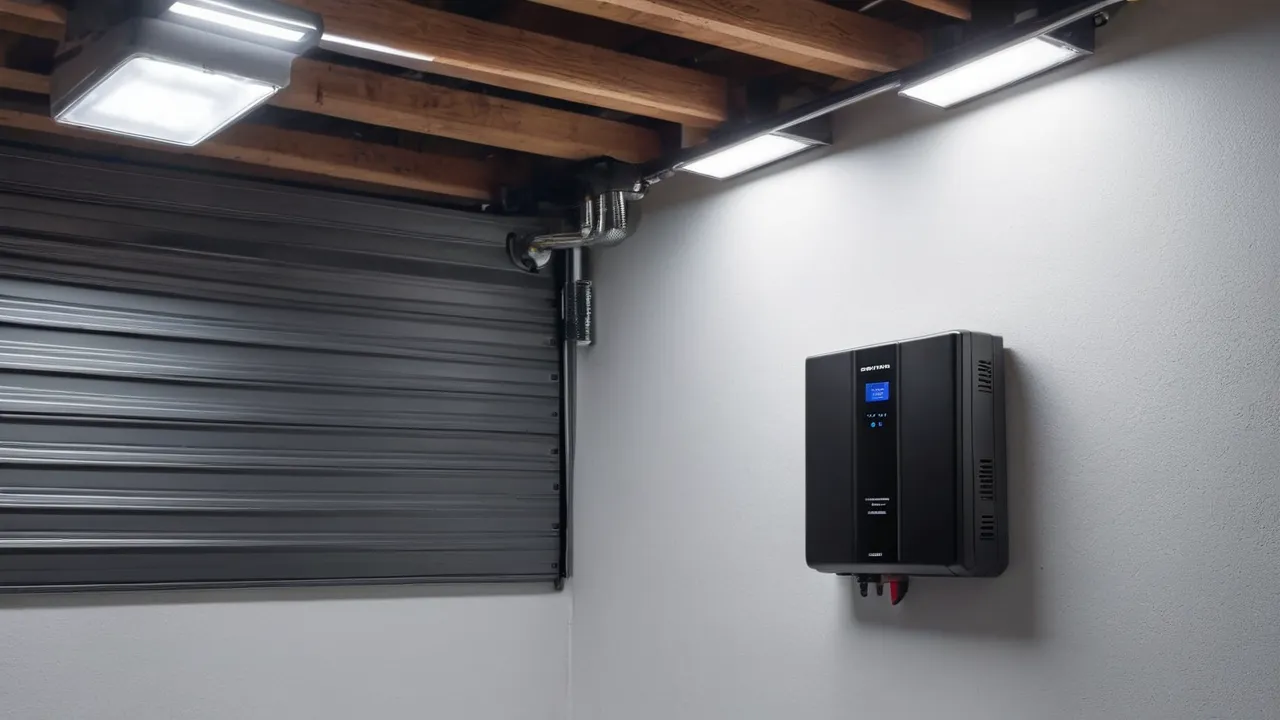
Whole-home battery backup powers every circuit in the house during an outage, while partial backup powers only a chosen set of essential circuits such as the refrigerator, lights, internet, and furnace blower. Choose partial backup if your outages are short, your budget is limited, or your big loads like air conditioning and electric heat are not essential. Choose whole-home backup if you need air conditioning, electric heat, or an electric vehicle to keep running, or if outages are long.
Vendors’ kilowatt-hour claims often conflict, so this guide uses five rules that depend on your own loads, outage length, and equipment. Browse our home battery backup category for systems, see the solar generator category for smaller portable options, and read how we review for how we treat specifications. Design and wiring require a licensed electrician.
What Each Approach Means in Practice
In a partial backup design, the installer moves the essential circuits to a backup subpanel, and the battery powers only that panel when the grid fails. Large loads stay on the main panel and go dark during an outage. It is smaller, simpler, and less costly, because the battery and inverter only need to handle the essentials.
In a whole-home design, the battery feeds the entire main panel through a transfer device. Every circuit can run, but the battery and inverter must handle the total load, or the system must manage large loads with load control. It needs higher output and more capacity, and usually costs more.
Rule One: Look at Your Biggest Loads
The biggest loads decide the design. Central air conditioning, electric heat, electric ranges, dryers, water heaters, well pumps, and electric vehicle chargers each draw thousands of watts. If most of them can wait, partial backup works. If several are essential, whole-home or a load-managed design is needed. List each with its running and starting watts, and mark essential or optional.
Rule Two: Match Outage Length to Capacity
Short outages of a few hours need little capacity, and partial backup handles them well. Look at your own outage history, including the longest event in the last few years, and plan for something a little longer than that. Multi-day outages need either lots of capacity, solar recharging, or a generator. A whole-home load can drain a battery in hours, while an essentials load may last a day or more. Estimate hours by dividing usable kilowatt-hours by your average load in kilowatts.
A Worked Example in Words
Say essentials average 0.6 kilowatts over the day, and the battery has 10 usable kilowatt-hours. That is about 16 hours. Add central air conditioning, averaging 2.5 kilowatts during a hot afternoon, and the average load becomes about 3.1 kilowatts, and the battery lasts about three hours. The air conditioner turned a day of power into an afternoon. These are illustrations, so use your own loads.
Rule Three: Air Conditioning and Heat
Central air conditioning is the most common reason people choose whole-home backup, and also the load that drains batteries the fastest. If cooling is essential, ask whether the system can run it, for how long, and with what surge. Soft starters can reduce the startup surge. Consider alternatives such as a window unit on the essential panel. Heat pumps and electric furnaces are similar. Gas furnaces need only a blower, which fits partial backup.
Rule Four: Electric Vehicles
An electric vehicle charger draws kilowatts for hours, and it can drain a home battery quickly. Most households choose to leave the charger off the backup circuits, charge the vehicle later, or limit it with load control. Some systems and vehicles support power from the vehicle to the home, but that is a separate design to discuss with the installer and the vehicle maker.
Rule Five: Costs and Complexity
Partial backup involves moving circuits to a subpanel, which costs labor and space, but it needs a smaller battery and inverter. Whole-home backup may avoid the subpanel work but needs larger equipment, and sometimes a service upgrade. Compare itemized quotes, including the battery, the inverter, the transfer equipment, labor, permits, and any panel upgrade. Costs vary widely, so avoid comparing totals without scope.
Decision Rules by Buyer Type
- Short outages, gas heat, no central air: partial backup.
- Frequent long outages with solar and a large battery: whole-home with load control.
- Hot climate with essential cooling: whole-home or a partial system that includes cooling and a large battery.
- Medical needs: a design based on the equipment’s requirements, with a backup plan.
- Budget-limited: partial backup now, expand later if the battery and inverter allow it.
Safety and Professional Work
A home battery connects to your service panel, so a licensed electrician must design, wire, and permit it. Do not backfeed through an outlet, and do not move circuits yourself. Follow the manual for placement, clearances, and temperature limits, and know where the shutoffs are.
How to Ask Installers the Right Question
Instead of asking for a whole-home system, ask which circuits will be backed up, how many kilowatts it can supply, how many kilowatt-hours are usable, how long it can run your listed loads, and how it handles big motors. Ask what happens when the battery is low, and whether you can change the list later.
Expanding Later
Ask whether the battery, the inverter, and the subpanel can be expanded. Some systems allow extra modules, but the inverter may cap output. Others need a new inverter. A modular design lets you start with essentials and grow into whole-home, if the installer plans for it from the start.
Side by Side Summary
| Factor | Partial backup | Whole-home backup |
|---|---|---|
| Circuits covered | Chosen essentials | Entire panel |
| Battery and inverter size | Smaller | Larger |
| Install work | Move circuits to a subpanel | Transfer device on main panel, possible service upgrade |
| Runtime on essentials | Longer for the same battery | Shorter if large loads run |
| Best for | Short outages, gas heat | Cooling, electric heat, long outages |
An Essentials Worksheet in Words
List the circuits you would move to a backup panel. Typical choices are the refrigerator, freezer, a few lighting circuits, the internet equipment, a furnace blower, a sump pump, a garage door opener, and a few outlets for charging. Add the running watts of each, and the biggest starting surge. If the total is around one to two kilowatts, a modest inverter can carry it. Then multiply the average load by the hours you want, and compare with the battery’s usable capacity. If the totals look too high, drop the lowest-priority circuit and repeat. This exercise often shows that the first few circuits provide most of the comfort at a small share of the load.
How Solar Changes the Rules
With rooftop solar and a battery that can run during an outage, the equation shifts. Panels can recharge the battery by day, so a smaller battery can serve longer, and larger loads can run while the sun is up. Without solar, every kilowatt-hour you use comes from storage. Ask whether the system can operate in island mode, how many kilowatts of solar it can accept during an outage, and what happens on cloudy days. If you plan to add solar later, ask the installer to design for it.
Questions Before You Sign
- Which circuits are backed up, and can I change the list later?
- What is the continuous output and surge rating, and what does it run at once?
- How many usable kilowatt-hours does the battery store?
- How long will my listed loads run, based on your calculation?
- What does the warranty guarantee for capacity, and for how many years?
- What permits and inspections are included in the quote?
Get the numbers in writing, and compare them against your own load list. If a number is missing, ask for it before signing. Also ask what happens in an outage when the battery runs low: some systems shut off the backup panel entirely, some keep a small reserve, and some let you choose which circuits to drop first. Knowing the low-battery behavior tells you how the system will treat your refrigerator at the end of a long outage, which is the moment that matters most.
Frequently Asked Questions
Is partial home backup enough?
For many homes, yes. If your outages are short and your essentials are a refrigerator, lights, internet, and a furnace blower, partial backup is enough and costs less. If you need central air conditioning or electric heat, plan for more output and capacity, or whole-home with load control.
Can a home battery run an entire house?
It can, if the inverter’s output and the battery’s capacity fit your loads, and often with load control for big appliances. Many systems can run a whole house for several hours but not days, unless solar helps. Ask for runtime estimates for your own loads.
How many kilowatt-hours do I need for whole-house backup?
It depends on the outage length and loads. A home averaging 2 kilowatts needs about 48 kilowatt-hours for a day, which is several batteries. Solar and load management cut that. Use your own bills and load list, and ask the installer for a written estimate.
Final Thoughts
Look at your biggest loads, match capacity to outage length, decide about air conditioning and vehicles, and compare itemized costs. Partial backup serves most households well, and whole-home serves those who need cooling or heat. Use a licensed electrician and plan for expansion.
Related buying guides
- AC Coupled vs DC Coupled Home Batteries
- Are Home Batteries Worth It: A Decision Checklist
- How to Calculate Home Electricity Use for Backup
About the author

The BuyOnceChoice Editorial Team researches durable products worth buying once. Our guides compare published specifications, warranty terms, expert review consensus, and verified owner feedback. We do not conduct our own product trials. See How We Review and our Editorial Policy for our standards.