How Much Home Battery Capacity Do You Need
kWh says how long a battery lasts and kW says what it can run at once. Use an essential loads worksheet and a margin to find the capacity you need.
 By BuyOnceChoice Editorial Team
Updated November 16, 2026
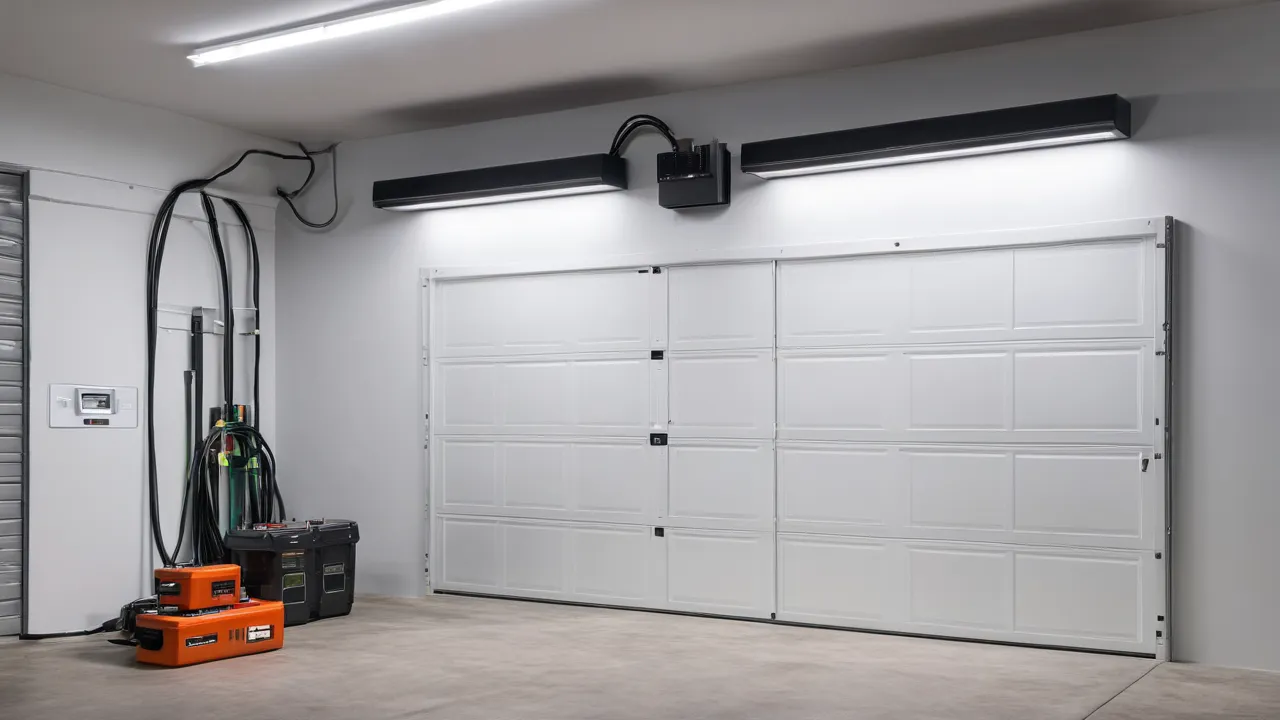
To work out how much home battery capacity you need, list the loads you want to run in an outage, convert them to daily kilowatt hours, multiply by the days of coverage you want, then add margin for usable capacity, reserve and efficiency. Also check that the battery’s kilowatt rating covers your peak load, since capacity and power are separate limits.
kWh and kW: The Two Numbers That Matter
Kilowatt hours measure stored energy, and kilowatts measure how fast the battery can deliver it. Capacity in kilowatt hours decides how long the battery lasts. Power in kilowatts decides what it can run at the same moment.
A battery with 10 kilowatt hours and 5 kilowatts can run a 5 kilowatt load for two hours or a 1 kilowatt load for ten hours. If you try to run a 7 kilowatt load, it exceeds the power limit even though energy remains. So you need to check both numbers against your needs.
The Four Step Sizing Method
Step One: Build the Essential Loads List
Write down every device you want to run: refrigerator, freezer, furnace blower, well or sump pump, internet gear, lights, phone chargers, television, a microwave, perhaps a garage door opener. For each, note running watts from the label or a plug-in meter, starting watts for motors and the hours per day it runs. Separate must have loads from nice to have loads. Air conditioners, electric dryers, ranges and water heaters can add several kilowatts each, so be honest about whether you will back them up.
Step Two: Convert to Daily kWh
For each load, multiply running watts by hours per day to get watt hours, and divide by 1,000 for kilowatt hours. Cycling loads, such as refrigerators, run part of the time, so use average watts or a fraction of time. Add all loads.
Example in words: a refrigerator uses about 1.2 kilowatt hours a day, internet and lights about 0.8, a furnace blower about 1.5 in cold weather, and device charging and a television about 0.5. The total is about 4 kilowatt hours a day.
Step Three: Choose the Days of Coverage
Decide how long you want to run without recharge. If outages are usually a few hours, one day of coverage is plenty. If you face storms that last days, you can plan for two or three days of essentials, rely on solar to recharge or add a generator. Multiply the daily total by the days. With 4 kilowatt hours a day and two days, you need 8 kilowatt hours of usable energy.
Step Four: Add Margin and Reserve
Real batteries do not give you their full nameplate capacity. Add margin for these effects:
- Usable capacity: many batteries list total and usable capacity. Use the usable number.
- Reserve settings: some systems keep a portion, for example 10 to 20 percent, in reserve for outages. If you use the battery daily, that reserve reduces what is left for savings.
- Inverter and conversion losses: round trip efficiency is below 100 percent, so add 10 to 15 percent.
- Aging: battery capacity declines over the years, so size with a margin.
In the example, 8 kilowatt hours of usable energy with a 15 percent loss and a 10 percent aging margin means a battery with roughly 10 to 11 kilowatt hours of usable capacity.
Check Power, Not Just Energy
Add up the running watts of everything that could run at once, then add the extra starting watts of the largest motor. That is your peak power in kilowatts. Compare it to the battery’s continuous and peak power ratings. If the battery cannot start your well pump or air conditioner, add batteries, choose a model with higher power, add a soft starter or move that load off the backup circuits. Ask the installer to confirm in writing that the system can start your largest motor.
Work through a power check example. Suppose your essentials are a refrigerator at 150 watts running, a furnace blower at 400, a sump pump at 800 running with a 2,400 watt start, and lights and internet at 150. Running total is 1,500 watts. The largest surge adds 1,600 above the sump pump’s running watts. The peak requirement is about 3.1 kilowatts. A battery rated at 5 kilowatts continuous covers it easily, while one rated at 3 kilowatts continuous with a peak rating of 3.5 may be marginal. Ask for both continuous and peak ratings and how long the peak lasts.
Common Sizing Mistakes
- Sizing by the whole house average instead of the essentials list.
- Using nameplate capacity instead of usable capacity.
- Ignoring starting watts of motors.
- Assuming solar will fully recharge each day without checking the weather.
- Planning for no margin as the battery ages.
- Confusing kilowatts and kilowatt hours.
Decision Rules by Buyer Type
- Essentials only, short outages: a small battery covering refrigerator, internet and lights, perhaps 5 to 10 kilowatt hours.
- Work from home or medical needs: more capacity and a plan for long outages, and consult device makers.
- Well pump or air conditioning: focus on power ratings and surge, and consider a generator as backup.
- Long outages in remote areas: solar plus battery and a generator.
Compare options on the home battery backup category page, and see the solar panels category for recharging.
Add a note on scaling. If your first estimate comes out much larger than you expected, look at which loads dominate. Electric heat, air conditioning, electric water heaters and dryers often account for most of the total. Removing one of them from the backup list can cut the needed capacity by half or more. You can also add capacity later, if the product supports expansion, so starting with a smaller system for essentials is a reasonable approach. Ask whether the product can be expanded and what the rules are.
Safety and Professional Work
Connecting a battery to a home panel can cause backfeed and electrocution risk. Use a licensed electrician, follow the manual, local code and utility rules and obtain permits. Do not install batteries in places the manual forbids, and never charge or store damaged, swollen or hot battery packs.
Sample Worksheet Entries in Words
A worksheet might read: refrigerator, 150 watts running, 450 watts starting, 8 hours a day, 1.2 kilowatt hours. Router, 15 watts, 24 hours, 0.36 kilowatt hours. LED lights, 100 watts, 5 hours, 0.5. Furnace blower, 400 watts running, 1,000 starting, 6 hours, 2.4. The total energy is about 4.5 kilowatt hours per day and the peak power is the sum of the running watts plus the largest surge, roughly 1.3 kilowatts.
Add a seasonal column. In winter, the furnace blower and heat tape might run for many hours, while in summer fans and cooling loads dominate. Fill in the worksheet for the worst season you care about, and check the other. A battery sized for winter may be more than enough in spring, which is fine.
Usable Capacity, Depth of Discharge, and Reserve Settings
Depth of discharge is the share of a battery you can use. Some batteries allow nearly all capacity, and others limit it to protect the cells. Check the specification sheet for usable capacity. Reserve settings in the app control how much energy is held back for outages. Set them with your goals in mind.
Compare two batteries with different specifications. One lists 13 kilowatt hours total and 12.5 usable. Another lists 10 kilowatt hours total and 10 usable. The first gives 2.5 more usable kilowatt hours, but reserve settings in the app might hold back 20 percent for outages, leaving about 10 kilowatt hours for daily use. Read how each system handles reserve, and set it based on the outages you expect.
How Aging Changes the Number
Batteries lose capacity over time and with cycling. Warranties often state a capacity level at the end of the warranty period. If a warranty promises 70 percent after ten years, plan on your battery delivering less than its nameplate by then. Size with a margin so it still meets your needs, and read the warranty. See how we review.
Frequently Asked Questions
How many kWh of battery do I need for a day?
Add the kilowatt hours of the loads you want to run. Essentials such as a refrigerator, internet, lights and a furnace blower often total roughly 4 to 8 kilowatt hours a day, while air conditioning or electric heat raises it a lot. Use your own list.
How many batteries do I need to power a house?
It depends on the battery size and your loads. Whole house backup for average use may need several batteries, and many households back up only essentials with one or two. Calculate your daily kilowatt hours and peak kilowatts, then compare with each battery’s usable capacity and power rating.
What is usable capacity?
It is the amount of energy you can actually draw from the battery, which can be lower than the nameplate capacity because of depth of discharge limits and reserve settings in the app. Use the usable figure on the specification sheet when sizing, and ask the installer what reserve level the system will be set to.
Does battery capacity decline over time?
Yes. All batteries lose some capacity with age and cycles, and warranties often state a percentage of capacity the battery should retain after a set number of years or a total amount of energy throughput. Size with a margin so the battery still meets your needs later, and read the warranty terms.
Final Thoughts
Build a loads list, convert to daily kilowatt hours, choose days of coverage, add margin for usable capacity, losses and aging and check peak power against your biggest motor. Use a licensed electrician for installation.
Related buying guides
- Home Battery Installation: What to Expect
- Home Battery vs Standby Generator: Which Backup Wins
- How Long Do Home Batteries Last: Warranty Guide
About the author

The BuyOnceChoice Editorial Team researches durable products worth buying once. Our guides compare published specifications, warranty terms, expert review consensus, and verified owner feedback. We do not conduct our own product trials. See How We Review and our Editorial Policy for our standards.