TSA Friendly Laptop Backpack: What the Label Means
The TSA does not approve bags. This guide explains what a TSA friendly label means, which layout features speed laptop screening, and how to pack for the line.
 By BuyOnceChoice Editorial Team
Updated November 16, 2026
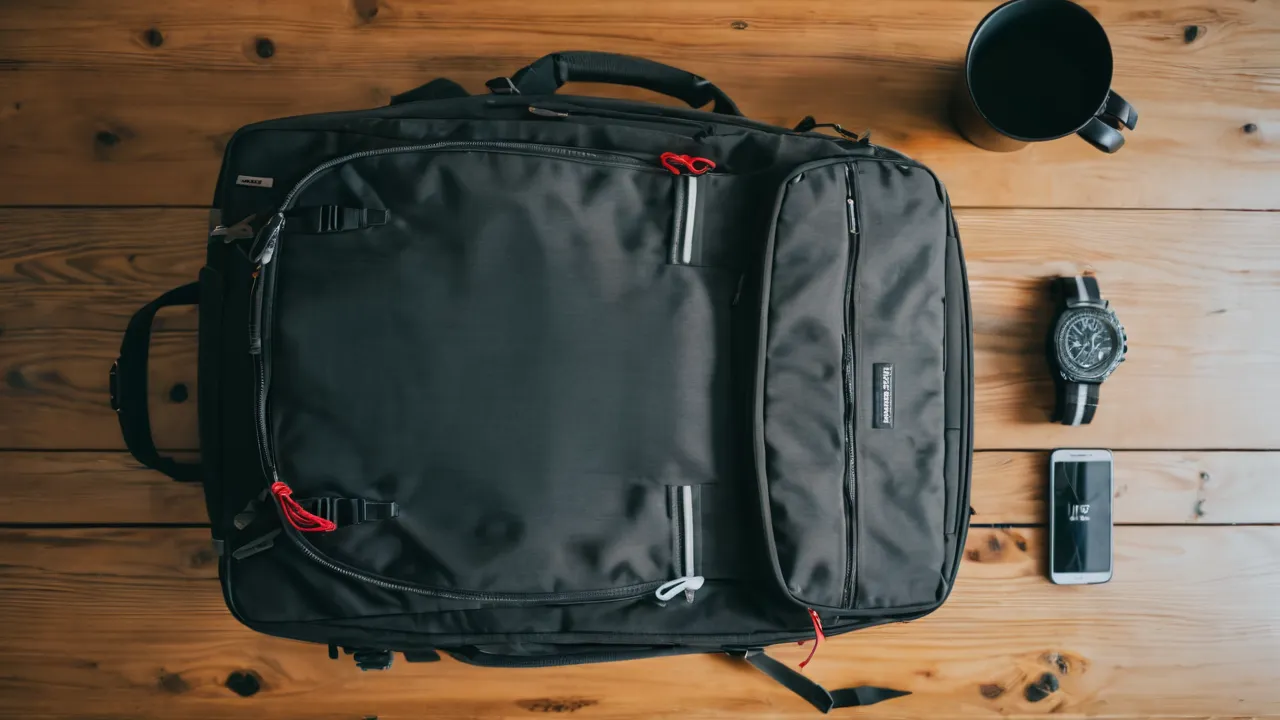
A TSA friendly backpack is a marketing term, not a certification: the Transportation Security Administration does not approve or certify any bag. The label usually means the backpack has a laptop compartment that opens flat so you can place it on the belt without removing the laptop, though screening rules and officer instructions still apply. This guide explains what the layout does, what to check on a product page, and how to pack so that your trip through security is smoother.
What the label means and does not mean
The TSA is the US agency that screens passengers and bags at airports. It publishes guidance about what can go through screening, but it does not review or endorse commercial bags. A brand that says its pack is TSA approved is using a phrase the agency does not use for bags.
A TSA friendly backpack usually refers to a design in which the laptop section is separate, unobstructed by other items, and designed to lie flat when the bag is opened, so that the X-ray image of the laptop is clear. Some makers call this a checkpoint-friendly design.
Whether you can leave the laptop inside depends on the screening lane and the equipment in use at that airport. Policies and technology change, so follow the instructions given at the checkpoint, and check the TSA website for current guidance before you travel.
The layout features that help
A few features make screening easier.
- A dedicated laptop compartment with a clamshell opening that unfolds flat.
- No metal, cables, or bulky items layered over the laptop section when it is open.
- A flat, uncluttered laptop panel, with the other items packed in a separate section.
- A smooth, wide opening that lets you slide the laptop out quickly if asked.
- Pockets that are easy to empty, for liquids and small electronics.
The aim is to keep dense items that confuse the image away from the laptop. That reduces the chance that an officer will ask you to open the bag.
Some designs include a pass-through or checkpoint panel that allows you to fold the section flat while the rest of the pack stays closed. Whether it helps depends on the checkpoint rules at that time.
Why labels differ and what to check
Brands use the term loosely, so check the details on the product page and in the manual. Look for the laptop size the compartment fits, since a 15 inch compartment is useless for a larger machine. Ask whether the sleeve is padded and whether it is separate from the main compartment.
Check how the pack opens. A top-loading pack with a laptop pocket in the back does not lay flat. A clamshell pack that unzips to the hinge does. If the page shows a diagram or images of the pack opened flat, that is useful. If the page gives only a claim, treat it as unconfirmed.
Remember that the label does not change what officers can ask you to do. They may still ask you to remove items or open the bag for a secondary check.
Packing for the checkpoint
Good packing helps more than the label. Keep electronics together and easy to reach. Put your laptop in its sleeve, and keep chargers, cables, and bulky devices in a separate pocket so they do not overlap.
Prepare your liquids according to the current TSA rule, which you should confirm on the TSA website, and keep them in a clear pouch that you can pull out quickly. Place the pouch at the top of the pack.
Remove items from your pockets and put them in the bag before you enter the line. Keep your boarding pass and ID in a pocket that you can reach without opening the main compartment.
Do not overpack the laptop compartment with papers or notebooks, since layers can obscure the image. Keep the pack tidy and avoid filling every pocket, since a crowded bag draws more attention.
Other things that matter more than the label
Several features matter more for daily use than the TSA label.
- Harness comfort and fit, since you will carry the pack through terminals.
- Size within airline limits; see the backpacks category and the best executive backpack page for how work packs are described.
- Padding for the laptop and a raised base to keep it off wet floors.
- Zipper quality and weather resistance.
- Weight, since a heavy empty pack adds to your load.
A pack that is comfortable and well organized will serve you better than one that carries a label and compromises on fit. Our how we review page explains how we assess organization and comfort together.
Sizing the laptop compartment correctly
A compartment that is too tight makes the laptop hard to remove, and one that is too loose lets it slide around and take knocks. Measure your laptop’s width, height, and thickness, including any case, and compare them with the compartment dimensions listed by the maker. Leave a little room, but not so much that the laptop shifts.
Remember that a laptop in a thick protective case may not fit a sleeve designed for a bare machine. If you use a tablet or a second device, check that the sleeve or an adjacent pocket can hold it separately, so that two devices do not stack on top of each other in the scanner image.
Knowing the usual routine helps you prepare. At many checkpoints you approach the belt, take out the items the officer asks for, and place bins on the belt. You may be asked to take out a laptop, a liquids pouch, or both, depending on the lane. Lanes with newer scanners may allow electronics to stay in the bag, but you should not assume that. Watch the signs and listen to the officer.
Prepare before you reach the front. Open the laptop compartment, confirm the laptop is in its sleeve, and pull out the liquids pouch. Place the pack on the belt with the laptop side facing the direction the officer indicates. Keep a hand free for your boarding pass and ID.
After screening, step aside before repacking, so that you do not hold up the line. A pack with an organized layout makes this step quick, because each item has a place to return to. If you travel often, practicing this routine at home with a timer can show you where the pack slows you down.
Verdict by buyer type: a frequent business flyer should look for a clamshell compartment with a clear separation; a commuter who flies a few times a year can choose a fixed sleeve; a traveler who works in several places can use a removable sleeve. In every case, the label is a hint to check the layout, not a promise about screening.
Who should look for the layout, and who can skip it
Frequent flyers who carry a laptop on every trip should favor a clamshell laptop compartment, since the time saved adds up. Business travelers who move through busy checkpoints benefit most.
Occasional travelers can focus on comfort and size, and simply remove the laptop at the checkpoint if asked. Travelers who use a separate laptop sleeve or case can skip the layout and keep the laptop in the sleeve inside any pack.
Skip any pack whose maker says it is TSA approved, certified, or guaranteed to pass screening, since the agency does not offer such approvals and no bag can guarantee a result.
If you are shopping now, write down your laptop’s exact dimensions and the compartment dimensions from each listing, then compare the two numbers side by side. Reject any pack where the compartment is described only by a screen size or a vague word like roomy. A few minutes with a tape measure prevents returns, and it keeps the decision tied to the facts you can verify rather than to a label.
Frequently Asked Questions
Does TSA approve backpacks as TSA friendly?
No. The TSA does not approve or certify any bag, so the phrase is a marketing description. It usually means the laptop compartment opens flat or is easy to reach. Follow the officer’s instructions and check the TSA website for current guidance.
Can I leave my laptop in a TSA friendly backpack?
It depends on the lane and the equipment at that airport. Some lanes let you keep the laptop in the bag, while others ask you to remove it. Watch the signs, listen to the officer and be ready to pull it out quickly.
What should I look for in a TSA friendly laptop backpack?
Look for a dedicated clamshell compartment that opens flat, a clear separation from other items, a padded sleeve that fits your laptop and pockets that are easy to empty. Confirm the laptop size on the product page and measure your own machine.
Final Thoughts
The TSA does not certify bags, so treat a TSA friendly label as a description of the laptop layout and nothing more. Look for a clamshell compartment that opens flat, a clear separation from other items, and a size that fits your laptop. Pack your electronics and liquids so that you can pull them out quickly, and follow the instructions at the checkpoint.
Confirm current screening guidance on the TSA website before you travel, since rules and equipment change. Choose a pack for fit, size, and organization first, and treat the screening layout as a useful bonus that saves time.
Related buying guides
- Anti-Theft Travel Backpack Features That Matter
- How to Choose a Travel Backpack for a 17 Inch Laptop
- Backpack Buying Mistakes That Cause Back Pain
About the author

The BuyOnceChoice Editorial Team researches durable products worth buying once. Our guides compare published specifications, warranty terms, expert review consensus, and verified owner feedback. We do not conduct our own product trials. See How We Review and our Editorial Policy for our standards.