How to Choose a Travel Backpack for a 17 Inch Laptop
A 17 inch label describes the screen, not the machine. Learn to measure your laptop and the compartment, then check padding, access and weight support.
 By BuyOnceChoice Editorial Team
Updated November 16, 2026
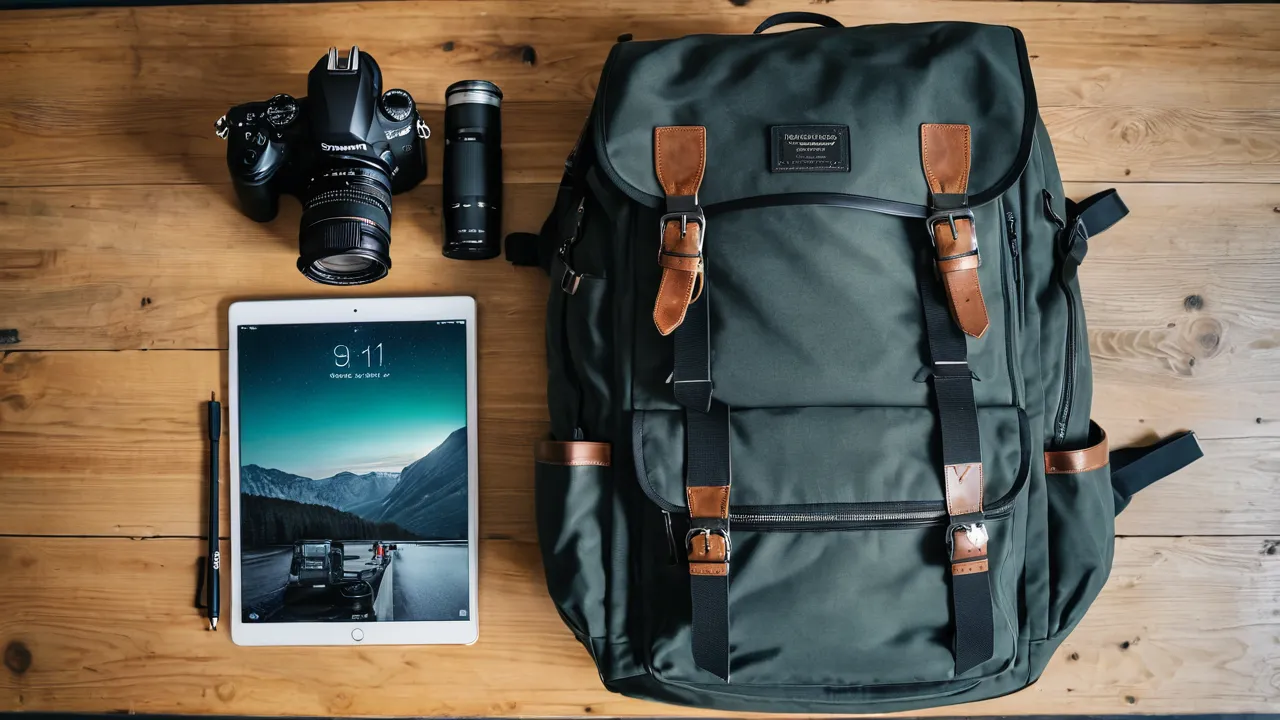
A backpack for 17 inch laptop use must be sized by the laptop’s actual outside dimensions, not by its screen diagonal. Measure your laptop’s width, depth and thickness, compare them with the compartment’s interior measurements, and check for thick base padding and a firm back panel. A 17 inch laptop is large and heavy, so the pack also has to carry weight comfortably.
Why Screen Size Is the Wrong Number
Retailers list laptops by screen diagonal, but the case wraps around the screen with bezels, hinges and rubber feet. Two 17 inch laptops can differ by an inch or more in width and depth. Thickness varies even more, especially for gaming machines with large vents and thick bases.
Backpack makers add to the confusion by writing fits up to 17 inches, which refers to the screen diagonal of a typical machine. The compartment may be sized for slim laptops only. Rely on your laptop’s actual measurements and the pack’s stated interior dimensions, and if the product page does not list interior dimensions, treat that as a warning.
How to Measure Your Laptop
Close the laptop and lay it on a table. Use a tape measure or a ruler to record three numbers in inches:
- Width, from the left edge to the right edge, including any overhang at the hinge.
- Depth, from the front edge to the hinge.
- Thickness, measured at the thickest point, usually near the hinge or over the rubber feet.
Then add its charger and any case you use. If the laptop lives in a sleeve, measure with the sleeve on. Add half an inch to the width and depth for comfortable insertion, and add a little to the thickness. Write the numbers on your phone so you have them when shopping.
How to Measure the Compartment
Use the interior measurements from the product page when available. If you can examine the pack in person, measure the compartment yourself.
- Width, across the inside from seam to seam, with the pocket open.
- Height, from the bottom of the pocket to the top edge of the opening.
- Depth, which is how much the compartment expands. Padded sleeves compress, so press the sides to feel how much space exists.
Compare each number against your laptop. The compartment height should exceed your laptop’s depth by about half an inch, and the width should exceed your laptop’s width by the same margin. A pocket that is exactly the same size as the machine will make removal difficult, and a tight pocket can strain the zipper and fabric.
A worked fit check
Suppose a 17 inch laptop measures 15.8 inches wide, 10.7 inches deep and 1.2 inches thick, and you carry it in a sleeve that adds about half an inch on each side. The sleeved laptop becomes roughly 16.8 by 11.7 by 1.7 inches. A pack that lists a compartment of 17 inches wide by 12 inches tall passes on paper with only a quarter inch to spare in width, which is tight. A compartment of 18 inches by 13 inches is comfortable. These figures are an example, so replace them with your own measurements.
Do not forget the charger and mouse, which go in a separate pocket, not in the laptop sleeve. If the product page lists only the maximum screen size and no interior dimensions, send the seller a question or look for another pack. Also check the pack’s outside dimensions against any carry-on limit you plan to meet, since a pack roomy enough for a 17 inch machine is often large.
Padding and Base Protection
A large laptop weighs several pounds, so a drop onto its base can do harm. Check these features:
- Thick foam on the back and sides, firm enough that it springs back when pressed.
- A raised bottom, meaning the compartment floor sits above the bottom of the pack so a drop lands on the pack base and not directly on the laptop.
- A soft lining to avoid scratches.
- A strap or flap that keeps the laptop from sliding.
Padding that feels like thin fleece is for scratch protection only. If a product page does not mention density or thickness, assume the padding is light.
Structure and Comfort With a Heavy Load
A 17 inch machine, charger and a few other items can weigh a lot. The pack must support that load without collapsing. Look for a stiff back panel or frame sheet, wide padded shoulder straps and a sternum strap. A hip belt or waist strap helps move some weight to your hips, which matters for longer commutes. Place the laptop against your back, close to your spine, which keeps the weight balanced. Our guide to how to fit a backpack describes how load placement affects comfort.
Check the stitching at strap anchors and the handle, since these points carry the whole load. Also confirm that the zipper tape feels sturdy, because a laptop compartment zipper strains under a big machine.
Everything Else Inside the Pack
A laptop rarely travels alone. A large machine usually comes with a bulky power brick, a mouse and a few cables, and you may add a tablet, a notebook and a water bottle. Think about where each item sits. A dedicated organizer pocket near the front holds the charger so it does not press against the laptop. A separate pocket for the cables stops them scratching the screen. The main compartment should have enough depth for a jacket without forcing the laptop panel to bulge against your back.
Weight distribution matters more with a 17 inch machine than with a small one. Keep the heaviest items close to the back panel and centered. A pack that places the laptop at the far side of the main compartment will pull backward and tire your shoulders quickly. If you commute on foot or by bike, try the pack loaded at home and walk around for ten minutes before deciding to keep it.
Common Fit Problems to Watch For
- A pocket that fits only when the laptop is bare, so the sleeve and charger do not fit.
- A zipper that bunches or bows because the pocket is too shallow.
- A back panel that sags, which makes the laptop press against your spine.
- Shoulder straps that dig in because there is too little padding for the load.
- A pocket opening that is narrower than the compartment, so the laptop catches on the way in.
Return policies matter here, so read them before you order. Check whether the seller accepts returns of a pack that has been carried, and what condition it must be in. A pack you can try at the kitchen table with a loaded laptop, a charger and a jacket tells you more than any photograph, and a modest hassle at that stage avoids a painful surprise on the first commute. If you order online, keep tags on and try the pack with your actual laptop right away.
Access and Layout
Decide how you need to reach the laptop. A clamshell opening gives quick, full access. A side or top-loading pocket makes insertion simple. A removable sleeve lets you carry the laptop alone. For airport travel, check the current screening procedures for your lane, and be ready to remove the laptop if asked. Look at the best executive backpack roundup for layouts that suit business travel.
Weather is the last consideration. A large laptop is expensive to replace, so look for water-resistant fabric, a coated base and zippers with a protective flap, or carry a light rain cover in an outside pocket. Avoid overstuffing the outer pockets, which presses items against the laptop wall.
Who Should Choose Which
Choose a backpack with a dedicated 17 inch compartment and a stiff frame if you carry a large laptop daily. Choose a roomier pack with a removable padded sleeve if you switch between bags. Skip packs that only list fits up to 17 inches and give no interior dimensions. Skip lightweight fashion packs with minimal padding if your laptop is heavy. Our how we review page explains how we weigh the details that matter.
Frequently Asked Questions
Will a backpack labeled for 17 inch laptops fit any 17 inch laptop?
Not always. The label usually refers to the screen diagonal of a typical machine, and cases differ in width, depth and thickness by an inch or more. Gaming laptops are often thicker. Compare your measured dimensions, with a sleeve if you use one, against the interior dimensions listed for the compartment.
How much extra room should a laptop compartment have?
Aim for about half an inch of extra width and height beyond the laptop and any sleeve, plus a little in thickness. A pocket that matches the laptop exactly makes removal difficult and strains the zipper. Padded compartments compress, so press the sides to judge how much space is really there.
Is a 17 inch laptop too heavy for a regular backpack?
It can be, once you add the charger and other items. Look for a stiff back panel, wide padded straps, a sternum strap and ideally a hip belt so some weight moves to your hips. Packs with minimal padding and thin straps become uncomfortable quickly under a heavy load.
Should I put my 17 inch laptop in a sleeve inside the backpack?
A sleeve adds scratch protection and lets you move the laptop between bags, but it also adds thickness, so measure with it on. Padding in the sleeve does not replace padding in the pack, and a raised compartment floor still matters because it keeps drops off the laptop base.
Final Thoughts
Measure first and shop second. Your laptop’s real width, depth and thickness set the minimum, while padding, a raised base and a firm back panel decide whether the pack protects and carries it well. A little time with a tape measure saves you from a returned pack or a damaged machine.
Related buying guides
- Backpack Buying Mistakes That Cause Back Pain
- How Many Liters Do You Need for a One Week Trip
- Ballistic Nylon vs Cordura vs Polyester Luggage Fabric
About the author

The BuyOnceChoice Editorial Team researches durable products worth buying once. Our guides compare published specifications, warranty terms, expert review consensus, and verified owner feedback. We do not conduct our own product trials. See How We Review and our Editorial Policy for our standards.