Laser vs Inkjet Printers for a Home Office
Pick by how much you print and how long the printer sits idle. A volume-based rule, the real cost of idle time and who should choose which.
 By BuyOnceChoice Editorial Team
Updated November 16, 2026
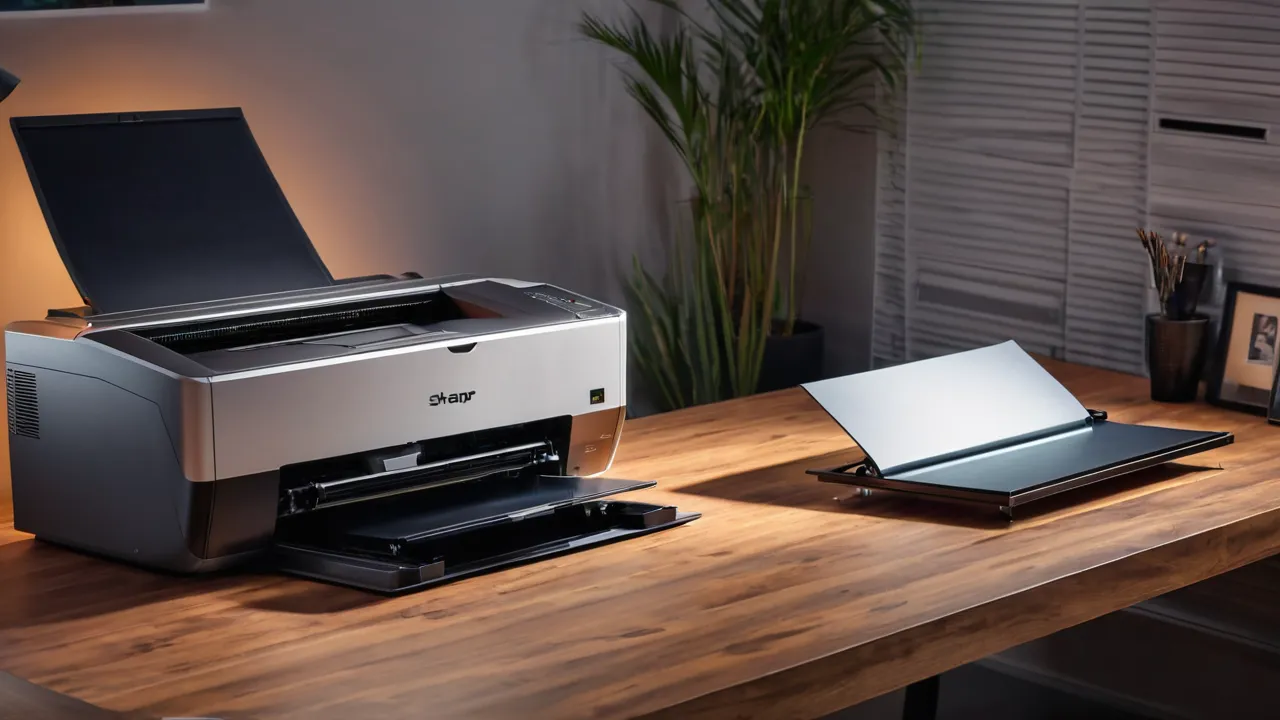
Choose a laser printer if you print text documents regularly or let the machine sit for weeks between jobs, and choose an inkjet if you print photos, color graphics or only a handful of pages a month and can run the machine often enough to keep the heads clear. Your monthly volume and idle time decide it more than the technology.
The Rule Based on Volume and Idle Time
Most comparisons start with print quality. A better starting point is how often you print. Printing a few pages every week keeps an inkjet healthy. Printing a few pages every few months does not, because the ink in the nozzles can dry and clog.
Laser printers use powder toner fused onto paper with heat, and the powder does not dry out. A laser can sit unused for long periods and still print crisp text on the first page. For a home office that prints a contract, a shipping label or a tax form once in a while, that reliability is a major advantage.
Here is the plain rule. If your printing is steady and text heavy, buy a laser. If it is occasional and you want photos, buy an inkjet and plan to print something small each week. If it is both occasional and mostly text, laser is still the safer pick, because the costs of being wrong are lower.
A Quick Self Assessment
Answer four questions. How many pages do you print in a typical month? How long is the longest gap between print jobs? What share of your pages are plain text? How often do you print photos? If your longest gap is more than a few weeks, or if text is most of your printing, the laser column wins. If you print photos often and print every week, the inkjet column wins. If the answers split, weigh the cost of a failed print at a bad moment, which is usually higher than the savings from a cheaper machine. Write the four answers down before you open any product page.
What Idle Time Really Costs
Idle time is the hidden cost of inkjets. Many models run a cleaning cycle when they wake up or after long inactivity, and that cycle uses ink without printing a page. Over a year of sporadic use, a meaningful share of ink can be spent on maintenance rather than paper. Some tank-style inkjets reduce this cost, but they still need regular use.
A clogged head also costs time. You may run cleaning cycles, wait for them to finish and try again, which is a nuisance when a deadline is close. In many cases the problem clears, but on some machines it does not, and replacing a printhead can be as costly as replacing the printer.
Lasers have their own idle behavior. They warm up and use small amounts of power in standby, and their consumables age slowly. But a toner cartridge that has sat for a long time usually still prints, which is the key difference.
Print Quality: Text Versus Photos
Laser printers draw sharp black text at small sizes, which suits invoices, spreadsheets and legal documents. Color laser can produce solid business graphics, charts and presentations, but photo detail and smooth gradients tend to look flatter.
Inkjets are stronger at photos, because they can lay down fine droplets and many shades. Using proper photo paper, color images can look much closer to a shop print, though results depend on the model, ink set and paper. Documents on plain paper also look good, but inks can smear if the page gets wet.
Be honest about what you print. If photos are a hobby, an inkjet or a dedicated photo printer deserves the space. If photos are rare, send them to a print shop and keep the office machine for work.
Running Costs and Consumables
Ink and toner prices change often, so we do not quote any here. What you can compare reliably is cost per page, which divides the price of a cartridge by the page yield the maker states. Laser toner usually gives more pages per cartridge, and its cost per page for black text tends to be lower for steady use. Inkjets with refillable tanks can reach low per-page costs as well, but they depend on regular use.
Watch for starter cartridges. Many printers ship with partly filled cartridges that run out sooner than the full-size ones you buy later. When you compare models, look at the yield of the replacement cartridge rather than the one in the box.
Remember that some makers use chips or subscriptions that limit third-party supplies. Read the product page for supply policies and check whether the printer works without an account.
Speed, Size and Noise
Lasers are generally faster for multi-page documents, with the first page out quickly and steady pages after that. They also tend to be larger and heavier than inkjets, so measure the shelf where it will sit. A color laser is larger still.
Inkjets are lighter and quieter in standby, and many are compact. They handle small jobs well but can slow down on high-quality or duplex jobs. If you print mostly one-page items, speed differences rarely matter.
Consider heat and smell as well. Some lasers produce a faint warm odor in small rooms during long runs. If your home office is a closet, place the printer where the room is ventilated, and follow the manual for clearance around vents.
Comparing Cost Per Page Without Prices
Do the comparison as ratios so the numbers do not go stale. For each printer, divide the replacement cartridge price by the stated page yield, then compare the two results. If one printer’s cartridge costs twice as much but yields four times as many pages, it costs half as much per page. For color, add all the color cartridges you would replace, and compare with the maker’s stated color yield. Add the drum cost if it is separate. Finally, adjust for idle waste on inkjets by assuming some ink goes to cleaning cycles if you print rarely.
Features That Matter for a Home Office
Beyond the print engine, think about the daily workflow. Do you need to scan or copy? An all-in-one with an automatic document feeder saves time on multi-page scans. Do you print on both sides? Automatic duplex reduces paper use and is common on laser models. Do you print labels or envelopes? Check the paper path, because some models struggle with thick stock.
Connectivity is another decision. Wi-Fi printing from phones and laptops is standard, but account sign-ups and cloud requirements vary. A printer that also prints over a wired network or USB is easier to keep working through software changes. Read the product page for supported operating systems and driver availability, since long support life is a buy-once advantage.
Think about paper too. Laser printers handle standard office paper very well, and many accept heavier stock, but glossy photo paper made for inkjets does not belong in a laser. Heat from the fuser can warp or melt unsuitable media. Check the maker’s list of supported media, particularly for labels, envelopes and card stock, before loading anything unusual.
Finally, consider how many people print. A single user can live with a small tray and a slower machine. A household or a small team gains from a larger tray, duplex printing and a faster first page, and the extra cost is often justified by fewer jams and refills.
One more practical point is paper cost and storage. Laser pages come out dry and flat, which suits filing and stapling, while inkjet pages need a moment to dry and may curl in humid rooms. Keep paper sealed until use, whichever type you choose.
Who Should Choose Which
- Choose laser if you print text regularly, have long idle gaps or share the printer with others.
- Choose inkjet if photos and color graphics are a real need and you print weekly.
- Choose a tank inkjet if your volume is high and you want low per-page cost with photo capability.
- Skip inkjet if the printer will sit unused for months.
- Skip color laser if you almost never print color, since you pay for four toners.
Frequently Asked Questions
Is a laser or inkjet printer better for a home office?
Laser is better for most home offices that print text regularly or leave the printer idle for weeks, since toner does not dry out. Inkjet is better when photos and color graphics matter and you print weekly. Compare cost per page using the stated yield.
Do inkjet printers dry out if I do not use them?
Yes, ink in the nozzles can dry and clog the print head if the printer sits idle for long periods. Cleaning cycles may clear it but use ink. If you print only occasionally, a laser printer is the safer choice, because toner powder does not dry out.
Is laser printing cheaper than inkjet?
For steady black text, laser usually costs less per page because toner cartridges yield more pages. Refillable tank inkjets can also reach low per page costs if used regularly. Compare the replacement cartridge price divided by stated yield, not the starter cartridge in the box.
Can a laser printer print good photos?
Color lasers can produce solid business graphics, but photos usually look flatter than on an inkjet with photo paper. If photos are a hobby, an inkjet or photo printer is a better fit. If they are rare, a print shop can handle them.
Final Thoughts
Start with your volume and idle time. Steady text work and long gaps point to a laser, while photos and frequent printing point to an inkjet. Compare cost per page using the maker’s stated yield, and watch for starter cartridges and supply restrictions.
Browse our printers and scanners category and the printer roundup when you are ready to compare models, and read how we review for our criteria.
Related buying guides
- Laser vs Inkjet vs Ink Tank Printers Compared
- Mac and Chromebook Printer Compatibility Guide
- OEM vs Compatible Toner: Savings and Risks
About the author

The BuyOnceChoice Editorial Team researches durable products worth buying once. Our guides compare published specifications, warranty terms, expert review consensus, and verified owner feedback. We do not conduct our own product trials. See How We Review and our Editorial Policy for our standards.