Laser Printer Safety: Ozone, Toner and Ventilation
Practical laser printer safety for home offices: sensible placement, ventilation in small rooms, toner spill cleanup, and heat and electrical cautions.
 By BuyOnceChoice Editorial Team
Updated November 16, 2026
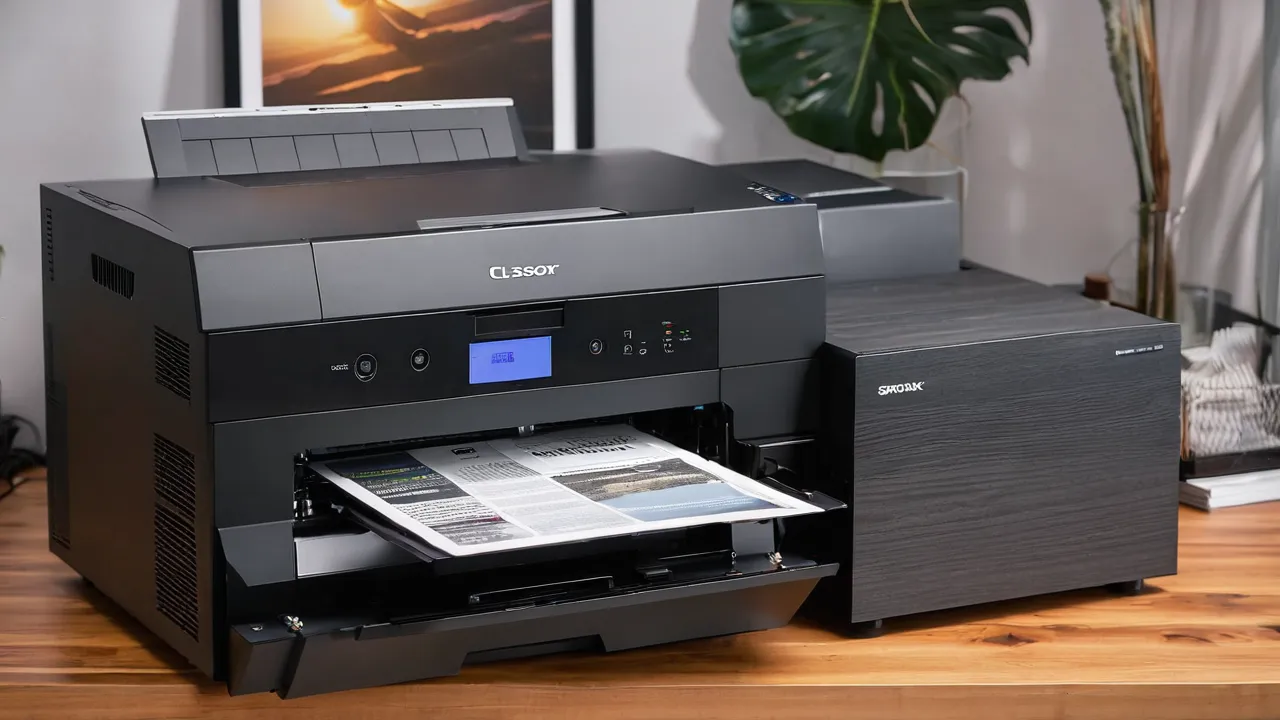
Laser printer safety is mostly common sense: place the printer in a room with normal air movement, follow the manual for handling toner, clean spills with a damp cloth rather than a vacuum, and respect the hot fuser and electrical parts. Modern laser printers in a normal room are not a hazard for most people, but small, closed spaces and heavy use deserve extra care.
You may see warnings about ozone and fine particles from printers. Evidence and conditions vary, and the manufacturer’s guidance is the best reference for your model. This guide gives practical steps without scare claims, so you can set up and use a laser printer comfortably.
What Laser Printers Release
Laser printers use high voltage to charge the drum and transfer toner, and they heat the fuser. Some models produce small amounts of ozone, which is a gas that can smell sharp, and some printers use filters to reduce it. Heating toner and paper can also release tiny particles and traces of compounds from the materials, which is the reason manuals give placement advice.
Amounts depend on the model, the volume printed, and the room. Makers publish emissions information for many printers, and some products carry environmental labels that set limits. If you are sensitive to smells or have respiratory issues, check the maker’s data and speak with a qualified health professional about your situation. This guide does not offer medical advice.
Reading Emissions Labels and Safety Data Sheets
Two documents give you real information. Toner makers publish a safety data sheet for each cartridge, and it lists hazards, handling, first aid, and disposal in standard sections. Some printers also carry an environmental label, such as the German Blue Angel mark, which sets emission limits for office equipment, though a label covers only what its criteria cover. Look for the label on the product page or the maker’s environmental page, read what it says, and ignore vague phrases such as safe or eco friendly with no named standard behind them. If a document is unclear, ask the maker’s support and keep the answer with your manual.
Placement and Ventilation
If your printer sits on your desk in a small bedroom or a converted closet, treat it the way you would treat any heat-producing appliance. Keep the door open during long print runs, avoid sleeping in a room where a printer runs overnight jobs, and unplug or switch the printer off when you are not using it. Many printers have a deep sleep mode that lowers power use, so check that it is enabled.
Filters, where fitted, need replacement on the maker’s schedule. Some printers have an ozone filter that is part of the maintenance kit, and the manual says when to change it. Ignoring that schedule means the filter no longer helps.
Put the printer where air moves, not in a closet or a tiny closed room. A normal office with a door open or a ventilation system is fine for typical use. If you print large jobs often, put the printer in a separate, ventilated area rather than at your desk, so you are not sitting beside the exhaust.
Leave clearance around the vents as the manual says, so the printer does not overheat. Keep it away from heat sources and direct sun, and keep it off carpet where dust collects. If the room smells after long print runs, open a window or run a fan, and consider a printer with an emissions-related certification when you replace it. Our printers and scanners category covers desk fit and placement.
Toner Handling and Spills
Store spare cartridges in their packaging, in a cool, dry place, away from children, and lay them flat only if the box says so. Open the packaging over a table or a sheet of paper so spilled powder is easy to catch. When replacing a cartridge, pull out the old one gently, put it in the bag the new one came in, and recycle it through the maker’s program or a local collection point. Never burn a cartridge, since toner dust can ignite.
Toner is a fine powder. Handle cartridges gently, keep them upright, and follow the manual when installing. Do not shake an opened cartridge. Avoid breathing powder, and keep it away from children and pets.
If toner spills on a hard surface, wipe it with a damp cloth, working from the edge toward the center, and dispose of the cloth. Do not use a household vacuum cleaner, because the fine powder can pass through the filter and spread in the air, and toner can ignite in some motors. If you must vacuum, use a vacuum made for toner. If toner gets on skin, wash with cool water and soap; hot water can make it stick. If it gets on clothing, shake it off outdoors and rinse in cool water. If toner gets in your eyes or you swallow it, follow the guidance on the product safety data sheet and seek medical help.
Heat, Fuser, and Electrical Cautions
Be particularly careful with jams. Pull paper out gently in the direction of travel, because tearing leaves scraps in the path. Look for the colored levers and handles the manual identifies as safe to touch, and avoid those inside the fuser area that are marked with a warning label. If a jam recurs in the same place, stop clearing it repeatedly and follow the manual’s cleaning guidance, or contact support.
The fuser reaches high temperatures, and it can stay hot after printing. Do not reach into the printer right after a job, and let it cool before clearing a jam. Switch off and unplug before opening covers beyond what the manual shows. Keep liquids away from the printer, and do not poke tools inside.
Use a grounded outlet and avoid long extension cords, which can overheat. Check the power cable for damage. If you smell burning or see smoke, switch off, unplug, and contact the manufacturer. Do not try to repair electrical parts yourself.
Paper, Labels, and Fire Safety
Use paper and media that suit laser printers, since unsuitable materials can melt or release fumes in the fuser. Use only laser-rated labels and follow the manual on paper types. Clear paper jams completely, including small scraps, since leftover paper near the fuser is a fire risk. Keep paper and cardboard from piling up around the printer vents.
Keep a smoke alarm in the room, as with any electrical appliance, and know where the manual says to unplug the printer.
A Short Setup Checklist
- Place the printer on a stable, level surface with clearance around the vents, as the manual states.
- Choose a room with normal airflow, and open a door or window during long print runs.
- Plug into a grounded wall outlet, not a long extension cord.
- Keep paper, boxes, and fabric away from vents and the back of the printer.
- Put spare toner in a cool, dry spot out of reach of children and pets.
- Keep the manual where you can find it, and note the support contact.
- Install a working smoke alarm in the room, as for any appliance.
Revisit the list when you move the printer or change rooms, since airflow and outlets often differ.
Filters, Emissions Labels, and Choosing a Model
Some printers include filters or are designed with lower emissions. Look for environmental or emissions certifications on the product page and read what they cover. Read the safety data sheet for toner if you want ingredients and handling information. For frequent heavy printing, choose a model built for that volume, since some designs handle heat and ventilation better. See how we review for how we describe printer design information.
Who Should Take Extra Care
Homes with young children should put the printer where children cannot reach cartridges or open covers, since toner powder and hot parts are not suitable for small hands. Keep the power cable tidy so it is not pulled off a shelf. If the printer is shared among several people, post a short note with the basic rules: let it cool, never force a jam, and ask someone before opening the machine.
People who print large volumes in small rooms, those with asthma or sensitivities, and those who share a space with children or pets should place the printer thoughtfully and ventilate. Most home users need only normal habits. If you work in an office with specific rules, check with your employer or safety officer for the standard that applies. For printers suited to home offices, read the best printer guide.
Frequently Asked Questions
Are laser printers dangerous to have in a home office?
For most people in a normally ventilated room, a laser printer used as the manual describes is not a concern. Place it where air moves, avoid long print runs in a closed small room, and follow the manual on toner and the hot fuser. If you have respiratory conditions, ask a health professional.
Do laser printers give off ozone?
Some models can produce small amounts of ozone, and some use filters to reduce it. Amounts depend on the model, print volume, and room airflow. Check the maker emissions information, replace any filter on the schedule in the manual, and keep the printer in a ventilated space.
How do I clean up spilled toner?
Wipe it with a damp cloth from the edges toward the center, then dispose of the cloth. Do not use an ordinary household vacuum, since fine powder can pass through the filter. Wash skin with cool water and soap, because warm water can set the toner. Follow the safety data sheet for eye contact.
Is it safe to clear a paper jam right after printing?
Wait until the fuser has cooled. The fuser reaches high temperatures and can stay hot after a job. Switch the printer off and unplug it, open only the covers the manual names, and pull the paper out gently in the direction of travel so no scraps stay behind.
Final Thoughts
A laser printer is a safe appliance in a ventilated room when you follow the manual. Place it with room to breathe, handle toner gently, clean spills with a damp cloth, let the fuser cool, and use the right media. Those habits cover nearly every real-world concern.
Related buying guides
- Laser vs Inkjet Printers for a Home Office
- Laser vs Inkjet vs Ink Tank Printers Compared
- Mac and Chromebook Printer Compatibility Guide
About the author

The BuyOnceChoice Editorial Team researches durable products worth buying once. Our guides compare published specifications, warranty terms, expert review consensus, and verified owner feedback. We do not conduct our own product trials. See How We Review and our Editorial Policy for our standards.