Banana Plugs vs Bare Wire: How to Connect Speakers
Banana plugs make connections quick and tidy, while careful bare wire works too. Check terminals, power off first, and avoid stray strands that short.
 By BuyOnceChoice Editorial Team
Updated November 16, 2026
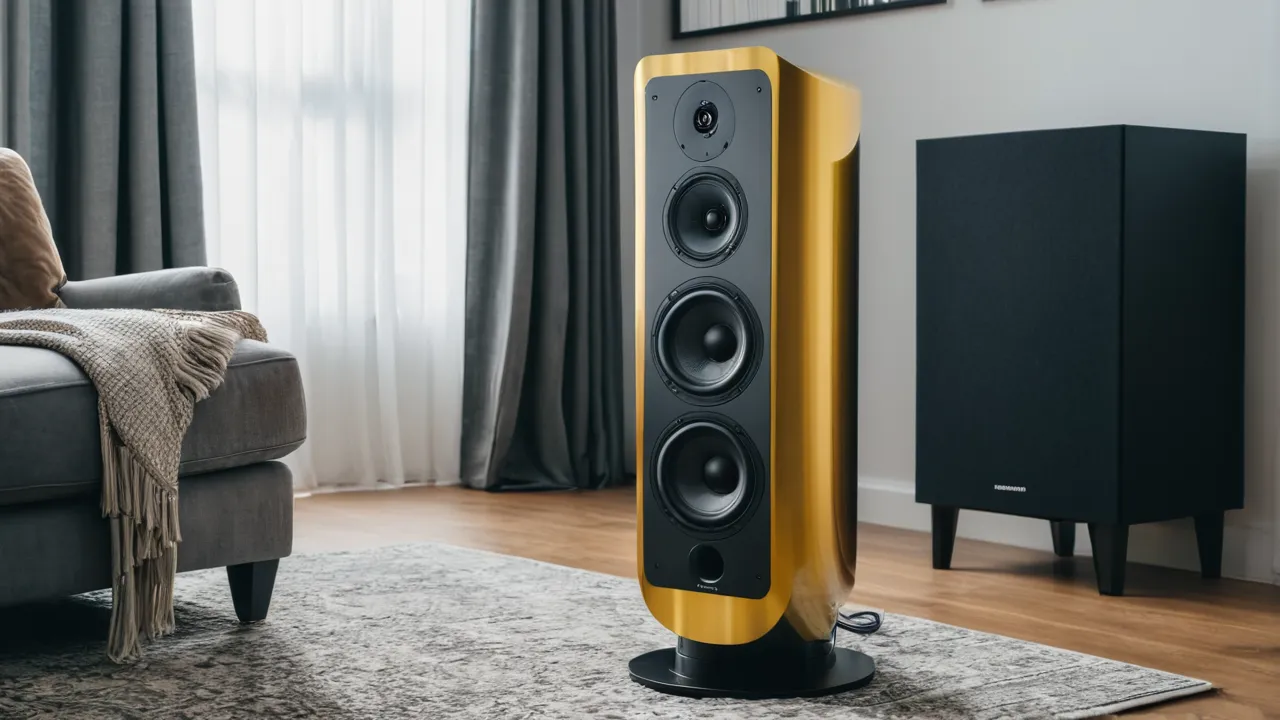
Both banana plugs and bare wire can give a reliable connection to your speakers and receiver. Banana plugs are quicker to connect and disconnect and help prevent stray strands from touching, while bare wire is simple and always compatible with a binding post. The real priority is a safe connection: power down first, keep strands tidy, and confirm that your terminals accept the plugs you buy.
What each option is
Bare wire means you strip the insulation from the end of the speaker cable, twist the strands, and clamp them under the binding post or insert them in the hole of the post. Banana plugs are small connectors that you attach to the end of the wire. They plug into the binding post or into a socket on the terminal, and many receivers and speakers accept them.
Spade connectors are a third choice. They slide under the binding post nut. Pin connectors suit a spring clip. Our focus here is banana plugs versus bare wire.
Safety first
Power off and unplug the receiver before you connect or change any speaker wire, and follow the manual for your equipment. A stray strand that touches the opposite terminal can create a short circuit, which can trigger protection mode or, in the worst case, damage an amplifier. If you are unsure about any step, consult the manual or a qualified professional. Never touch speaker terminals while the amplifier is on and playing.
Short circuit prevention checklist
- Turn off and unplug the receiver or amplifier before connecting wire.
- Strip only as much insulation as you need. A short stripped section is easier to control.
- Twist the strands tightly so no individual strand sticks out.
- Keep positive and negative leads separated and away from each other at the terminal.
- Tighten binding posts firmly so the wire does not work loose.
- Look closely at the back of the receiver and the speaker after connecting for loose strands.
- Match positive to positive and negative to negative on every speaker.
- Use a flashlight and inspect the terminals before turning on the power.
If the receiver enters protection mode after you connect speakers, power down and check for a short. Our article on repairing or replacing a receiver mentions this common cause.
Terminal compatibility
Check what your terminals accept. Many binding posts have a hole through the post, a cap that tightens, and a hole in the cap or a shroud around the post. Some have a plastic insert that blocks banana plugs. This is common on equipment sold in certain regions where safety rules limit exposed plugs. In that case, you may need to remove the blocking insert, which the manual may describe, or use bare wire or spade connectors instead. Do not force a plug into a blocked terminal.
Also check the size of the terminal hole and the thickness of your wire. A thick gauge wire may not fit through a small hole. Banana plugs have their own limits on wire gauge, so read the specifications on the package. Spring clip terminals, found on some lower priced speakers, accept bare wire or pins but not banana plugs.
Wire gauge and the plug fit
Plugs list a range of wire gauges they accept. Match the plug to your wire. A thick wire forced into a small plug can leave strands outside and increase the risk of a short, and a thin wire in a large plug may not clamp firmly. Check the manufacturer’s specifications on the plug packaging. Some plugs use a screw that clamps the wire, some use a spring grip, and some require soldering. A screw clamp is the most common choice, and is easy to do with a small screwdriver.
If you strip wire for plugs, follow the instructions. Strip only the length that the plug needs. Insert the wire fully and tighten. Pull gently on the wire to confirm that it is secure. Check that no strands are outside the plug body.
Spades, pins and other terminations
Spade connectors have a flat fork that slides under a binding post nut. They are secure and compact, and they suit binding posts that have a nut and no hole. Pin connectors have a single pin and suit spring clips and some posts. All terminations should be installed carefully and checked for stray strands. Mixing types across a system is fine as long as each connection is secure.
For speakers with push terminals, use bare wire or pins, and make sure the wire is not too thick. Our AV receivers pages note which terminals are common on receivers, and many have binding posts that take banana plugs, although some regional models block them.
Use this quick compatibility check before you buy anything.
- Look at the back of each speaker and the receiver. Note whether each terminal is a binding post with a hole, a nut-only post, a spring clip, or a push terminal.
- If a post has a plastic insert in the hole, read the manual before removing it, since the insert is there for a reason in some regions.
- Measure the hole and compare it with the wire gauge you use.
- Count how many connections you need, because plugs come in pairs, and a seven channel system needs fourteen.
- Mark the polarity stripe on the cable before cutting so positive and negative stay consistent at both ends.
Write the result down, then buy plugs that match the oldest or most restrictive terminal in the system. One blocked terminal can send you back to the store.
Convenience and durability
Banana plugs make it easy to swap speakers, rearrange a room and move equipment. They also protect wire ends from corrosion and fraying. If you disconnect your speakers often, the plugs pay off. Good plugs use a firm clamp or screw to hold the wire, and cheap ones can loosen over time. Check the connection after installing. Some plugs are solder type and need tools.
Bare wire has no extra parts to fail, and a well made bare wire connection is dependable. Over time, copper can oxidize, and you may need to re-strip and re-twist the end. Make sure that you do not overtighten and cut the strands.
Corrosion, oxidation and maintenance
Over time, bare copper can darken as it oxidizes. A darkened surface can increase resistance slightly and produce crackle. Re-stripping a short section of wire and reconnecting restores a clean contact. Plugs with plated contacts resist oxidation better. Check connections occasionally, perhaps once a year or when you move the system. Do it with the equipment off and unplugged, and use the same safety checklist as before.
Sound Quality, Cost, and Bi-Wiring
For ordinary lengths and gauges, the electrical difference between a well made banana plug connection and a good bare wire connection is negligible. The most important thing is a secure, low resistance connection. A poorly seated plug or a loose wire can cause crackle or dropouts. Avoid claims that a plug type changes the sound beyond this. Our How We Review page explains why we are cautious about such claims.
Cost
Plugs cost a little extra and save time. Choose a type with a good grip and a size that fits your terminals. If you have many speakers, the cost adds up but remains small relative to the system.
Bi-wiring and extra terminals
Some speakers have two pairs of terminals, and our comparison of bi-wiring and bi-amping explains what that means and the jumper bars that connect them. Banana plugs can be convenient on such terminals, but check the instructions carefully so you do not leave a jumper in the wrong position.
Verdict by Situation
- Frequent rearrangers and households with children or pets: banana plugs, which reduce stray strands.
- Permanent installations: either, with attention to a secure connection.
- Equipment with blocked terminals or spring clips: bare wire or pins, as the manual allows.
- Tight spaces behind equipment: plugs that fit narrow gaps, or right angle versions.
Frequently Asked Questions
Are banana plugs better than bare wire?
They are not better in sound, but they are quicker to connect, protect the wire ends, and reduce stray strands that can cause a short. Bare wire is simple and always fits a binding post. Choose the one you can make neatly and safely, and check that your terminals accept the plugs.
Why will banana plugs not fit my receiver?
Many terminals ship with a plastic insert that blocks the hole in the post, a common safety feature on equipment sold in some regions. Your manual may describe how to remove it. If not, use bare wire or spade connectors, and never force a plug into a blocked terminal.
Can bare wire damage my receiver?
It can if a stray strand touches the opposite terminal and creates a short. Power off and unplug first, strip only what you need, twist the strands tightly, and inspect the terminals with a flashlight before power on. If the receiver enters protection mode, check for a short.
Do banana plugs work with spring clip terminals?
No. Spring clips accept bare wire or pins, not banana plugs. Keep the wire thin enough for the clip and strip only the needed length. Check the speaker manual, since some speakers have push terminals that limit the wire gauge you can use.
Final Thoughts
Pick the connection you can make neatly and safely, check your terminals, and inspect the result before you turn on the power. Our home theater speakers section and AV receivers pages have related guidance.
Related buying guides
- Bookshelf Speaker Placement: Distance, Height, Toe In
- Bookshelf Speakers for Classical vs Rock: How to Choose
- Bookshelf Speakers for a Desk: Near Field Setup Guide
About the author

The BuyOnceChoice Editorial Team researches durable products worth buying once. Our guides compare published specifications, warranty terms, expert review consensus, and verified owner feedback. We do not conduct our own product trials. See How We Review and our Editorial Policy for our standards.