Audyssey vs Dirac Live vs YPAO: Room Correction
A neutral comparison of Audyssey, Dirac Live and YPAO by adjustability, licensing and which receivers include them, so you can pick the right system.
 By BuyOnceChoice Editorial Team
Updated November 16, 2026
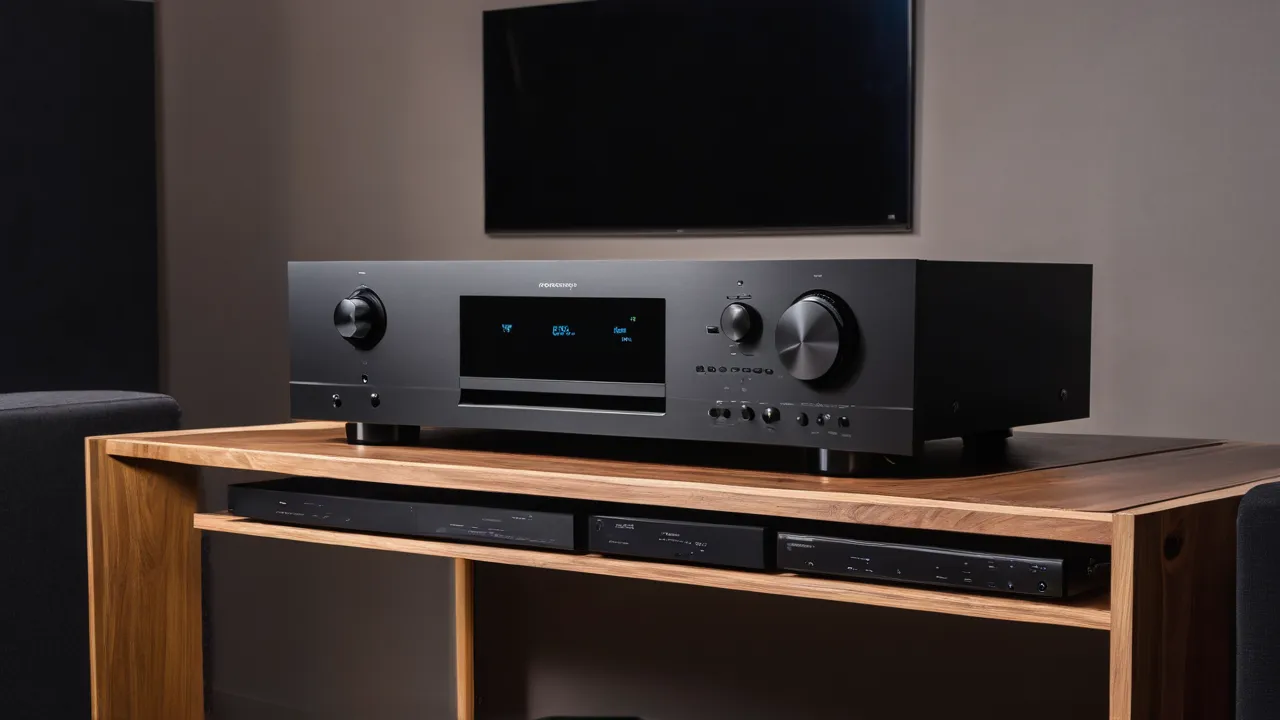
Audyssey, Dirac Live and YPAO all measure your room with a microphone and correct speaker levels, distances and frequency response, but they differ in how much control you get and in which receivers carry them. Audyssey ships in many mainstream receivers, Dirac Live is valued for detailed control and may be a paid option, and YPAO is Yamaha’s system. The best pick depends on the receiver brand you choose and how much you want to adjust.
What room correction does
Every system starts the same way. You place a microphone at your seat, the receiver plays signal sweeps through each speaker, and the software sets speaker distances, channel levels and a correction curve to counter room effects. Without it, a system may have bass peaks, mismatched volume between speakers and timing that does not match your seating. Correction does not fix a bad room, but it often helps with a lot of everyday problems.
Audyssey
Audyssey is built into many receivers from certain brands, in tiers of different complexity. Higher tiers use more measurement points and finer filter resolution. A companion app on some models lets you change the target curve and view the measurements, though the app and some features may require a separate purchase. Many owners like its easy first-run results and dislike that the default curve rolls off the highs and may need adjusting.
Audyssey is sold in named tiers, and the names tell you how much measurement and filter detail you get. Higher tiers, such as the ones labeled XT and XT32, use more measurement positions and finer filters than the base tier. Receivers do not always say which tier they carry in the headline, so look in the spec sheet or manual. Dirac Live also comes in variants, including full-range versions and bass-only versions, and some receivers carry a limited edition with an upgrade path. Treat the tier or variant as part of the specification, not as a footnote.
Dirac Live
Dirac Live is a software correction system known for detailed measurement and for letting you shape the target curve on a computer. Some receivers include Dirac Live, others offer it as a paid upgrade, and some variants correct only bass. Confirm which version a given model carries and whether the license is included, because it varies. The extra control rewards owners who like to adjust and compare settings, but it also adds steps.
YPAO
YPAO is Yamaha’s system, found in the brand’s receivers. It measures the room from several positions and sets levels, distance and an equalizer curve. Sources disagree on how much control it offers, in part because capabilities differ between receiver models and software versions. Check the manual of the model you plan to buy to see whether it supports multi-point measurement, a parametric equalizer, and any manual adjustment. Do not assume that all YPAO versions are equal.
Side-by-side comparison
| Feature | Audyssey | Dirac Live | YPAO |
|---|---|---|---|
| Where found | Many mainstream receivers | Select receivers, some as add-on | Yamaha receivers |
| Control over target curve | Often via a paid app on some models | Detailed, usually on a computer | Check the model manual |
| License | Built in, app may cost extra | May be included or a paid upgrade | Built in |
| Setup effort | Low | Moderate to higher | Low |
| Best for | Easy first results | Owners who like detailed tuning | Yamaha buyers |
Treat the table as a map for further checking, not a final answer, because versions change and the manual is the authority on any model.
Verdict: Which One Fits You
- Want it to work with minimal fuss: any of the three at a reasonable tier is fine, and the receiver brand you like will decide.
- Enjoy tuning and measuring: favor a receiver with Dirac Live or a model where Audyssey’s app lets you edit the curve.
- Prefer Yamaha’s build and feature set: YPAO is part of the package, so read the model manual for options.
- Have a difficult room with strong bass problems: prefer the system with the most control over bass filters, and add acoustic treatment.
- Buying once and keeping a long time: check whether the correction software can be updated or upgraded later.
Room correction is one input among many, so avoid choosing a receiver solely on it. Features such as channel count, HDMI ports and cooling often matter more over the life of the unit. Our AV receiver picks and AV receiver category cover those factors, and our How We Review page explains how we weigh them.
Receiver tiers and what to expect
Entry receivers usually carry the simpler version of a brand’s correction system, with fewer measurement points and less filter detail. Mid-range models add more points and better filters. Upper models may add extra features or the option to upgrade. Because tiers differ, a name on a spec sheet is not enough. Look for the number of measurement positions, whether manual editing is allowed, and whether any apps or licenses are needed.
What correction cannot fix
No software can overcome a speaker placed in a bad spot, a room with severe echoes, or a seat located at a bass null. Simple measures often do more: move the sofa off the back wall, shift a speaker, add a rug or curtains, and place the subwoofer where the bass sounds even. Do those first, then run correction. Think of the software as the last ten steps of a good setup, not as a replacement for the first ninety.
Another trap is running the routine with a single measurement and assuming the result will suit every seat. Using several positions around the main seat gives a more balanced average, and the manual will explain how many positions your system uses and in what pattern.
One more difference is the measurement style. Most systems ask you to take readings at several points around the main seat, and the number and pattern differ by tier. More points give a better average across a couch, but they also lengthen setup. Whichever system you use, write down the microphone positions the manual suggests, keep the microphone level and at ear height, and avoid standing between the microphone and the speakers while the sweeps play, since your body changes the result.
Habits that improve any system
Take the measurements with a quiet room, the microphone at ear height, and speakers placed where they will stay. Run the routine again after moving furniture or speakers. Compare the corrected sound with the correction off at a comfortable volume, and use your ears over the graph. If the result sounds dull, raise the high-frequency target in the settings where available. Keep the microphone and stand somewhere safe, since a lost microphone means you cannot recalibrate.
Pay attention to what the routine measures and what it assumes. It sets a crossover between each speaker and the subwoofer, but you may want to override a suggested crossover that is too low for small speakers. A common starting point in manuals is a crossover near the point where small speakers lose bass, and you can adjust it by ear. It also detects speaker size, which you can change if the guess seems wrong.
Level matching is another benefit. Without correction, one speaker may play louder simply because of its distance or sensitivity, and dialogue from the center channel can sound uneven compared with effects. Correct levels make dialogue easier to follow at lower volumes, which is useful for late-night viewing and for households with sleeping children.
If you buy a receiver secondhand, check that the supplied microphone is included, since a replacement may be required for calibration and sometimes must match the model. Also ask whether any paid upgrade tied to the previous owner’s account transfers, because licenses are not always transferable.
Finally, save or note your settings after calibration. Many receivers let you store several correction profiles, for example one for movies and one for music, and some systems let you export the measurement file. Having a record means you can recover quickly after a reset or firmware update, and compare new measurements with old ones after you move a speaker. Keep the notes with the manual.
Frequently Asked Questions
Is Dirac Live better than Audyssey?
Dirac Live generally offers more control over the target curve and detailed filters, which suits owners who like to adjust. Audyssey is easier to run and is common in mainstream receivers. Better depends on the receiver tier, the version it carries, and how much tuning you want, so compare the specific models.
Does YPAO work as well as Audyssey or Dirac?
It sets levels, distances, and an equalizer curve and is built into Yamaha receivers. Sources disagree on how much manual control it offers, because that varies by model and software version. Read the manual for your exact model to confirm multi-point measurement and any manual adjustment.
Do I have to pay extra for Dirac Live?
Sometimes. Some receivers include it, others offer it as a paid upgrade, and some carry a limited version. Check the product page and the manual for the exact license, what it covers, and whether the license stays with the receiver if you resell it.
Should I turn room correction on or off?
Run it, then compare with it off at a comfortable volume. Correction usually evens levels and tames bass peaks, but if the result sounds dull, raise the high-frequency target where the system allows. Use your ears, and rerun it after you move speakers or furniture.
Final Thoughts
Audyssey, Dirac Live and YPAO each solve the same basic problem. Pick the receiver for its inputs, power and build, then check which correction system and version it carries, and what that version lets you adjust. Calibration is worth doing well, but it will not rescue poor speaker placement.
Related buying guides
- AV Receiver Buying Mistakes That Cost You Later
- AV Receiver Auto Calibration Mistakes to Avoid
- Receiver Power Ratings Explained: Reading the Spec Sheet
About the author

The BuyOnceChoice Editorial Team researches durable products worth buying once. Our guides compare published specifications, warranty terms, expert review consensus, and verified owner feedback. We do not conduct our own product trials. See How We Review and our Editorial Policy for our standards.