How Long Does an AV Receiver Last?
No failure rate data exists for AV receivers. Here is how heat, HDMI boards and capacitors shape lifespan, and how to decide between repair and replacement.
 By BuyOnceChoice Editorial Team
Updated November 16, 2026
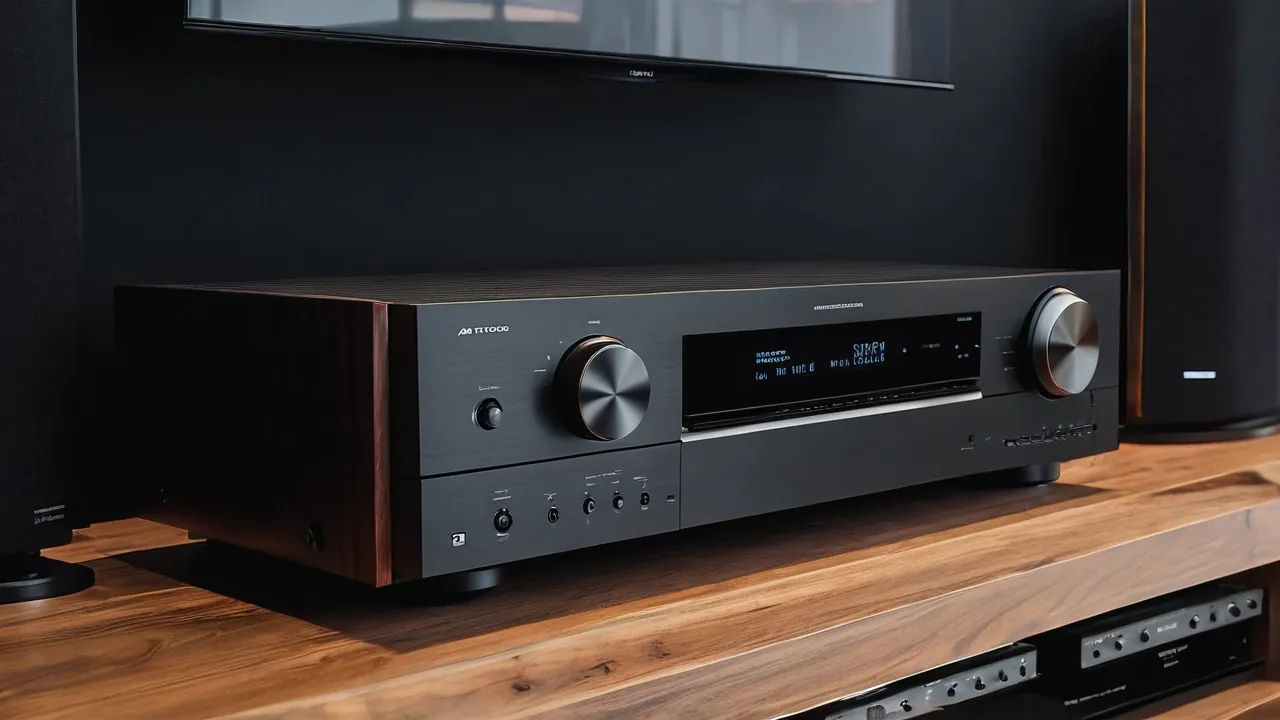
There is no published failure rate for AV receivers, so any single number for how long they last would be a guess. What owners and repair shops report is consistent, though: a well-ventilated receiver from an established brand often serves for many years, and the usual causes of early failure are heat, a damaged HDMI board, and wear in power supply parts. Planning around those three factors tells you more than a lifespan number.
Why no honest lifespan number exists
Manufacturers do not publish failure statistics for consumer receivers, and independent surveys are rare. Forum threads are full of stories, but they are anecdotes: people with problems post, and people with quiet, working receivers do not. A receiver that runs for a decade in an open rack in a cool room has a very different life from one packed in a closed cabinet at full volume every night. Treat any promise of a fixed lifespan, including from sellers, as marketing rather than data.
What you can do is understand how these devices wear out and then shape your use to reduce the risk. That makes the answer practical instead of statistical.
Heat is the main enemy
A receiver converts electricity into sound with amplifiers that produce heat. Heat sinks and sometimes fans move that heat away, but the unit still depends on the room to take it. Heat ages electrolytic capacitors, dries out thermal paste, and stresses solder joints through repeated expansion and contraction. A receiver that runs hot every day will usually age faster than one that stays cool. The best cheap longevity measure is airflow: open space around the unit, nothing stacked on top, and a cabinet that either has no back or has active ventilation. Our ventilation checklist covers the cabinet in detail.
Consider a concrete picture. Two households buy the same receiver. One puts it on an open rack in a ventilated room, uses it for a few hours each evening at moderate volume, and keeps the top clear. The other builds it into a closed wooden cabinet, listens at high volume for long sessions, and stacks a console on top. After several years, the first owner’s unit probably still runs cool and quiet, while the second owner’s unit has spent its life near its thermal limit. The hardware is identical, and the outcomes differ because of environment. That is why advice about placement matters more than brand rankings.
Dust is a quiet contributor. Vents collect lint and pet hair, which restricts airflow and insulates parts. A gentle clean of the outside vents with a soft brush or a low-suction vacuum, with the unit off and unplugged, is a safe habit. Do not use compressed air blasts into vents or open the case.
HDMI boards are a known weak point
Receivers have become digital switching hubs, and the HDMI circuitry is complex. Owners report problems such as lost picture on certain inputs, handshake failures, or ports that stop working. Causes include voltage spikes through the cables, repeated plugging and unplugging, and heat. These boards are often a separate module, and a repair can cost a large part of the receiver’s value. Protect the unit by plugging in cables with the power off when practical, using a good surge protector, and avoiding stress on the ports with short, supported cables.
Capacitors, power supplies and wear parts
Electrolytic capacitors in the power supply wear gradually, and older capacitors lose capacity or fail. Symptoms include hum, a unit that does not power on, or a protection mode that triggers at moderate volume. Relays that switch speakers can also wear, producing clicks or a channel that cuts out. Mechanical parts such as volume knobs and fan bearings are less critical but can fail too. Do not open a receiver to look: capacitors hold charge even when unplugged, and the work is for a qualified technician.
Typical signs of a power supply in decline are a longer delay before the unit starts, a faint buzz that was not there before, or a unit that turns itself off at loud passages. These signs do not prove a particular fault, and a technician can diagnose them with the right tools. If your receiver shows one, reduce use until it has been checked, since continued operation can damage other parts.
Because no failure data exists, buyers sometimes look for warranty length as a proxy for the maker’s confidence. That can be a useful signal, but warranty terms vary by brand, region and registration, so read the actual terms for the model and do not treat a long warranty as a prediction of lifespan.
Repair versus replace
| Situation | Usually sensible |
|---|---|
| Failed HDMI board on an older receiver | Replace, since the standard is also dated |
| Single failing channel on a premium model | Repair may make sense |
| Power supply fault on a recent mid-range unit | Compare the quote with the cost of a current model |
| Cosmetic or knob issues | Repair if cheap |
| Receiver out of warranty with high repair quote | Replace and keep the speakers |
Ask for a written quote and compare it to the price of a current model with newer HDMI features. If the repair costs more than a modest fraction of replacement, the newer model is typically the better buy, because the old unit’s other parts are aging too. Check whether the manufacturer still stocks parts for your model, and note that warranty terms vary, so read your own paperwork instead of assuming.
Before paying for any repair, ask three questions. What exactly is the fault, as diagnosed by a person and not guessed? What does the quote include, including parts, labor and any warranty on the repair? And what would a current receiver cost, including any features you would gain? Then compare. A modest repair on a premium receiver you love is often worthwhile, while a large repair on a basic model is often not. Also consider whether the unit has other known weaknesses, such as an HDMI board that is already showing symptoms.
How to get more years from a receiver
- Give it space: leave the clearance the manual specifies above and around the unit.
- Avoid stacking other gear on top, and keep dust out of the vents.
- Use a surge protector, and unplug during storms if you can.
- Turn it off, or use standby, rather than leaving it running all day.
- Do not push it into clipping or into speakers it is not rated for.
- Connect and disconnect cables gently with the unit off.
- Keep the manual and receipt, and register the product if the manufacturer offers it.
A receiver with a strong power supply, large heat sinks, and a heavy chassis is a better bet for longevity than a slim, light model at the same rated power. Our AV receiver picks favor models with these traits, and our How We Review page explains how we weigh durability.
Use a simple rule to decide when to stop repairing. Add up the repair quote and compare it with the price of a current receiver that has the HDMI features and channel count you want. If the repair is a small share of that price and the unit is otherwise healthy, repair it. If the quote is large, the unit has already shown a second problem, or parts are no longer stocked, put the money toward a replacement and keep the speakers, which usually outlast the electronics. Write down the date and symptom each time a fault appears, because a pattern of faults is a stronger signal than a single one.
Aging out by features, not by failure
Many receivers are replaced while still working, because the features fall behind: HDMI versions, support for new audio formats, streaming services, or room correction. If you want your receiver to remain current for as long as possible, favor models with the latest HDMI features, enough channels for future speaker plans, and software that the maker updates. Remember that streaming services and apps change, and a receiver’s built-in apps may stop receiving support, so a separate streamer can extend the useful life. Compare current models for what they include before you buy.
Frequently Asked Questions
How many years does an AV receiver usually last?
No published failure data exists, so any single number is a guess. Owners and repair shops report that a well-ventilated receiver from an established brand often serves for many years. Heat, HDMI board problems, and power supply wear are the usual causes of early failure.
What usually fails first on an AV receiver?
Common reports are HDMI board problems, such as lost picture or dead ports, and wear in power supply parts such as capacitors and speaker relays. Heat speeds all of these. Do not open the case, because capacitors hold charge, and use a qualified technician for diagnosis.
Is it worth repairing an AV receiver?
Sometimes. A modest repair on a premium receiver you like can make sense. If the quote is a large share of a current model’s price, or the fault is an HDMI board on an older unit, replacement is usually the better buy. Get a written quote and compare.
How can I make my AV receiver last longer?
Give it airflow, keep the top clear, and avoid closed cabinets. Use a surge protector, connect cables gently with the unit off, and avoid pushing it into clipping or into speakers it is not rated for. Follow the manual’s clearance guidance.
Final Thoughts
Plan for heat, protect the HDMI board, and keep the speakers separate from the receiver in your thinking, since speakers usually outlast amplifiers. No one can promise how many years a receiver will last, but cool running, careful handling and a sensible repair rule give any model its best chance.
Related buying guides
- How to Choose an AV Receiver: Channels, Power, HDMI
- 4K 120Hz Gaming Through a Receiver: Passthrough Checklist
- 5.2 vs 7.2 vs 9.2 Receivers: Channel Count Compared
About the author

The BuyOnceChoice Editorial Team researches durable products worth buying once. Our guides compare published specifications, warranty terms, expert review consensus, and verified owner feedback. We do not conduct our own product trials. See How We Review and our Editorial Policy for our standards.