Luggage Trackers: AirTag vs Tile for Checked Bags
Trackers do not report location by themselves. Learn how finding networks work, how AirTag and Tile differ, and what airlines say about coin cell batteries.
 By BuyOnceChoice Editorial Team
Updated November 16, 2026
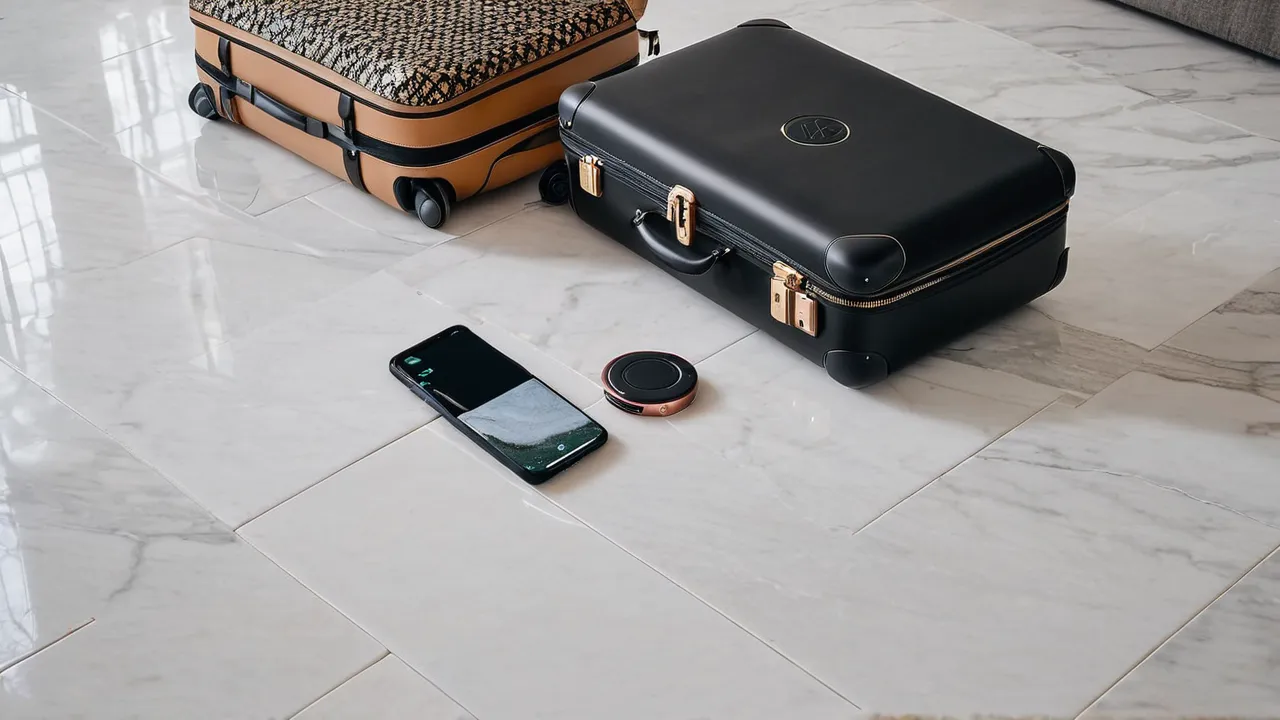
A luggage tracker only helps if a network of nearby phones can detect it, so choose the tracker whose network matches the phones around you and your travel routes. AirTag uses Apple’s Find My network and Tile uses its own network, and both rely on Bluetooth. Neither is a live GPS beacon, and neither replaces an airline’s own bag tracing.
How Luggage Trackers Actually Work
Most consumer trackers do not contain a cellular radio or a full GPS receiver. They send out a short Bluetooth signal that any compatible phone nearby can detect. When that phone passes within range, it quietly reports the tracker’s location to the owner through the network provider’s servers. The owner then sees a position on a map.
That design has two consequences. First, the tracker reports only when a compatible phone is close, so a bag in an empty warehouse may go quiet for a while. Second, location accuracy depends on where the phone was when it detected the signal, so the pin may be a short distance away. In busy airports, hotels and train stations, crowds of phones help, so updates tend to come often.
Some trackers add ultra-wideband for close-range guidance. That feature uses compatible phones to point you toward the tag in the last few feet. It helps find a bag in a pile but does not extend the range.
AirTag and Tile Compared
| Factor | AirTag | Tile |
|---|---|---|
| Network | Apple’s Find My network of Apple devices | Tile’s own network of phones with the app, plus partner integrations |
| Phone you need | An Apple phone to set up and view | Both Apple and Android phones are supported, check current compatibility |
| Close-range guidance | Precision finding on supported iPhones | Varies by model |
| Battery | Replaceable coin cell, in the manufacturer’s design | Varies, with some models using replaceable coin cells and others sealed |
| Form factor | Round disc, needs a holder for a bag | Several shapes, including card sizes that slip into a pocket |
| Subscriptions | Not required for basic tracking | Some extra features may require a subscription, check the current terms |
Details change as products update, so confirm compatibility, battery type and subscription terms on the manufacturer’s current product pages before you buy.
Choosing by Your Phone and Your Route
The most important question is what phone you carry. If you use an iPhone, the Apple network is enormous, because every compatible Apple device nearby can relay a ping. That makes it a strong choice if you travel through busy hubs. If you use an Android phone, Tile offers a path that works across both systems, and the manufacturer lists which phones it supports.
The second question is where you go. In big cities and major airports, either network will usually have coverage. In rural areas, on a remote trail or on a smaller regional airport, there may be few phones in range, and updates will be sparse. If your trips involve remote stops, ask whether a tracker alone is enough or if you need a more expensive device with a cellular connection.
Finally, consider whether other travelers in your party use different phones. A shared bag that one person tracks on an iPhone and the other on Android may be easier to monitor with a tracker that supports both.
Where to Put the Tracker
Placement affects how well the tracker works and how safe it is from loss.
- Put it inside the main compartment, not in an external pocket where it can fall out.
- Use a small pouch or sleeve so it does not rattle, and tuck it near the center of the bag rather than against a metal frame.
- Avoid wrapping it in foil or placing it beside bulky metal, which can weaken the Bluetooth signal.
- Keep a second tracker in a carry-on if your gear is valuable.
- Do not rely on a keychain loop on the outside, since it can be cut or hooked.
Airline policies on tracker data vary, so use the tag as supporting evidence when you file a claim, not as a replacement for the airline’s tracing process. Our guide to what to do when an airline damages a bag covers the paperwork side.
Safety and Battery Rules
Trackers use small lithium coin cell batteries, and airline and aviation authorities set rules for lithium cells in baggage. A tracker with a standard coin cell is generally allowed in luggage, but rules can differ by airline, and policies change. Check your airline’s page and the relevant aviation authority guidance before you travel.
Follow these safety points:
- Keep spare coin cells in your carry-on rather than packed loose in checked luggage, and keep them from touching metal objects so they cannot short.
- Do not charge or open a damaged tracker, and replace the battery only as the manufacturer instructs.
- Keep batteries away from children and pets, because coin cells are a swallowing hazard. If a battery is swallowed, seek emergency medical care at once.
- If a device overheats or swells, stop using it and follow the manufacturer’s disposal advice.
- For luggage with built-in batteries, such as some smart bags, read our smart luggage battery rules guide and your airline’s policy.
Also be aware of privacy rules. Trackers are meant for your own property. Both companies publish tools to help people detect an unknown tracker traveling with them, and misuse is illegal in many places, so check the current details in each company’s help pages. Use trackers only on your own items.
Set it up before you leave home
Pair the tracker with your phone and name it after the bag, such as the large suitcase or the red duffel, so the app list is easy to read when you own several tags. Turn on any left-behind alerts, which warn you when the bag and phone separate. Walk a few steps away with the bag in another room to confirm the alert works.
Take a screenshot of the tag’s serial number or the app’s device page and keep it with your travel documents. Some airlines and lost-property desks ask for a description of the bag, not a tracker ID, but a record helps if you need to prove ownership. Also note which email or account owns the tag, because transferring a used tracker to a new owner requires removing it from the old account.
Know the limits of the signal
Bluetooth does not travel well through dense metal. A bag in a metal container on a cargo cart may not report until it comes out in the open. That is normal, so a quiet tracker does not necessarily mean the bag is lost. Wait for the bag to reach a terminal or baggage belt, where many phones pass. If the bag stays unseen for a long time, escalate with the airline and give them the last position you saw.
Replace the battery on a schedule
Coin cells last a long time but not forever. Check the app for a low battery message before every long trip, and swap the cell as the manufacturer instructs. Choose the correct cell type named in the manual, and dispose of used cells through a battery recycling point instead of throwing them in household trash.
What a Tracker Cannot Do
A tracker will not stop theft. It will not unlock a bag or tell you who took it. It may help you locate a bag that is lost in transit, or confirm that it reached the right city. Airline staff often can see where a bag is scanned, so their records matter too. If a bag is delayed, report it before leaving the airport, because many airlines have short reporting windows.
Do not tell yourself a tag makes a thin, fragile bag safe. Choose luggage with solid construction first, and see how we assess it on our how we review page. Treat the tracker as insurance for a good bag, not a repair for a poor one.
Who Should Choose Which
Choose AirTag if you use an iPhone and often travel through major cities and hubs, and use a protective holder to attach it. Choose Tile if you use Android or mix phone types, or if you want a flat card format. Skip a tracker if you rarely check bags and your belongings are inexpensive, or if you travel to places with few phones in range and want a more capable device. Browse our luggage sets with a built-in pocket for a tracker, and check the wider travel and luggage guides.
Frequently Asked Questions
Is AirTag or Tile better for luggage?
AirTag suits iPhone owners who travel through busy places, because it uses Apple’s large Find My network. Tile suits Android or mixed households and offers flat card shapes. Check each manufacturer’s current compatibility, battery and subscription terms before you buy.
Do luggage trackers use GPS?
Most consumer trackers do not. They send a short Bluetooth signal that a nearby compatible phone relays to the owner, so location updates depend on phones passing within range. They work best in busy airports and cities and may go quiet in remote places.
Can I put an AirTag or Tile in checked luggage?
Generally yes for devices with a standard coin cell battery, but rules can differ by airline and change over time. Check your airline and aviation authority guidance, and keep spare coin cells in your carry-on rather than loose in checked bags.
Final Thoughts
Pick the network before the tag. AirTag fits iPhone owners who move through busy places, and Tile fits mixed or Android households and compact formats. Place the tracker deep inside the bag, keep spare coin cells in your carry-on, check the airline’s battery policy and use the tag as a clue rather than a cure.
Related buying guides
- Luggage Warranty Checklist: Questions Before You Buy
- Luggage Zipper Guide: What to Check Before Buying
- How to Maintain Luggage Wheels and Telescoping Handles
About the author

The BuyOnceChoice Editorial Team researches durable products worth buying once. Our guides compare published specifications, warranty terms, expert review consensus, and verified owner feedback. We do not conduct our own product trials. See How We Review and our Editorial Policy for our standards.