UPS vs Battery Backup vs Power Station for Home Office
Compare switchover speed, runtime, battery wear and outlets to decide whether a UPS, a power station or both fit your outage plan.
 By BuyOnceChoice Editorial Team
Updated November 16, 2026
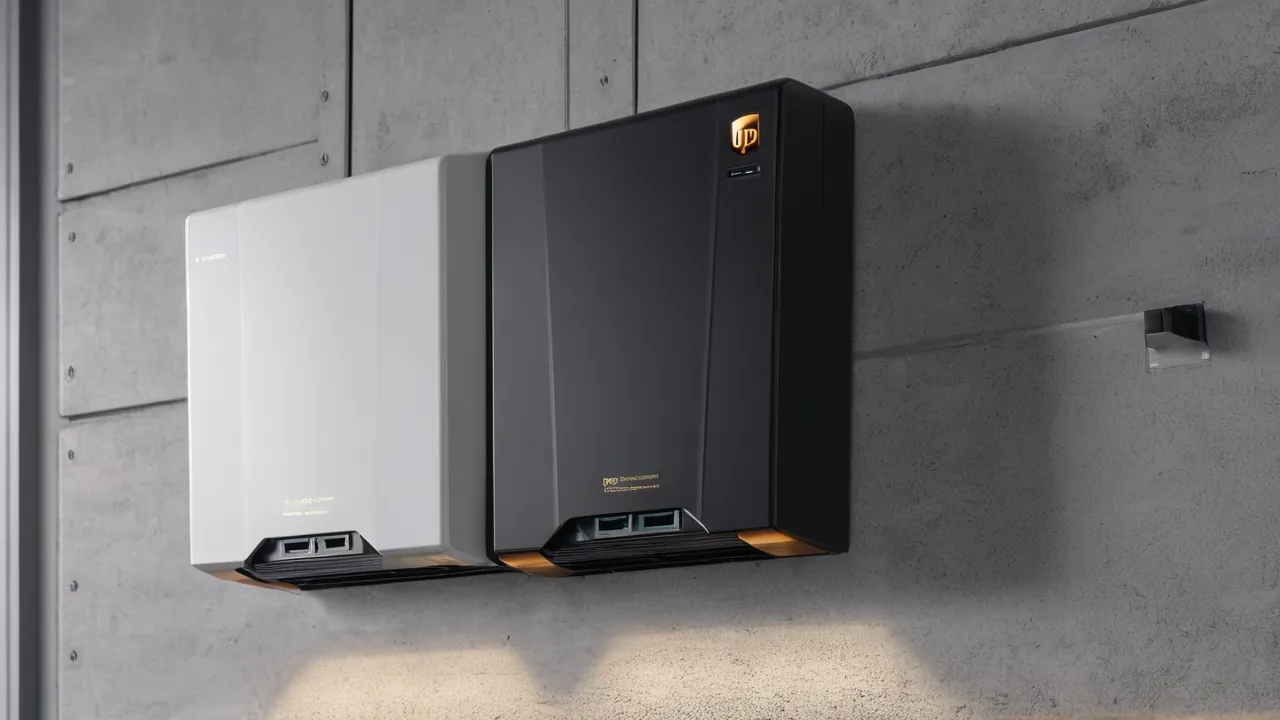
A UPS (uninterruptible power supply) is a small battery built to switch over so fast that computers and network gear never notice an outage, usually giving minutes of runtime. A home battery backup is a permanently installed system that powers selected household circuits for hours. A portable power station is a movable battery with outlets that runs devices for hours but may not switch over fast enough for sensitive equipment unless it is rated for UPS mode.
This guide compares switchover time, runtime and capacity, battery life, noise, and outlets, then tells you which fits which buyer. Many specifications come from manuals and are not independently measured, so read them carefully. Browse our portable power stations and home battery backup guides for equipment, and read how we review for how we treat specifications.
Two Different Jobs
A UPS has one job: protect equipment from momentary loss of power and from surges and brownouts, and give you time to save work and shut down safely, or to ride through a brief outage. It is sized in volt-amperes and watts, with a small battery. A power station has a different job: store a large amount of energy and run varied devices for hours, often away from home. A home battery backup has a third job: take over the household, or a chosen subset of circuits, when the grid fails.
The products overlap at the edges. Some power stations offer a UPS or emergency power supply mode, and some home batteries switch over quickly. The question is which job matters most to you.
Switchover Time: The Spec That Separates Them
Switchover time is how long the output is interrupted when the grid fails. A good UPS keeps output continuous or interrupts it for only a few milliseconds, which most computers ride through. Power stations with a UPS mode often state a switchover in the range of tens of milliseconds, and some units without a UPS mode cut output for longer. Home battery systems vary and often take a fraction of a second to a few seconds to take over, though some are designed to be quicker.
A desktop computer may restart if the gap is long enough, and sensitive equipment may fail to ride through. Read the number in the manual, check which outlets support the mode, and treat unlisted switchover as unknown. For anything you cannot afford to lose, such as a work computer with unsaved files or a network storage device, a dedicated UPS is the safest choice.
Runtime and Capacity
UPS batteries are small, so runtime is measured in minutes at full load, and longer at light load. A computer and monitor drawing 150 watts might run for tens of minutes on a mid-sized UPS. A power station with a battery in the range of hundreds to thousands of watt-hours runs the same load for hours. A home battery with several kilowatt-hours runs essential circuits for many hours to days.
To estimate runtime, divide usable watt-hours by the load in watts. For a UPS, the manual often provides a runtime chart at different loads. For a station, divide label capacity times about 0.85 by the load.
A Worked Example
Suppose you want to keep a router, a modem, and a desktop computer with a monitor running, drawing 200 watts in total. A UPS with a 300 watt-hour battery gives roughly an hour, and a 100 watt-hour model gives about twenty minutes. A power station with 1,000 watt-hours gives about four hours. If the outage is a few seconds, any of them works, provided the switchover is fast enough. If the outage lasts hours, the station or home battery is the better fit, and a UPS lets you shut down cleanly.
Battery Life and Maintenance
Many UPS units use lead-acid batteries that need replacement every few years, and the unit warns you when the battery is weak. Some UPS units now use lithium batteries with longer life. Power stations use lithium batteries, with life depending on chemistry and use, and holding a battery at full charge in a warm room can shorten life if the unit is always plugged in. Home batteries are built to cycle daily and carry long warranties. Check how often the battery must be replaced, how easily, and at what cost.
All three should be kept in cool, dry places. Do not block vents, and replace weak batteries promptly. Heat is the biggest factor in battery life for a UPS under a desk, so keep it out of enclosed cabinets, and note the date of each battery replacement on the unit itself. Many UPS units run a self-check that reports battery health, and it is worth reading the result on the display or in the software now and then, so an aging battery is replaced before the outage that exposes it.
Noise, Size, and Outlets
A UPS is small, usually has a few outlets with surge protection, and may include a fan that runs rarely. Some have an audible alarm when running on battery. A power station is larger, heavier, has several types of ports, and has a fan that runs under load. A home battery is installed on a wall or floor, with no outlets of its own, and feeds the circuits through the panel. Check the plug types, the number of outlets, and whether they provide surge protection and battery backup, since many UPS units have outlets that are surge-only.
Reading VA, Watts, and Power Factor
A UPS is often rated in volt-amperes and in watts, and the two numbers differ. VA is the product of volts and amps, and watts are the real power, which is lower by the power factor. A 1,500 VA unit may support around 900 watts, depending on the model. Check the watt rating against your load, not the VA. Power stations and home batteries are rated in watts or kilowatts. Add up the watts of what you plan to plug in, and leave margin, since running near the limit shortens battery life and may trigger overload alarms.
A Layered Setup Many Households Use
The three products work well together. A small UPS sits on the desk, protecting the computer and network gear from blips and giving time to save work. A portable power station or a home battery sits behind it for long outages, powering the refrigerator, lights, and the router for hours. The UPS handles the first milliseconds, and the larger battery handles the hours. If the larger system’s switchover is slow, the UPS rides through the gap. This layered approach costs little extra and removes the fast-switchover question from the larger system.
Questions to Ask Before You Buy
- What is the stated switchover time, and which outlets support it?
- What is the watt rating, not just the VA rating?
- How long does it run at my load, from the manual’s chart or a calculation?
- What battery type is it, how long does it last, and how is it replaced?
- Does it support continuous plug-in use, and does the warranty cover that?
- What outlets and surge protection does it provide?
If the product page cannot answer these, check the manual or ask the maker, and treat missing answers as a reason to choose another product.
Which One Fits Which Buyer
- Home office with a desktop computer and network gear: UPS, or a power station with a stated UPS mode and a short switchover.
- Multi-hour outages with a refrigerator, lights, and electronics: power station or home battery.
- Whole-circuit backup and automatic operation: home battery, installed by a licensed electrician.
- Camping and portable power: power station.
- Medical devices: follow the device maker’s guidance, choose equipment rated for the use, and keep a backup plan.
Safety and Setup Notes
Plug computers and network gear into the correct outlets, those marked battery backup on a UPS. Do not plug laser printers or space heaters into a UPS, since they draw too much. Do not daisy-chain surge strips. Keep batteries cool and dry, and follow the manual for charging and storage. A power station should not be plugged into a house outlet to feed the home. Any connection to household wiring requires a licensed electrician and the correct transfer equipment.
Frequently Asked Questions
Can a power station replace a UPS?
Only if it has a stated UPS or emergency power mode with a fast switchover, and the manual says it is suitable for continuous plug-in use. Without that, the output may drop for a moment during a power failure. For critical equipment, a dedicated UPS is the safer choice.
How long will a UPS run my computer?
Usually minutes to under an hour, depending on the battery size and your load. A computer and monitor drawing 150 watts may run for tens of minutes on a mid-sized unit. Check the runtime chart in the manual, and use it to shut down safely.
Is a home battery a UPS?
Not exactly. A home battery backs up selected circuits for hours, and its switchover time varies, sometimes taking a second or more. It is not a substitute for a UPS on sensitive electronics unless the manufacturer states that it is. Add a small UPS behind it for critical equipment.
Final Thoughts
A UPS protects sensitive equipment for minutes, a power station runs devices for hours and goes anywhere, and a home battery backs up the house for hours to days. Choose by switchover time, runtime, and where you need power, read the manual’s numbers, and use licensed electricians for anything wired into the home.
Related buying guides
- Where to Install a Home Battery: Garage Basement Outdoor
- Whole Home vs Partial Battery Backup
- AC Coupled vs DC Coupled Home Batteries
About the author

The BuyOnceChoice Editorial Team researches durable products worth buying once. Our guides compare published specifications, warranty terms, expert review consensus, and verified owner feedback. We do not conduct our own product trials. See How We Review and our Editorial Policy for our standards.