Printer Duplex, ADF and Scan Features: What You Need
Duplex printing, automatic document feeders, and scan options all add cost. See which features to prioritize for your use and which you can skip.
 By BuyOnceChoice Editorial Team
Updated November 16, 2026
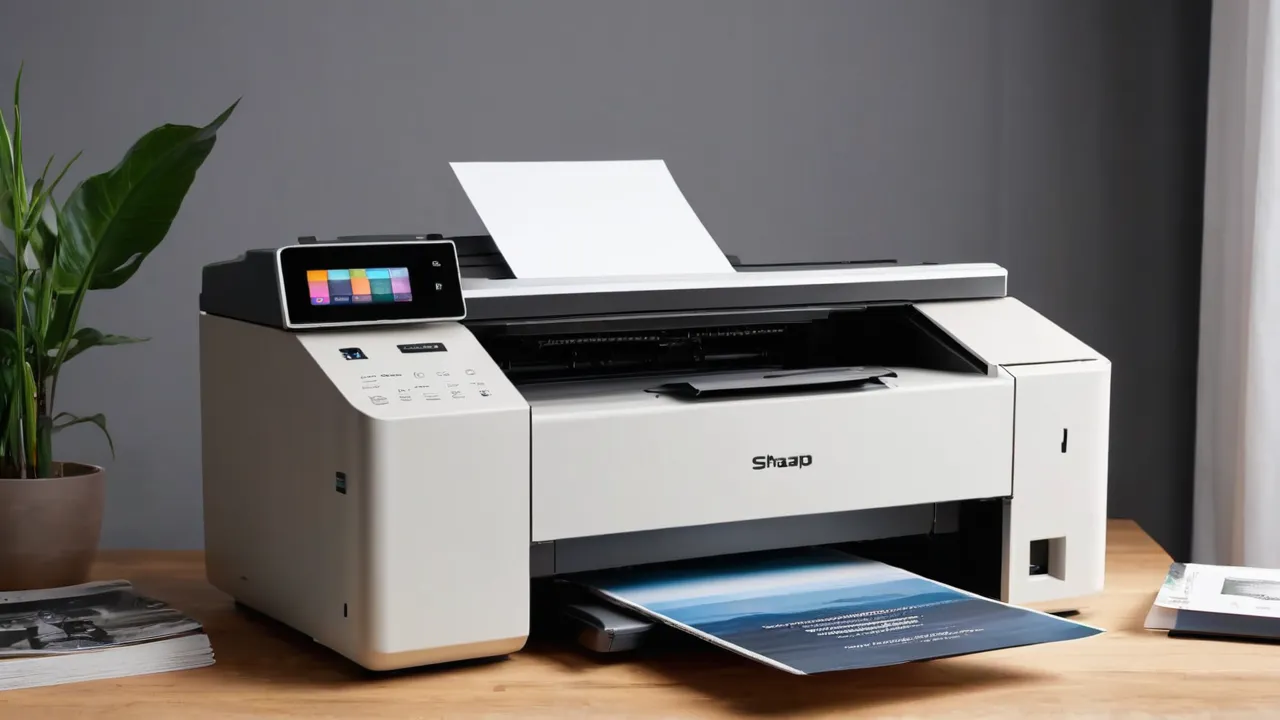
For most home offices, automatic duplex printing is the feature that pays back first, an automatic document feeder (ADF) matters if you scan or copy multi-page documents, and extras like fax, large touchscreens, and many scan destinations matter least. Rank features by what you do weekly, not by what the box lists.
Printer feature lists are long, and manufacturers put the most items on the most expensive models. This guide explains what each feature does, what to check beyond the label, and how to match features to your work so you pay only for what you will use.
Duplex Printing: Automatic Versus Manual
Duplex means printing on both sides of the sheet. Automatic duplex flips the page inside the printer and prints the second side without your help. Manual duplex asks you to reload pages yourself, which is slow and error prone. Automatic duplex saves paper, makes documents more compact, and is convenient for reports and contracts.
Check whether duplex is built in or sold as an add-on module, and whether it works for the paper sizes and weights you use. Speed differs, since duplex can slow printing. Look at the maker’s duplex speed if you print long documents. Our printers and scanners category lists how models differ.
What Duplex Saves, With Made-Up Numbers
Suppose you print 40 multi-page documents a month, averaging 6 pages each. That is 240 sheets a month if you print on one side. With automatic duplex, the same documents use about 120 sheets, which saves about 120 sheets a month, or around 1,440 sheets a year, close to three reams. The savings depend on how much you print and whether you can print on both sides without upsetting recipients. If your work is mostly single pages, duplex saves little, and the feature is a convenience rather than a money saver.
Automatic Document Feeder
An ADF feeds a stack of pages through the scanner or copier one by one. It saves time on multi-page jobs and keeps the glass free for odd items. Check these details on the specification page:
- Capacity, in sheets, which sets how many pages you can load at once.
- Whether it handles two-sided originals in a single pass, which is much faster than flipping.
- Supported paper sizes and weights, including legal and thin paper.
- Whether the feeder holds up to heavy use, shown by the maker’s recommended volume.
Without an ADF, you place each page on the glass, which is fine for a few pages and tedious for many. If you scan multi-page contracts or statements, prioritize an ADF, and if you can, a duplex ADF.
Scan Quality and Destinations
Two more points deserve a look. Optical character recognition, which turns scans into searchable text, may be built into the printer or the maker’s software, and the quality varies. If you plan to archive documents, check what formats and settings are available. And think about how scans are named and stored, since a printer that saves everything as numbered files in one folder makes retrieval harder than one that lets you set a name or a folder.
Scan resolution, speed, and file formats matter more than the headline numbers. Look at the optical resolution, since interpolated numbers inflate. Check color depth and supported formats such as searchable PDF. Scan speed is often listed in pages per minute and differs for simplex and duplex.
Destinations are the places a scan can go: a USB drive, email, a network folder, or cloud services. Printers that scan without a computer are convenient. Check that your preferred destination works without an account, since cloud links can break. Our guide to how we review printers explains why independence from cloud services matters for long-term use.
Checking ADF Details Before You Buy
Look beyond the word ADF. Check the capacity in sheets, since home models list quite small stacks and office models list larger ones. Check whether it scans both sides in one pass or reverses each page. Check the paper weight and size range, including legal and thin sheets, and whether the maker lists a recommended number of scanned pages per month. Read owner comments for the words jam and double feed, because the feeder is where problems show up. If the product page lists none of these, ask support.
Fax and Other Extras
Mobile printing support is more important than fax for most households. Look for standard driverless printing and a maker’s app that does not require an account for basic functions. A model that prints from phones and tablets over standard protocols will keep working through operating system changes. Check that the printer’s control panel is easy to use, because a clumsy menu makes every scan and copy a chore. Physical buttons for the most common actions, such as copy and cancel, are a sign of practical design.
Fax is rarely used now, and many models include it by default. If you do not need it, ignore it. Other extras include color touchscreens, mobile printing, extra paper trays, and finishing features. A second paper tray is useful if you switch between letter and legal or keep special paper loaded. A large touchscreen helps with walk-up use in shared offices, but a small display is fine for home use.
Look at paper capacity and tray design, since refilling less often matters in a busy office. Check that the trays handle the sizes you use.
Priority by Use Case
Start from the documents themselves. Contracts and statements are multi-page, double-sided, and often stapled, so remove staples before feeding and flatten curled corners. Receipts are small and thin and can jam a feeder, so scan those on the glass or with a phone. Photos should always go on the glass. Knowing these limits keeps a good feeder working and spares you from blaming the machine.
- Student or household with occasional printing: automatic duplex is nice, ADF is optional.
- Home office with contracts and invoices: automatic duplex and a duplex ADF.
- Freelancer who scans receipts and forms: an ADF for batches, scan to email or folder.
- Small office with shared use: duplex, ADF, a larger paper tray, and network features.
- Photo and creative work: print quality and paper handling come before feeder features.
Cost and Reliability Trade-Offs
It helps to think in terms of cost per feature. A duplex unit may add moderately to the price and saves paper every month. A duplex ADF adds more, and it pays off only if you scan stacks. A single-pass duplex scanner reads both sides together and is fast, while a reversing scanner flips each page and is slower and tougher on thin paper. Read the specification to see which type the model uses, since the difference matters for long jobs.
Also check the printer’s manual for the scanner glass size. A flatbed that takes legal-size sheets or large books is more flexible than one limited to letter size.
More features add parts, and parts can fail. Feeders have rollers that wear, duplex units have more paper path to jam, and complex firmware can be buggy. Check the maker’s recommended monthly volume and the warranty, and favor simple, proven designs. A printer with fewer features but better build can be the better long-term buy.
Compare running costs along with features. Check page yields and supply prices, since a cheap printer with expensive supplies costs more over time.
Who Should Choose What
If your budget is limited, rank in this order: print quality and running cost first, automatic duplex second, then a duplex ADF if you scan often, then everything else. A person who prints mostly single pages and scans rarely may be happier with a simpler machine. A person who handles stacks of paper weekly should not save on the feeder, since a poor one will waste far more time than it saves in price.
Choose automatic duplex if you print documents of more than a page or two regularly. Choose a duplex ADF if you scan stacks of paper. Skip fax, large screens, and extra trays unless you can name a use. If you want the lowest cost, a model with automatic duplex and a basic flatbed is a balanced choice. See the best printer guide for options.
Frequently Asked Questions
Is automatic duplex printing worth it?
Yes for most home offices that print multi-page documents, because it saves paper and makes reports and contracts more compact. It is less useful if you print mostly single pages. Check that duplex is built in, supports your paper sizes, and note that it can print more slowly.
What is the difference between an ADF and a flatbed scanner?
A flatbed holds one page or a book on a glass, while an automatic document feeder pulls a stack of pages through one by one. An ADF saves time on contracts and statements, and the glass handles photos and odd items. Many all-in-ones include both.
Do I need a duplex ADF?
Only if you scan two-sided stacks often. A duplex ADF scans both sides in a single pass, which is much faster than flipping each page. It costs more, so skip it if you scan rarely or mostly single sided pages.
Do I need fax on a home printer?
Rarely. Fax is included on many models but few households use it. If you have no use for it, ignore it and spend the money on automatic duplex, a feeder, or better build quality. Check the product page if a client or office still requires fax.
Final Thoughts
Features should follow tasks. Duplex printing saves paper and time for most people, an ADF is essential for scanning batches, and the rest are extras. List what you do each week, match features to that list, and check build quality before paying for more.
Related buying guides
- Printer Size and Placement: Check Fit Before Buying
- Printer Subscription Plans vs Buying Toner
- Toner Yield and Cost Per Page Explained
About the author

The BuyOnceChoice Editorial Team researches durable products worth buying once. Our guides compare published specifications, warranty terms, expert review consensus, and verified owner feedback. We do not conduct our own product trials. See How We Review and our Editorial Policy for our standards.