Home Theater Seating Distance: Where to Sit
Pick a viewing distance from your screen size, then place speakers around that seat. Keep the seat off the back wall and out of bass peaks. Here is the method.
 By BuyOnceChoice Editorial Team
Updated November 16, 2026
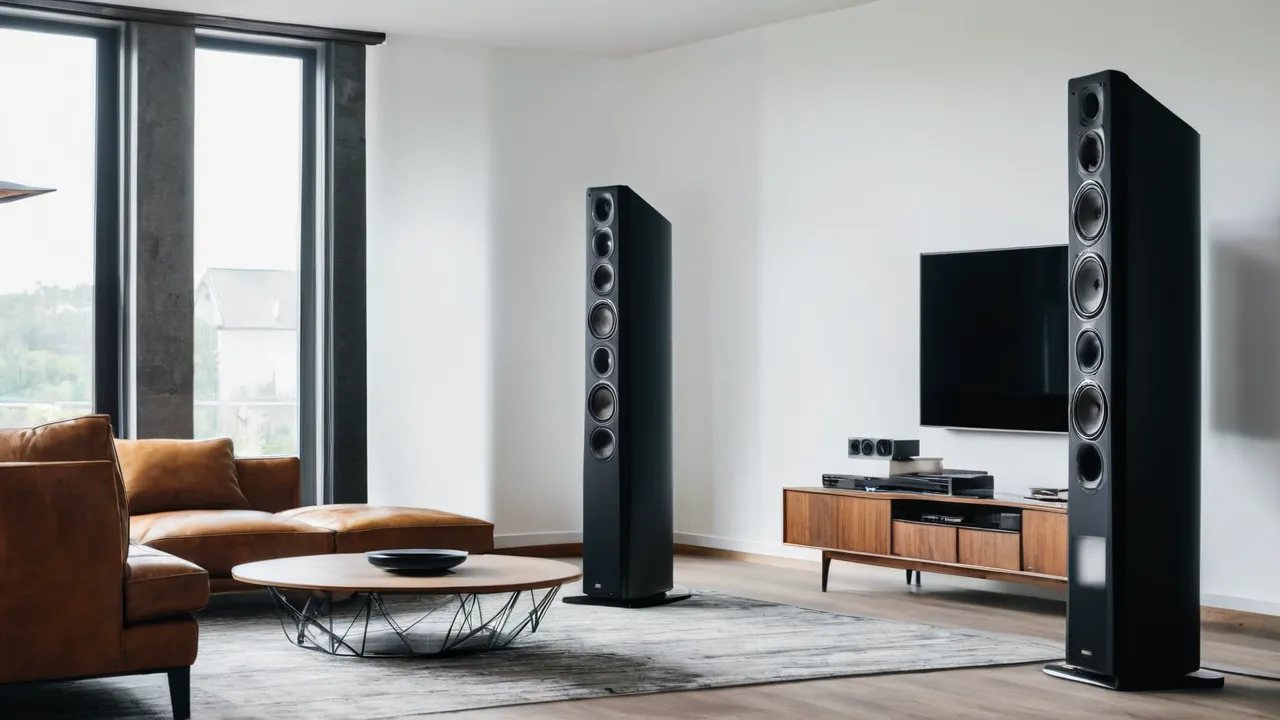
To set home theater seating distance, choose how far you want to sit from the screen based on its size and your preference for immersion, place the main seat there, and then build the speaker layout around that seat. Keep the seat away from the back wall, and make sure the front speakers form a sensible triangle with you. Distance for picture and distance for sound are linked, and both can be solved with a simple sequence.
Start with the picture
The distance from the screen sets how large the picture appears in your view. A closer seat fills more of your vision and feels more immersive, while a farther seat feels more relaxed. Many people use a rule of thumb based on screen diagonal, and different standards bodies and manufacturers suggest ranges. A widely used starting point is the viewing angle. SMPTE guidance centers on about 30 degrees of your field of view, and THX guidance suggests about 40 degrees. For a 16 by 9 screen, those angles work out to roughly 1.6 times the screen diagonal for the farther end and 1.2 times the diagonal for the closer end. For example, a 65 inch screen gives about 78 inches (6.5 feet) at the close end and about 104 inches (8.7 feet) at the far end. Treat the range as a starting point and then use this practical method:
- Sit at a distance where you can see the whole screen comfortably without turning your head.
- Check that you can read on screen text and subtitles without strain.
- Move closer or farther until the picture feels right for the content you watch most.
- If you use a projector, check the manufacturer’s guidance for throw distance and screen size.
Mark the position and keep it as your reference for the main seat.
Link the seat to the front speakers
Speakers form a triangle with the main seat. The left and right fronts should be placed so that they are a similar distance from the seat as they are from each other, roughly an equilateral triangle, then adjusted for the room. Place them beside the screen, with tweeters near ear height, and aim them toward the seat. Our guide on bookshelf placement describes a start point and adjustment by ear.
If the seat is far from the screen, the speakers are far from you, and you need more output and possibly speakers with higher sensitivity. If the seat is very close, the speakers may appear too wide relative to the picture, and a narrower spread may be better.
Listening distance and speaker size
The distance from the speakers to the seat sets how much of the sound you hear directly and how much reflects off the room. Close to the speakers, direct sound dominates, and small speakers can sound detailed. Farther away, the room contributes more, and the speakers need more output for the same level. If your seat is at a large distance, consider speakers that can fill the room, or move the seat forward. For bookshelf speakers in a medium room, a moderate distance with a subwoofer is a common solution.
Center and surround position
The center speaker goes directly above or below the screen and should aim at the main seat. The surround speakers are placed to the sides of the seat, slightly behind and above ear level, as described in our surround placement guide. The seat position therefore determines their distance and direction. If you change the seat, you should revisit these.
Ceiling height and overhead speakers
If you use overhead speakers, the seat position determines where they should sit, as described in our upfiring and in-ceiling comparison. Overhead speakers are usually positioned above the listening area, forward of or at the main seat, depending on the layout. Plan the seat before you cut into a ceiling.
Keep the seat off the back wall
A seat pressed against the back wall hears extra bass build up, because the wall reinforces low frequencies near the rear. That can make bass boomy. Moving the seat a foot or two forward, if possible, can smooth things out. If you cannot move it, use bass management and room correction, and consider a different subwoofer position. See our subwoofer placement checklist for how to find locations that suit your seat.
Avoid placing your head exactly in the middle of the room’s length or width, where some bass frequencies cancel. The crawl method in our checklist helps find a good sub location for your seat, and a small seat move may help too.
Subwoofer and seat
Because bass varies from seat to seat, the position of the seat in the room affects how the subwoofer sounds. Try a few seat positions before you finalize furniture, especially if you can shift the sofa. Our guide on one subwoofer versus two covers the seat to seat consistency problem.
When the room limits the choice
Some rooms leave you no choice. A narrow room may force the seat against the back wall. In that case, use bass management carefully, reduce the subwoofer level, consider moving the sub, and treat the back wall with a thick curtain or bookshelf. A short room may force a close seat, in which case choose a screen size that does not overwhelm and speakers that can be placed close to the screen. Take small steps and focus on what you can control.
Multiple Rows and Seating Width
With more than one row, the front row sits closer to the screen and the second row sits farther. Choose the main seat in the first row for the best sweet spot, or in the second row if you want a more balanced view. Raise the second row on a riser if the sightline is blocked. Calibrate with microphone positions in each row, as in our calibration mistakes article. Level differences across rows are normal, and a good layout keeps them modest.
Seating width
A wide sofa spreads viewers to the left and right of the sweet spot. Seats at the ends are closer to one speaker, and the center image can pull toward that side. A well placed center speaker helps dialogue, and room correction with multiple measurement positions evens things out. If you have a large sectional, do not worry about perfect imaging at every seat, and prioritize the main viewing seat.
Equalizing the experience for kids, guests and pets
Think about how the room is used. If children sit on the floor close to the screen, their ears are at a different height from yours, and the sound they hear differs. A seat on the floor puts ears below the tweeters, and a low sofa puts them near the middle. Keep the center speaker aimed at the main seat, but expect a small difference. For families, safe mounting matters as well: secure stands, tidy cables and keep speakers away from play areas, as covered in our stand height guide.
A Practical Sequence
- Decide the screen size and mount it.
- Choose the main seat distance for the picture.
- Place the front speakers and the center.
- Place the surrounds and any heights.
- Find the subwoofer position using the crawl method from that seat.
- Run room correction with several measurement positions.
- Fine tune levels by ear and adjust the seat if bass is boomy.
Adjusting after you live with it
After a few weeks, notice whether the seat position suits you. If you find yourself leaning forward, move closer. If the picture feels too big or the sound too close, move back. Moving the seat means rerunning room correction, and our calibration mistakes article shows how. Mark the preferred position on the floor with a small piece of tape, so that you can return after cleaning.
Verdict by Room Type
- Small rooms: sit a bit closer, use compact speakers and a narrower triangle.
- Large rooms: sit at a comfortable distance, and consider more output and efficient speakers.
- Multi row rooms: prioritize the first row and calibrate for both.
- Open plans: use a wall behind the seat if possible, as discussed in our open floor plan guide.
Frequently Asked Questions
How far should I sit from a 65 inch TV?
A common starting range is about 6.5 to 8.7 feet, which comes from viewing angles of roughly 40 and 30 degrees. Closer feels more immersive and farther feels more relaxed. Sit where you can see the whole screen comfortably, read subtitles without strain, and then adjust for the content you watch most.
How far should the front speakers be from my seat?
Aim for roughly an equilateral triangle, where the left and right speakers are about as far from each other as each is from your head. Place them beside the screen with tweeters near ear height, and angle them toward the seat. Adjust for the room and for the picture size.
Should my seat be against the back wall?
It is better to keep it off the wall. A seat near the back wall hears extra bass build up, which can sound boomy. If you cannot move it, use bass management and room correction, and try a different subwoofer position or a thick curtain behind the seat.
Does seating distance affect surround speaker placement?
Yes. Surround speakers go to the sides of the main seat, slightly behind and above ear level, so the seat position sets their distance and direction. If you move the seat later, revisit surround placement and rerun room correction with several measurement positions.
Final Thoughts
Pick the seat first, then build the speakers around it. Check the triangle, keep the seat off the back wall, and calibrate for the seats you use. Our home theater speakers section and AV receivers pages have related guides, and How We Review explains our approach to advice.
Related buying guides
- Home Theater Speaker Buying Mistakes That Cost You
- Horn Loaded Speakers: Who Should Buy Them
- How Long Do Speakers Last? Drivers, Surrounds, Crossovers
About the author

The BuyOnceChoice Editorial Team researches durable products worth buying once. Our guides compare published specifications, warranty terms, expert review consensus, and verified owner feedback. We do not conduct our own product trials. See How We Review and our Editorial Policy for our standards.