Bi-Wiring vs Bi-Amping Speakers: Is It Worth It?
Bi-wiring uses two cable runs to one amplifier, and bi-amping uses two amplifier channels per speaker. Most people can skip both. Here is who might not.
 By BuyOnceChoice Editorial Team
Updated November 16, 2026
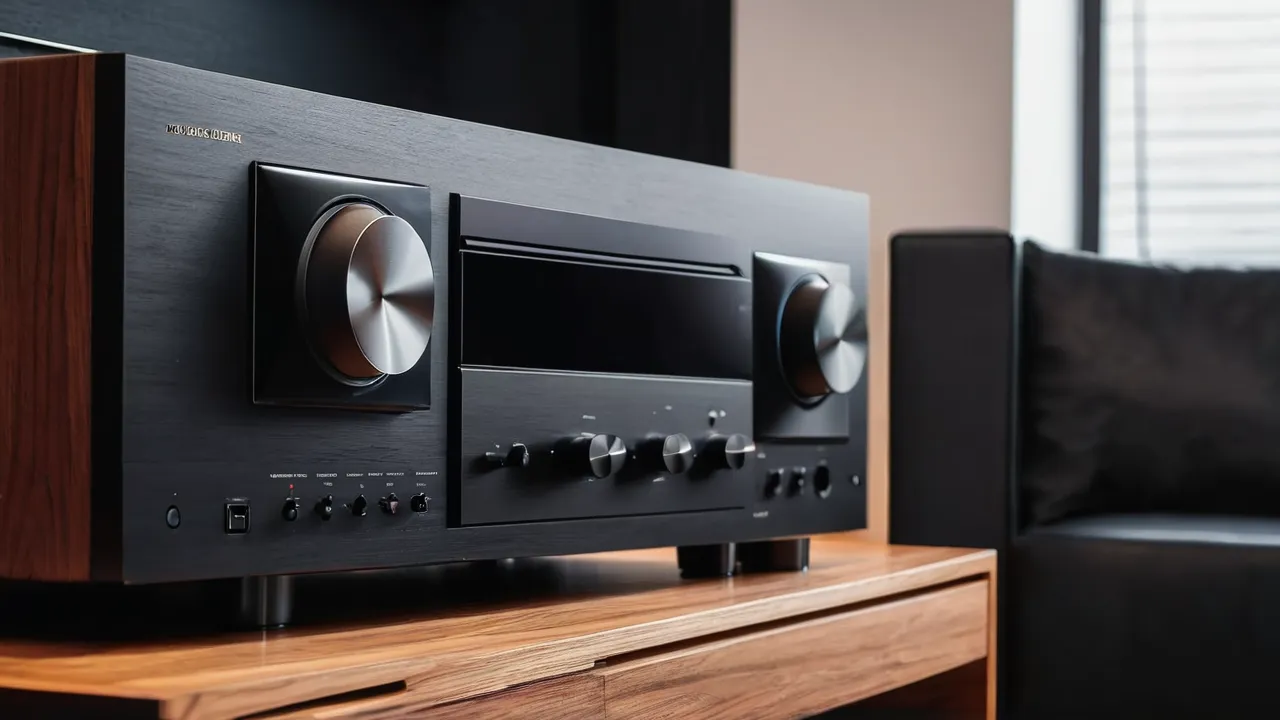
Bi-wiring means running two pairs of speaker cable from one amplifier channel to a speaker with two sets of terminals. Bi-amping means feeding the two sets of terminals from two separate amplifier channels. For most home theaters, neither gives an audible benefit worth the cost, and the practical answer is to use a good single run of properly sized wire. Bi-amping can make sense in specific cases, such as when you have spare amplifier channels and a speaker designed for it.
Terminals, Bi-Wiring, and Bi-Amping Explained
The two sets of terminals
Some speakers have two pairs of binding posts on the back, one pair for the high frequency section and one for the low frequency section. They are normally joined by metal jumper bars or short cables so that a single pair of speaker wires feeds both sections. The two pairs exist so that you can separate them if you wish. Inside the speaker, the crossover divides the signal, and the two terminal pairs connect to the high and low sections of that crossover.
If you use a single run of speaker wire, you connect to one pair of terminals and leave the jumpers in place. That is the standard setup, and it is what the manufacturer assumes unless the manual says otherwise.
What bi-wiring is
Bi-wiring uses a cable with two sets of conductors, or two separate cables, from the amplifier terminals to the speaker’s two pairs of terminals. The jumpers are removed. Both cables connect to the same amplifier output pair.
The theory is that the high and low frequency currents travel in separate paths, reducing interaction between them in the cable. Whether any audible change follows is debated. Because the cable is electrically in parallel at the amplifier, the possible effects are small, and claims of dramatic improvement are not supported by general electrical reasoning. Some owners report hearing a difference and others do not, and expectation plays a part. We treat it as a low value change.
What bi-amping is
Bi-amping uses two amplifier channels per speaker, one for the high section and one for the low section. It can be done in two ways. Passive bi-amping uses a single signal, with the speaker’s internal crossover left in place and two amplifier channels feeding the two terminal pairs. Active bi-amping uses an external crossover before the amplifiers, and bypasses the speaker’s internal crossover, which is a specialized setup.
Passive bi-amping is the form most AV receiver owners can try. Some receivers have a setting that reassigns spare channels, such as the surround back or height channels, to drive the front speakers’ second terminal pairs. The receiver manual describes this and the wiring.
Do the benefits exist
The benefit of passive bi-amping is limited. Both amplifier channels share the same power supply in most receivers, so you do not double the available power. The advantage could be reduced strain on each channel, which may help with demanding speakers at high volume. For efficient speakers at moderate volume, there is little to gain. And you lose those spare channels, which means no heights or rears if you would have used them. For most people, using those channels for the layout you want is the better choice.
The safety matter: jumpers
Removing or leaving jumpers wrongly can damage an amplifier. If you bi-wire or bi-amp, remove the jumper bars. If you do not, leave them in place. With bi-amping, two separate amplifier channels connected through the jumpers would be tied together, which can damage the amplifiers or trigger protection mode. Power off and unplug the receiver before changing anything, and follow the manual for your receiver and speakers. If you are unsure, ask a qualified technician. Our banana plug and bare wire article includes a short circuit checklist that applies here.
How to try bi-amping safely on a receiver
If you decide to try passive bi-amping, set aside time and read both manuals. First find out whether your receiver supports it. The setting is often in the speaker configuration menu and may be named after the channel assignment it uses, such as bi-amp or front bi-amp. Enabling it reassigns two spare channels to the front pair, so you can no longer use those channels for rear or height speakers. Next, check whether your speakers allow it. The manual should say whether the jumpers can be removed and whether the speaker is designed for bi-amping.
Then power off and unplug the receiver. Remove the jumpers from the front speakers only after you are sure of the plan. Connect the low frequency terminals to one amplifier channel and the high frequency terminals to the other, keeping polarity consistent. Inspect for stray strands, power on at low volume and run calibration. Compare with the standard connection using the same material at the same level. If there is no clear benefit, restore the jumpers and the original channel assignment, and note your settings.
Cost and effort
Bi-wiring needs extra cable and double the terminations. Bi-amping needs spare amplifier channels, and if you do not have them, extra amplifiers. In a receiver, the cost is in lost channels. In a system with an external amplifier, the cost is the amplifier. You should put the same money into better room placement, a subwoofer, or a speaker upgrade, which have clear audible effects. Our guides on subwoofer placement and calibration mistakes show where effort has more effect.
Cases where it may make sense
- Speakers designed for bi-amping, where the manual recommends it.
- Systems with surplus channels and no plans for them, such as a stereo setup on an AV receiver with spare channels.
- Active setups built by enthusiasts who understand the details.
- Demanding speakers on a moderate receiver, where reducing the load on each channel may help.
Even in these cases, treat the change as an experiment, and compare it with the standard connection. Switch back if you hear no difference.
Questions to ask before you spend
Do you have a clear problem that bi-amping would solve, such as a speaker that seems to strain at the volume you want? Have you checked placement, crossover and level settings first? Is your room treatment sensible? If a receiver shuts down at high volume, check ventilation and impedance before assuming that you need more amplifiers. Our ventilation and power rating guides cover those points. Often the answer is simpler than you think, such as moving the sub or setting the speakers to Small.
Marketing language around cable and wiring
Cable and speaker makers sometimes promote bi-wire cable as a premium feature. Check what the cable actually does. A cable with four conductors is simply two pairs in one jacket. If your speakers have only a single pair of terminals, a bi-wire cable offers no benefit. If they have two pairs, you may connect both pairs of conductors in parallel at the amplifier end, which is what bi-wiring means. Read the claims with care, and remember that the electrical argument for a large difference is thin. See the way we weigh such claims on our How We Review page.
Verdict: Who Can Safely Skip It
The honest value verdict is that bi-wiring costs a little and offers an unproven benefit, while bi-amping costs channels or amplifiers and offers a small benefit only in demanding cases. Neither is a mistake if you enjoy the experiment, but neither is a step you need for a good result.
- Most home theater owners.
- Anyone who wants to use all receiver channels for surround and height.
- Anyone who prefers a simple setup.
- Anyone unsure about jumper handling.
Frequently Asked Questions
Is bi-wiring worth it?
For most home theaters, no. The electrical argument for a large difference is thin, and reports of audible change are mixed. The extra cable and terminations cost little, but the money is better spent on placement, a subwoofer, or calibration. If you try it, compare with the standard connection and revert if you hear no change.
Can I bi-wire speakers that have a single pair of terminals?
No. Bi-wiring needs a speaker with two pairs of terminals. With a single pair, a four-conductor cable only offers an extra set of wires with nowhere to separate. Connect one run of properly sized wire, or both pairs of conductors in parallel, and keep the connection secure.
Do I need to remove the jumpers when bi-amping?
Yes. Leaving jumper bars in place ties the two amplifier channels together, which can damage the amplifiers or trigger protection mode. Power off and unplug first, follow both manuals, and restore the jumpers if you return to a single run. Ask a qualified technician if you are unsure.
Does bi-amping double the power to my speakers?
Not in most receivers. The channels share a power supply, so total available power does not double. Any benefit comes from less strain on each channel with demanding speakers at high volume. For efficient speakers at moderate volume, there is little to gain, and you lose the spare channels.
Final Thoughts
Bi-wiring and bi-amping are legitimate options, but for most systems the honest verdict is that the money, time and risk are better spent elsewhere. Use a properly sized single run, keep the jumpers in place, and pay attention to placement and calibration. Browse our AV receivers guides for channel counts, our home theater speakers section for related topics, and How We Review for how we weigh disputed claims.
Related buying guides
- Do You Need Dolby Atmos? Decision Rules
- DTS:X vs Dolby Atmos: What Matters for Your Receiver
- HDMI eARC vs ARC: What Your Receiver Really Needs
About the author

The BuyOnceChoice Editorial Team researches durable products worth buying once. Our guides compare published specifications, warranty terms, expert review consensus, and verified owner feedback. We do not conduct our own product trials. See How We Review and our Editorial Policy for our standards.