HDMI eARC vs ARC: What Your Receiver Really Needs
Compare eARC and ARC by format support and bandwidth, learn the fallback rules when one device lacks eARC, and follow a port-by-port wiring plan.
 By BuyOnceChoice Editorial Team
Updated November 16, 2026
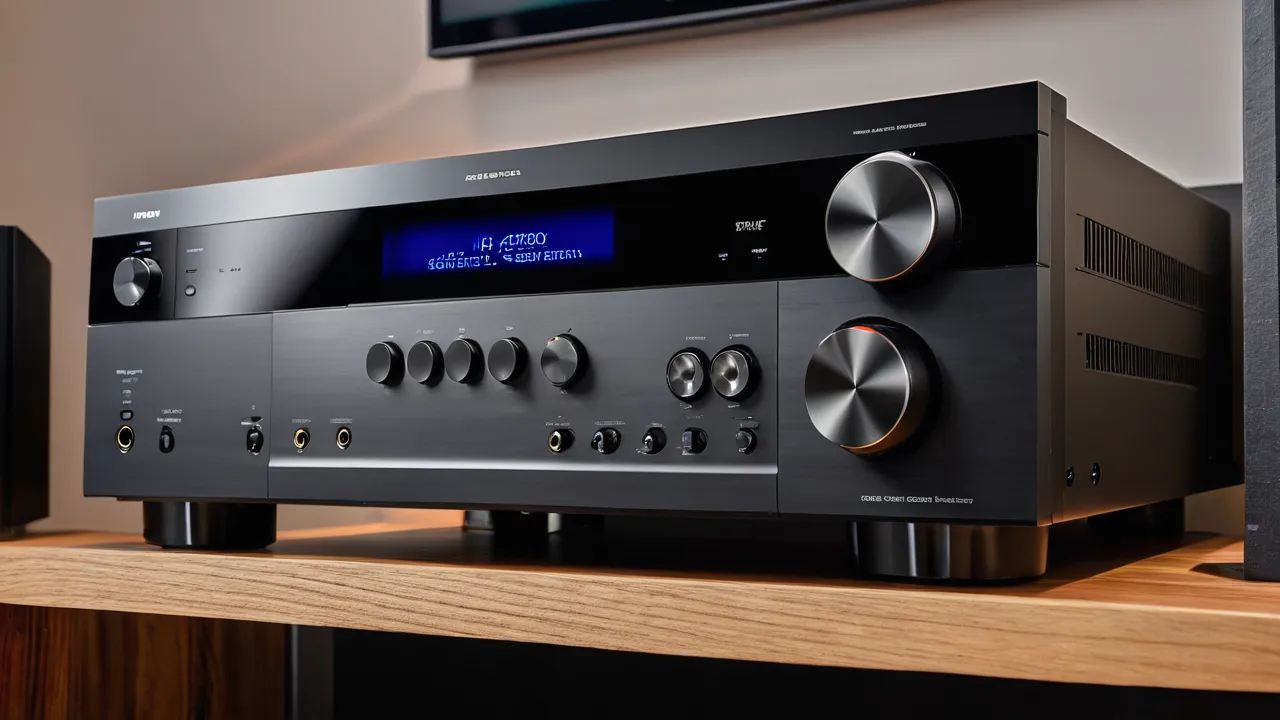
ARC and eARC both send audio from your TV back to your receiver or soundbar over one HDMI cable, but eARC carries far more data, which allows lossless and object-based formats such as Dolby TrueHD and Dolby Atmos in its highest quality. You need eARC if you play lossless formats from the TV’s own apps or inputs. If the TV only passes standard surround from streaming apps, ARC is often enough.
What ARC does and where it stops
ARC stands for Audio Return Channel. It lets the TV send sound from its built-in apps and tuner back to the receiver, so one HDMI cable handles both video going to the TV and audio coming back. ARC has limited bandwidth, so it carries compressed formats such as Dolby Digital and Dolby Digital Plus, which can include Atmos in a compressed form. It does not carry lossless formats.
What eARC adds
eARC, or enhanced ARC, is a newer version with much greater bandwidth. It supports uncompressed multichannel audio and lossless formats like Dolby TrueHD and DTS-HD Master Audio, along with Atmos delivered in lossless form. It also handles audio sync better. Most owners will notice the difference when the TV acts as the source of high-end audio, for example from its own apps or a device connected to the TV instead of the receiver.
| Feature | ARC | eARC |
|---|---|---|
| Bandwidth | Limited | Much higher |
| Compressed surround and compressed Atmos | Yes | Yes |
| Lossless formats | No | Yes |
| Needs special cable | No, but use a certified cable | High speed certified cable, ideally with Ethernet channel; check the manuals |
| Lip sync handling | Basic | Improved |
When your gear falls back to ARC
If either the TV or the receiver lacks eARC, the connection falls back to standard ARC. You will still get sound, but lossless formats will not pass. The same thing happens if the TV port is labeled ARC rather than eARC, or if the cable is not up to the task. Check the labels on the HDMI ports and the manuals of both devices. Also check that the HDMI control feature, often called CEC, is turned on in both devices, since many ARC problems come from that setting being off.
Do you need eARC at all
Many people do not. If every source, such as your console, disc player and streamer, plugs into the receiver, then the receiver gets the full audio directly and sends video to the TV. The TV’s ARC or eARC link only carries the sound from the TV’s own apps. In that case, ARC is enough. eARC matters when you rely on the TV as a hub for sources and want lossless sound from it, or when you want to future-proof the setup.
How to check what your TV supports
Look at the labels next to the HDMI ports on the back or side of the TV. One port is usually marked ARC or eARC, and it is the only one that can send sound back. Then open the TV’s manual or settings and find the audio output menu, which lists supported formats and may show a setting for eARC. The receiver’s manual should state which HDMI output carries ARC or eARC and which formats pass through.
If the information is unclear, look for the HDMI version in the specifications, though a version number alone does not guarantee eARC, because some features are optional. The manufacturer’s support page is the best reference.
Why lossless matters, and when it does not
Lossless audio preserves all the information in the original track, which can give slightly better detail for demanding listeners and high-quality sources. Compressed formats are efficient and sound good for most streaming content. If your sources mostly stream, the difference may be hard to notice. If you play discs or high-bitrate files through the TV, eARC is the way to preserve their full quality, and you will be glad to have the headroom as content improves.
Here is the same plan as a simple text diagram. The path for video is source, then receiver HDMI input, then receiver HDMI output, then the TV’s HDMI input. The path for TV app audio is the reverse on the same cable: the TV’s ARC or eARC port sends it back to the receiver’s ARC or eARC output. Consoles and players never need to connect to the TV directly, unless a feature requires it. If your TV has only one ARC port, check whether it is shared with another function in the settings, and use that port for the receiver.
Port-by-port wiring plan
- Receiver HDMI output labeled ARC or eARC goes to the TV HDMI input labeled ARC or eARC.
- Consoles, disc players and streamers go to the receiver’s HDMI inputs, so the receiver gets the original audio.
- The TV’s built-in apps send audio back over the same cable you just used.
- Turn on HDMI control on the TV and on the receiver, and select the receiver as the audio output in the TV’s sound menu.
- Use a certified high speed or ultra high speed cable, kept as short as practical.
Following this plan means the best audio takes the shortest path. For choosing a receiver, our AV receiver picks and AV receiver category list the HDMI features to look for.
In short, think of ARC as the everyday route and eARC as the headroom route. If you are unsure which one your gear uses, the receiver’s display or the TV’s sound menu usually names the incoming format and the link type while a title plays.
Troubleshooting common problems
If no sound arrives from the TV, check that the receiver is on the right input and that the TV is set to output to the receiver, not its own speakers. If sound drops out, try a different HDMI cable and a different port, and switch off any extra devices in the chain. If lip sync drifts, look for an audio delay setting in the TV or receiver. If only two channels play, set the TV’s digital audio output to automatic or pass-through instead of PCM stereo. Power cycle all devices after changing settings.
A few extra habits prevent most trouble. Keep the HDMI chain short, because every extra switch, splitter or extender can break the audio path. Do not plug the TV’s eARC port into a device that is not the receiver or soundbar. Update the TV and receiver firmware when the manufacturer publishes a fix for HDMI handshake problems, as these are common after TV software updates. Finally, if you change the TV, repeat the steps in the wiring plan, since the new TV’s menu may use different names for the same settings.
If a console is connected to the TV rather than the receiver, move it to the receiver unless you need a feature that works only through the TV, since the receiver path carries the original audio without the extra hop. For gaming, a TV may have a limited number of ports that support the highest frame rates, so check the labels before assigning ports.
If a problem persists after these steps, contact the manufacturer’s support with the exact model numbers and firmware versions of the TV and receiver. Describe the symptom plainly, for example sound only in stereo or sound that drops after a few minutes, because support teams can often match it to a known issue and offer a fix or a workaround.
Verdict by Setup
- Buying a receiver now and keeping it long: get eARC.
- All sources go to the receiver: ARC is enough, eARC is a bonus.
- TV hosts your main sources and you play lossless audio: eARC on both devices.
- Older TV with only ARC: it works, but the full lossless path is not available.
- Gaming at high frame rates: check the receiver’s HDMI input specs, which are separate from ARC and eARC.
Our How We Review page covers how we think about future-proofing.
Frequently Asked Questions
Do I need eARC for Dolby Atmos?
Not always. Standard ARC can carry Dolby Atmos in its compressed Dolby Digital Plus form, which is what most streaming apps use. You need eARC for Atmos in lossless form, such as Dolby TrueHD, when the TV is the source or hub for that audio.
What happens if my TV has ARC but my receiver has eARC?
The connection falls back to standard ARC. You still get sound, but lossless formats will not pass over that link. Plug your sources into the receiver and the receiver gets the full audio directly, so the fallback matters little for most setups.
Do I need a special HDMI cable for eARC?
Use a certified high speed or ultra high speed cable, kept short, and check the manuals for the Ethernet channel guidance. A cable that is not up to the task or a port labeled ARC rather than eARC can cause the fallback. Try a different cable and port if audio drops.
Why is my ARC or eARC not working?
Common causes are HDMI control turned off, the wrong port, a cable problem, or the TV set to its own speakers. Turn on HDMI control on both devices, use the port labeled ARC or eARC, choose the receiver as the audio output, then power cycle everything.
Final Thoughts
ARC is fine when the receiver gets sources directly, and eARC is the better choice for lossless audio from the TV and for a receiver you plan to keep a long time. Wire the receiver output to the TV’s eARC port, plug sources into the receiver, enable HDMI control, and the system should behave.
Related buying guides
- How Long Does an AV Receiver Last?
- How to Choose an AV Receiver: Channels, Power, HDMI
- 4K 120Hz Gaming Through a Receiver: Passthrough Checklist
About the author

The BuyOnceChoice Editorial Team researches durable products worth buying once. Our guides compare published specifications, warranty terms, expert review consensus, and verified owner feedback. We do not conduct our own product trials. See How We Review and our Editorial Policy for our standards.