DTS:X vs Dolby Atmos: What Matters for Your Receiver
Streaming favors Dolby Atmos, while many discs carry either format. Most current receivers handle both, so match the format to what you actually watch.
 By BuyOnceChoice Editorial Team
Updated November 16, 2026
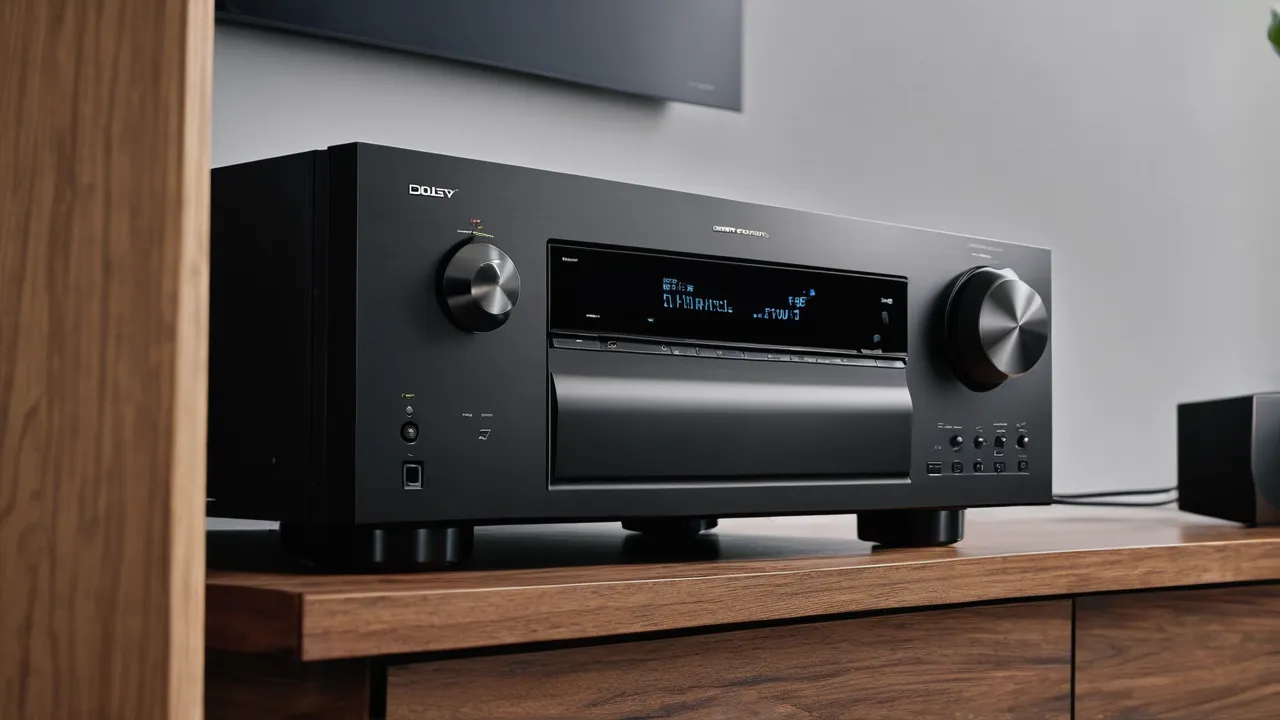
For most people the format war does not exist, because most current AV receivers decode both. Dolby Atmos has the larger streaming catalog, so it matters more if you watch streaming services. DTS:X appears on many Blu-ray discs and some titles, so it matters if you collect physical media. Pick your receiver for channel count and HDMI features, and let your content decide which format you notice.
What the two formats have in common
Both are object based surround formats. Rather than assigning sound to a fixed channel, the mix describes where a sound should be in the room, and the receiver decides which speakers to use based on your layout. Both support overhead speakers for height effects, and both can scale from a modest speaker layout to a larger one.
Both can also work with a basic layout. If you have no height speakers, a good receiver will fold the content down to your speakers, and the sound will still be fine. Having an object based mix does not require you to buy more speakers.
Where the content lives
This is the practical difference.
- Streaming: Dolby Atmos is available on many popular services for selected titles, and is the format more often tagged on those services. DTS:X is rare in streaming.
- Discs: Blu-ray and 4K discs often carry Dolby Atmos tracks, DTS:X tracks, or sometimes a Dolby track alongside a DTS one. The disc box or the product page lists which formats are included.
- Games and consoles: support depends on the platform and title. Check the console and game documentation.
Availability changes over time as services update features, so verify your current services before you buy. The rule of thumb is to check what the content you watch most often carries.
The hardware side
Most mid range and higher AV receivers decode both formats. Some entry level units may not, so check the spec sheet or manual for both names. You also need the right number of amplifier channels, plus HDMI connections that support your sources.
Both formats pass over HDMI. For Atmos from a streaming device or TV app, you typically need a connection that can carry the audio to the receiver, and eARC on the TV does that. Our companion guides on HDMI passthrough and receiver channel counts cover the practical side. The hardware you pick for one format will almost always cover the other.
A few other things to know:
- Some TV apps limit audio formats, so check your TV’s audio output settings.
- Disc players typically need to be set to bitstream output so the receiver can decode the format.
- Some features, such as a particular object routing or upmixing mode, vary by brand, so read the receiver manual.
Streaming devices, TVs and the audio path
The path from source to receiver decides whether you get the full format. A streaming app on a smart TV has to pass audio out through the TV’s audio return connection, and the TV settings must be set to pass the signal rather than convert it to stereo. A streaming box connected straight to the receiver avoids that step, but then the receiver’s video handling comes into play. Both routes work, and the best one is the one that keeps the setup simple for your household. If you plug the source into the receiver, check that its HDMI inputs support your video features, a topic we cover in our passthrough checklist.
Check the receiver’s front display or on screen info while a title plays. It usually shows the incoming format name, which tells you right away whether you are getting object based audio or a fallback. If you see a plain surround format, look at the source settings, the app’s audio options and the title’s own listing, since not every title carries the format the platform advertises.
How setup works when you add Atmos or DTS:X later
If you are building a system in stages, plan for amplifier channels first. A receiver sized for five or seven speaker channels can still decode both formats and fold overhead effects into the speakers you have. When you add heights, you either need a receiver with more amplifier channels or an external amplifier connected to pre outs. Our guide to receiver pre outs explains the second route, and the channel count article in the AV receivers section covers the first.
When you run the receiver’s speaker configuration menu, choose the layout that matches the physical speakers you own. If you tell the receiver you have height speakers when you do not, it may send sound to channels that produce nothing. Keep the speaker configuration matching reality, and rerun calibration after adding any speaker.
Upmixing and Sound Quality
Upmixing and what your receiver does with stereo
Both formats have companion upmixers. They take a stereo or 5.1 source and spread it across more speakers, including heights. Dolby has an upmixer and DTS has its own called Neural:X. Whether they sound good depends on the content and your tastes. Try each on your favorite material, and leave them on or off as you like.
Sound quality: what to expect
Because the formats are mixes, quality depends on the people who made the track more than the format name. A well made mix in either format can sound excellent. A poorly made one will not be saved by a logo. Be wary of any claim that one format is simply superior across the board, and especially of sources that sell products for one format only.
Disc formats can carry higher bit rate audio than streaming, which can matter for fidelity in the right setup. Compression and bandwidth limits on streaming affect all formats, so the difference you hear may come from the source, not the codec name.
Verdict by Viewer Type
Use the rule that fits you:
- Mostly streaming: make sure your receiver decodes Dolby Atmos, and do not worry about DTS:X.
- Collect or rent discs: confirm your receiver decodes both, and check what your favorite discs carry.
- Planning to buy a new receiver: pick one that supports both, with enough amplifier channels for your layout.
- On a tight budget with a basic speaker setup: do not buy a receiver just for either logo. Good 5.1 sound is great, and you can add heights later.
- Unsure if you want object based audio at all: see our guide on whether you need Dolby Atmos.
Budget and timing
You do not need to chase the format. Many households enjoy excellent 5.1 sound for years before adding heights. If you buy a receiver now, favor one that supports both formats and has a spare pair of amplifier channels, because that keeps your options open at modest extra cost. If you are happy with your current system, an upgrade for either format alone rarely pays off.
Common mistakes
- Assuming that a receiver which lacks one format is equal to one that has it.
- Forgetting to set the player to bitstream.
- Buying extra speakers for height channels before confirming that the content you watch has them.
- Leaving TV speakers or TV audio settings as the default when sending audio out.
Marketing language to read carefully
Product pages often use phrases such as “Atmos ready” or “DTS:X compatible”. Check what the phrase means. A device that is labeled ready may need a firmware update, or may only pass the signal through without decoding it. Look for the word decoding in the specs and for a list of supported formats in the manual. Soundbars also use the format names, but they use drivers in a single box to create overhead effects, which differs from a speaker layout with real height speakers.
Be wary of claims about how convincing the overhead effect will be, and of any claim that a format on its own will transform a system. A good room, a good layout and matched speakers do far more for you than a format choice.
Frequently Asked Questions
Does my AV receiver need to support both DTS:X and Dolby Atmos?
Most mid range and higher receivers decode both, and some entry level units may not. Check the spec sheet or manual for both names. If you mostly stream, make sure Atmos is decoded. If you collect discs, confirm both formats and enough amplifier channels for your layout.
Is DTS:X better than Dolby Atmos?
Neither is simply better. Both are object based formats, and quality depends on how the mix was made. Atmos has the larger streaming catalog, while DTS:X appears on some discs. Choose the receiver for channel count and HDMI features, and let your content decide which logo you see.
Can I get Dolby Atmos from a streaming app on my TV?
Yes, if the app and title carry it and the audio can reach the receiver. Typically that means using eARC from the TV and setting the TV to pass the audio rather than convert it to stereo. Check the receiver display for the incoming format name.
Do I need to set my Blu-ray player to bitstream?
Generally yes, so the receiver can decode Atmos or DTS:X itself. If the player decodes to PCM instead, you may get a basic surround mix. Check the player’s audio output menu and the receiver’s display to confirm the incoming format.
Final Thoughts
Content and hardware decide this, not loyalty to a logo. If you stream mostly, Dolby Atmos is the format you will use most. If you buy discs, you will see both. A modern receiver with both decoders and enough channels means you do not have to choose. Our AV receivers section covers what to look for, our best AV receiver roundup helps you shop, and How We Review explains how we evaluate claims.
Related buying guides
- HDMI eARC vs ARC: What Your Receiver Really Needs
- How Long Does an AV Receiver Last?
- How to Choose an AV Receiver: Channels, Power, HDMI
About the author

The BuyOnceChoice Editorial Team researches durable products worth buying once. Our guides compare published specifications, warranty terms, expert review consensus, and verified owner feedback. We do not conduct our own product trials. See How We Review and our Editorial Policy for our standards.