2 Fan vs 3 Fan Graphics Cards and Case Airflow
A third fan does not guarantee a cooler or quieter graphics card. Compare fan count with heatsink size, case airflow, and noise to pick the right design.
 By BuyOnceChoice Editorial Team
Updated November 16, 2026
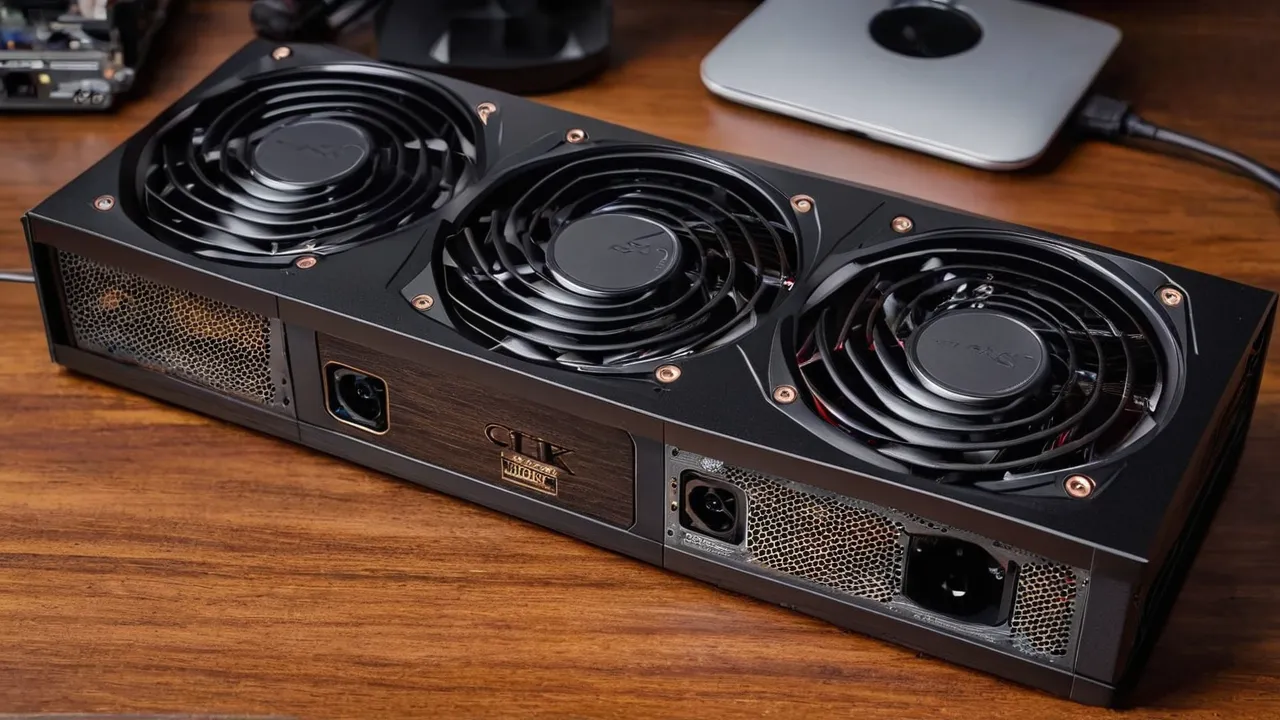
A 2 fan graphics card is not automatically hotter or louder than a 3 fan card, because cooling depends on heatsink size, fan design and case airflow as much as fan count. Three fans on a large heatsink usually run slower and quieter at the same load. Two fans suit compact cases and lower power cards. Check card length, slot width and your case airflow first.
What Fans Actually Do
A graphics card fan pushes air through a heatsink made of metal fins, usually joined to the chip by heat pipes or a vapor chamber. The heat from the chip travels into the fins, and the fans carry it away. More fans can move more air, or they can move the same air more slowly. Which one you get depends on how the maker tuned the card.
A fan’s speed is the lever. At a higher speed, a fan moves more air and makes more noise. If a card has three fans, each can spin slower for the same total airflow, which usually means lower noise. If a card has two larger fans on a smaller heatsink, it may need more speed to keep the chip within its limits.
Fan design also varies. Blade shape, bearing type and the way the fans are spaced change how well they push air through the fins. Two cards with the same fan count can sound very different. The count is a clue, not a verdict.
Most modern cards also stop the fans at low load, a feature often labeled zero RPM or semi passive mode. In that mode, a card idling on a desktop makes no fan noise at all. Check the product page and manual for this feature if quiet operation matters to you.
Heatsink Size Often Matters More
The heatsink does the heavy lifting. A larger fin stack has more surface area, so it sheds heat more easily at lower fan speeds. A card with three fans often has a longer, thicker heatsink, which is why it tends to be quieter. A card with two fans may have a smaller one, which suits cases with limited room.
Look at these points when you compare.
- Card length and thickness: longer and thicker cards usually carry bigger heatsinks.
- Number of heat pipes or a vapor chamber, if the maker lists them.
- Whether the heatsink covers the memory and the power stage, not just the chip.
- The power rating of the card, listed as board power or total graphics power. A higher power card makes more heat and needs more cooling.
A fan count on the box tells little unless you know the power draw and the heatsink size. A 2 fan card for a modest power chip can be better cooled than a 3 fan card that pushes a very high power chip.
Case Airflow Changes the Result
A graphics card draws air from inside the case. If the case moves air poorly, the card breathes warm air, and the fans must work harder. A good case with front intake fans and rear or top exhaust gives the card cooler air regardless of its fan count.
Think about airflow in these terms.
1. Intake: cool air should enter at the front or bottom, ideally in front of the card.
2. Exhaust: warm air should leave at the rear and top.
3. Pressure: a case with slightly more intake than exhaust tends to stay cleaner, though the details depend on the case and its filters.
4. Obstructions: cable bundles and drive cages in the airflow path reduce the cooling of any card.
Cards with a blower style design exhaust air out of the rear of the case through a single fan. That helps in crowded cases. Open air designs with two or three fans push the heat into the case, which the case fans must then remove. For a small case with weak exhaust, a card with fewer fans and lower power can run cooler than a large card that dumps heat into a tight space.
Noise and Fan Curves
Noise comes from fan speed and the way the fans are tuned. A fan curve is the rule that maps temperature to fan speed. Makers set a default curve, and many cards come with software to change it.
A quiet card usually has larger fans, a larger heatsink and a gentle curve. If you plan to listen carefully in a quiet room, favor a card whose product page mentions a zero RPM mode and a large cooler. If noise is a lesser concern, a 2 fan card is fine.
Remember that a case fan or a processor cooler may be louder than the card. Look at the whole system. Check the manual for the manufacturer’s software, which may let you set a quieter curve, and keep drivers updated, since updates sometimes adjust fan behavior.
Length, Weight, and Mounting
A 3 fan card is usually longer, thicker and heavier. Measure your case’s clearance for card length and for the number of slots the card occupies. A card that takes three slots can block neighboring expansion slots. Check that the card does not hit drive cages or front fans.
Weight matters too. A heavy card can sag in the slot over time, which stresses the slot and the card. Many makers include a support bracket. A support stand or bracket helps, and you should follow the card’s manual. For a case that you move often, remove the card or use a bracket during transport.
Power connectors also affect fit. Some cards have connectors on the top edge, others at the end of the card. Make sure you have room for the cable and its bend. Our graphics cards category lists models, and the product pages show their dimensions.
Small Cases and Compact Builds
In a small case, a 2 fan card is often the practical choice. It fits, it leaves room for air and it usually has lower power. A compact card with a blower or a pair of fans can run well when the case has decent intake and exhaust.
Watch the thickness. Many 2 fan cards are two slots thick, which suits small cases. A 3 fan card with three slots may not fit at all. If the case is small and airflow is limited, choose a lower power card, and avoid pushing a high power chip into a space that cannot remove the heat.
Here is a simple method for a compact build.
1. Measure the maximum card length and thickness the case allows, and subtract a little for cables.
2. Check the case’s intake and exhaust fan positions.
3. Pick a card within those dimensions, and favor lower board power if airflow is limited.
4. Plan cable routing before you install the card.
5. Check temperatures after a few hours of normal use, with monitoring software, and adjust the fan curve if needed.
Who Should Choose What
- Small case or limited clearance: 2 fan card, lower power.
- Large case with good airflow and quiet priority: 3 fan card with a large heatsink.
- High power chip in any case: look at the heatsink size and the case airflow before you count fans.
- Mixed use office and light gaming: either is fine, so choose the one that fits and stays quiet.
- Movable or small desk case: lighter card, with a support bracket if it is heavy.
Read our how we review page to see how we weigh specifications, and compare picks in our best graphics card roundup.
A Quick Worked Example
Suppose two cards use the same chip. Card A has two fans, a compact heatsink and a modest length. Card B has three fans, a larger heatsink and a longer body. In a roomy case with good airflow, Card B will likely run its fans slower and sound quieter, since its heatsink handles the heat with less air. In a small case that can hold only a short card, Card A is the right answer, and the fix for any noise is better case airflow or a gentler fan curve. The fan count did not decide either outcome.
What to Read on the Product Page
Look for the card length, the slot width, the board power, the connector type and any statement about zero RPM mode. Check the heatsink description, including whether it has a vapor chamber, and look for the warranty terms. If any of these items is missing, check the maker’s support site before you buy.
Frequently Asked Questions
Is a 3 fan graphics card better than a 2 fan card?
Not always. A 3 fan card often has a larger heatsink and runs the fans slower, which tends to be quieter. A 2 fan card fits smaller cases and may suit lower power chips. Compare heatsink size, power rating and case airflow, not just the number of fans.
Do more fans make a graphics card quieter?
Often, yes, because each fan can spin slower for the same airflow. Fan design, heatsink size and the fan curve also matter. A well designed 2 fan card can be quieter than a poorly tuned 3 fan card. Look for a zero RPM mode at low load.
Will a 3 fan card fit in my case?
Check the card length and thickness against your case’s clearance. Three fan cards are often long and take two and a half to three slots. Measure the space, include room for the power cable bend and confirm that no drive cage or front fan blocks the card.
Does case airflow matter more than the number of fans?
Frequently. A card in a case with poor airflow breathes warm air and runs its fans harder, whatever the count. Good intake at the front and exhaust at the rear or top lowers temperatures for any card. Fix the airflow first, then compare cards.
Final Thoughts
Fan count is a weak guide. Look at heatsink size, board power, case clearance and airflow, then choose the card that fits your space and noise goals. A 3 fan card suits roomy cases and quiet priorities, a 2 fan card suits compact builds, and good case airflow helps both.
Related buying guides
- Will a CPU Bottleneck Your Graphics Card?
- Gaming vs Workstation Graphics Cards for Creative Work
- Graphics Card Buying Mistakes to Avoid
About the author

The BuyOnceChoice Editorial Team researches durable products worth buying once. Our guides compare published specifications, warranty terms, expert review consensus, and verified owner feedback. We do not conduct our own product trials. See How We Review and our Editorial Policy for our standards.