Receiver HDMI Inputs: How Many Do You Need?
Count every source, add spares for growth, and plan older devices separately. A short worksheet turns a vague guess into a number you can shop with.
 By BuyOnceChoice Editorial Team
Updated November 16, 2026
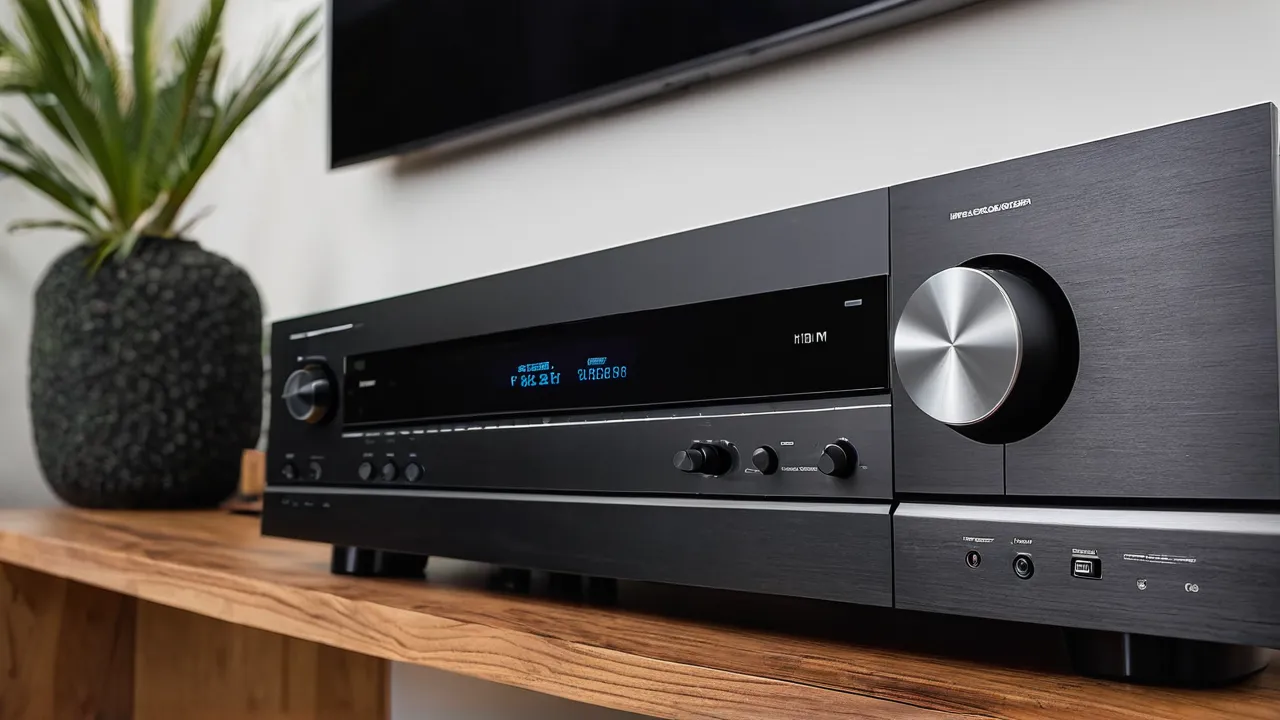
To decide how many HDMI inputs an AV receiver needs, count every source you connect today, add two spare inputs, and confirm the receiver has an eARC output for the TV. Most households land on five to eight inputs. Count consoles, streamers, players and cable boxes separately, and check which inputs support the newest video features.
Why the count matters
HDMI inputs are the one receiver feature that is painful to run short on. You can add speakers later, and you can swap a streamer for another one, but a receiver with too few inputs forces you into switches, cable swapping or a TV used as a hub. Each of those adds a place where audio formats get lost or a handshake fails.
The count also hides a second issue. Not every input on a receiver is equal. Some inputs carry the newest video features, and others are older and limited. A receiver listed with eight inputs might have only some that pass the highest frame rates, so the count alone does not settle the choice.
The worksheet
Write a short list before you shop. Count each device that needs its own input, then mark whether it needs the best video features.
| Device | Needs own input | Needs newest video features |
|---|---|---|
| Game console | Yes | Yes, if it outputs high frame rates |
| Second game console | Yes | Yes, if it outputs high frame rates |
| Streaming box or stick | Yes | Sometimes |
| Disc player | Yes | Sometimes |
| Cable or satellite box | Yes | Rarely |
| Desktop or laptop | Yes | Depends on the display |
| Older gear with HDMI | Yes | No |
Add up the rows that apply. That number is your starting count before the spare inputs.
The spare input rule
Add two spare inputs to your count. One covers the device you are likely to buy within a few years, and the other covers a guest, a temporary connection or a failure of one port. If you count five devices, look for a receiver with at least seven inputs.
The rule is simple, and it works because most owners add a device sooner than they expect. A new console, a second streamer or a computer for streaming often shows up within the life of a receiver. A receiver you keep for many years will meet several of them.
Which ports matter most
Look beyond the count and check what each port does. In the specification sheet or manual, find these items.
- Which inputs support the highest resolution and frame rate, usually written as 4K at 120 Hz or 8K at 60 Hz.
- Whether the output to the TV supports eARC, which carries the best audio formats from the TV back to the receiver.
- Whether Dolby Vision, HDR10 and variable refresh rate pass through on all inputs or only some.
- How many HDMI outputs there are. A second output can feed a projector or a second TV, but some models disable it when the main output is in a certain mode.
Put your console on an input that supports the newest features, and put older devices on the rest. If the manual says only some inputs carry the full bandwidth, connect the devices that need it there. Check the manual for any note about bandwidth, since labeling differs by brand.
Older gear without HDMI
Older consoles, VCRs and some disc players use component or composite video, which modern receivers often do not accept. Many current receivers have dropped analog video inputs entirely. If you want to keep such gear, choose one of these paths.
- Use a converter box that turns analog video into HDMI. It uses an input, so count it in your worksheet.
- Connect the older gear directly to the TV and send audio separately to the receiver where the model allows it.
- Keep a separate small display for retro gear.
Converters vary in quality, and a cheap one can add delay or soften the picture. For older games, delay matters, so read the product description. Check the receiver spec sheet for analog and optical audio inputs if you only need sound from the old device.
Using the TV as a hub
Some people plug every device into the TV and send audio to the receiver through eARC. This approach cuts the input count you need on the receiver to one. It can work well with a modern TV that has several HDMI ports and eARC.
It also has limits. The audio formats that pass through eARC depend on the TV, and some TVs compress or drop formats. Switching between sources depends on the TV remote and menu, which can be slower. If the TV is replaced, the connections move with it. Treat the TV hub as a workable fallback for simple systems and not as a plan for a system with many sources.
Future proofing
A receiver with a couple of extra inputs and current video support will age better. Look for the newest HDMI version on at least some inputs and for firmware updates from the maker. The next feature to arrive is hard to guess, so extra inputs and eARC cover the likeliest needs. Do not pay a large premium for features your gear cannot use yet, such as 8K, unless you have a source for it.
Common mistakes
- Counting only what you own now and ignoring a likely new device.
- Assuming all inputs are equal and plugging a console into a limited port.
- Forgetting that a second output may be disabled in some modes.
- Buying a receiver for the count alone, without checking eARC.
Who should choose what
A small apartment system with a streamer and one console can do well with five or six inputs. A family room with consoles, a disc player, a streamer and a cable box wants seven or eight. A dedicated theater with a computer, several consoles and a projector wants eight or more, with two outputs. Compare models in our AV receivers category and see our best AV receiver picks for models that match. Our How We Review page describes how we weigh them.
HDMI switches, splitters and extenders
A switch adds inputs by letting several devices share one receiver input. It is a reasonable fix for a low priority device, such as a seldom used player. Avoid a splitter for sources you need in two places unless you know the content is not copy protected, since protection can block the picture. For long cable runs, active or fiber cables hold the signal better than long passive ones, and any run that must carry high frame rates is worth a check against the cable’s stated bandwidth.
Switching between sources and control
Many receivers pass control commands through HDMI so one remote works with several devices, a feature often called CEC. It helps with simple setups, and it can cause odd behavior, such as the TV turning on when you did not ask. Learn where to switch it off in the menus. Also look at whether the receiver names inputs and lets you hide unused ones, which keeps the on screen list short.
Planning for a second room or a projector
If you plan a projector, count its output on the receiver as well. Some receivers send the picture to two displays at once. Others have a second output that works only when the first is off. Check the manual for which sources can feed each output, because a gaming console might be limited to the main output.
A sample plan from the worksheet
Suppose you own a console, a streaming box, a disc player and a cable box, and you plan to add a second console. That is five devices now and a sixth soon, so the count is six, plus two spares, which gives eight inputs. Mark the two consoles as needing the newest video features, then look for a receiver where at least two inputs carry the full bandwidth. While you plan the room, also think about the speakers that the receiver will drive, since our home theater speakers category shows what suits each room size. Keep the worksheet with the manual so you can recheck it the next time a device changes.
Frequently Asked Questions
How many HDMI inputs do I need on an AV receiver?
Count your devices and add two. Most homes need five to eight inputs. Include consoles, streamers, disc players, cable boxes and any computer. The spare two cover a future purchase and a guest device. If your count reaches eight or more, look for a model with a second HDMI output as well.
Do all HDMI inputs on a receiver support 4K at 120 Hz?
Not always. Some receivers carry the full bandwidth on only a few inputs, while others do on every input. The specification sheet or manual states which ports support it. Plug your console or gaming computer into a port that does, and leave older devices on the rest.
What is eARC and do I need it?
eARC is an HDMI feature that sends high quality audio from the TV back to the receiver. You need it when you play built-in TV apps through the receiver, or when you want a TV hub setup with the best audio formats. Check that both the TV port and the receiver port are labeled eARC.
Can I use an HDMI switch to add inputs?
Yes, for devices you use rarely. A switch lets several sources share one receiver input. It adds a switching step, and cheap models can drop features such as high frame rates. Match the switch to the highest video format your devices send, and keep primary sources on direct inputs.
Final Thoughts
Make a list of the devices you own, add two spare inputs, and check which ports carry the newest video features. Confirm eARC on the TV connection, and plan for older gear with a converter or a direct TV link. A receiver with a few extra inputs saves switches, cable swaps and later frustration.
Related buying guides
- Receiver Pre Outs Explained: Add an Amp Later
- Using a 7.1 Receiver With Fewer Speakers: Setup Guide
- Repair or Replace an AV Receiver: When to Fix
About the author

The BuyOnceChoice Editorial Team researches durable products worth buying once. Our guides compare published specifications, warranty terms, expert review consensus, and verified owner feedback. We do not conduct our own product trials. See How We Review and our Editorial Policy for our standards.