Curved vs Flat Monitors: Which Suits Work
Decide between a curved and a flat monitor by screen width, curve radius, and desk depth, and learn which tasks reward a curve and which are better on flat.
 By BuyOnceChoice Editorial Team
Updated November 16, 2026
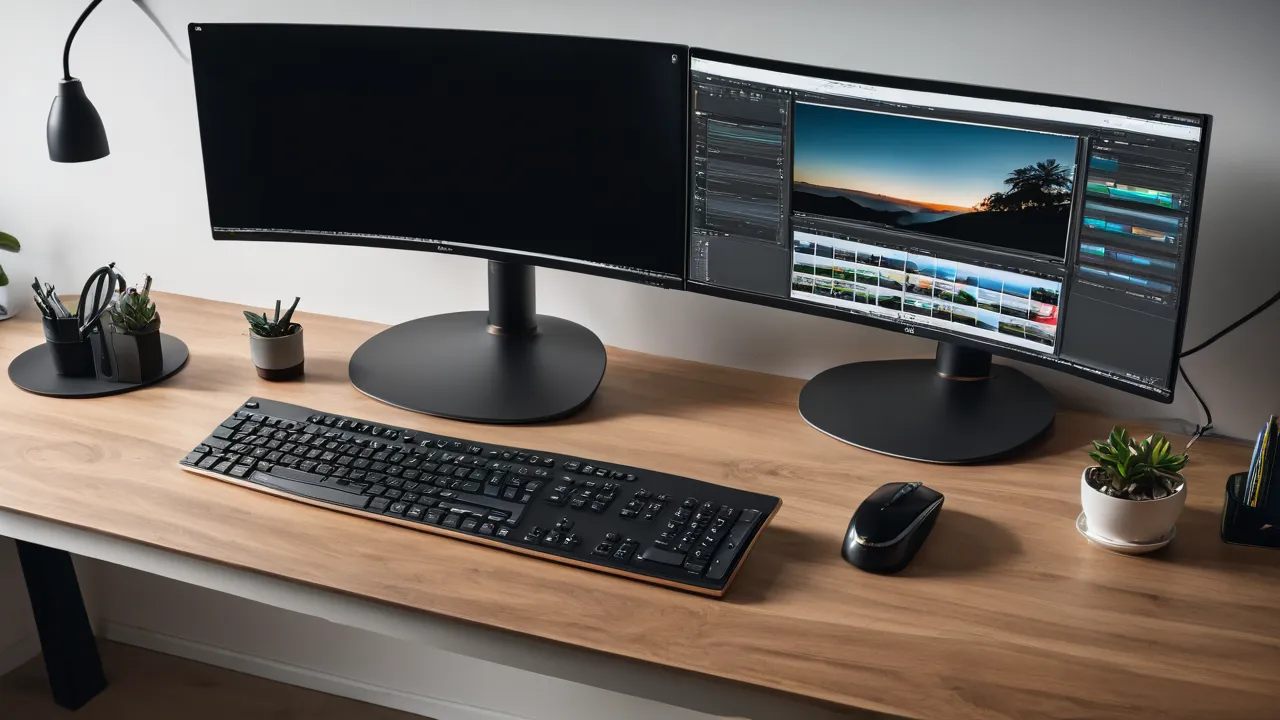
For work, a flat monitor is the safe choice for most screens up to about 27 inches, and a curved monitor starts to help on ultrawide screens of about 34 inches and wider. Curve helps most when the screen is wide and your seat is close. Choose a curve rating that suits your desk depth, and pick flat if you share the screen or do precise layout work.
What Curve Ratings Mean
A curved monitor lists a number such as 1000R, 1500R, 1800R or 3800R. The R stands for radius in millimeters. It is the radius of the circle that the screen would form if you extended the curve all the way around. A smaller number means a tighter curve.
- 1000R: a strong curve, designed for close viewing.
- 1500R: a moderate curve.
- 1800R: a gentler curve, common on ultrawide screens.
- 3800R and higher: a very slight curve.
A useful rule of thumb is that the curve rating matches the ideal viewing distance. A screen rated 1000R is designed to be viewed from about one meter away, which is a bit over three feet. At that distance, every part of the screen sits about the same distance from your eyes. Since most desks put you closer than that, a gentle curve is more comfortable for most people, and a strong curve can look distorted when viewed from too near or too far. Treat the rule as a guide, since comfort varies by person.
Screen Width Decides the Benefit
Curve matters more as the screen gets wider. On a narrow screen, the edges sit about as far from your eyes as the center, so a curve adds little. On a wide screen, the edges are noticeably farther away and angled, so a curve brings them toward you.
Approximate widths for common sizes help you judge.
| Screen | Typical shape | Approximate width | Curve benefit |
|---|---|---|---|
| 24 to 27 inch | 16 by 9 | About 21 to 24 inches | Little, flat is fine |
| 32 inch | 16 by 9 | About 28 inches | Slight |
| 34 inch | Ultrawide | About 32 inches | Noticeable |
| 38 inch | Ultrawide | About 35 inches | Noticeable |
| 49 inch | Super ultrawide | About 47 inches | Large, a flat screen would be hard to view |
For a single standard monitor, buy flat unless you like the look. For an ultrawide, a curved model usually feels better, because you can see the whole width without turning your head as much. For a super ultrawide that replaces two screens, a curve is close to a requirement.
Desk Depth and Viewing Distance
Measure the distance from your eyes to the screen when you sit in your usual position. Many people sit about 20 to 30 inches from the monitor, though this varies with desk depth and chair position.
- Shallow desk, close seat: a tighter curve and a screen that is not too wide, since you cannot lean back.
- Deep desk, farther seat: a gentler curve works, and a larger screen is easier to view.
- Standing desk: your distance may change during the day, so choose a moderate curve and size.
If the desk is shallow and the screen is very wide, you will move your head a lot to read the edges. In that case, consider a smaller screen, a deeper desk or a monitor arm that lets you pull the screen back.
A monitor arm helps with depth, since it frees desk space and lets you place the screen at the right distance. Check the monitor’s mounting pattern and weight, and that the arm supports a curved screen of that size.
Work Tasks: Where Each Type Wins
Curved screens help when you work with wide content.
- Spreadsheets with many columns, where seeing a long row at once saves scrolling.
- Timelines in video and audio editing, which are wide by nature.
- Code and documents side by side.
- Trading or monitoring screens with several panels.
Flat screens suit work that depends on straight lines and precise alignment.
- Page layout, design and CAD, where a curved screen can make straight lines appear bent, though you adjust over time.
- Reviewing printed material and checking alignment.
- Shared screens, where several people look at the monitor from different angles.
- Photo editing where geometry matters, though some people use curved screens without trouble.
Most office tasks, such as email, documents and browsing, work well on either.
Glare, Mounting, and Practical Points
Curved screens can catch reflections from more directions. A curve that faces a window or a lamp may show glare in a spot where a flat screen would not. Choose a matte coating and place the monitor so that light comes from the side.
Mounting is also different. A curved monitor needs a stand that holds its weight and shape. Wall mounting can be awkward, since the screen’s curve pushes the edges out from the wall. Check that the arm or mount supports the VESA pattern and the monitor’s weight, and look at the clearance behind a curved screen.
Practical points:
- A curved monitor takes more desk depth at the sides, so leave room.
- Packing and moving a curved screen is harder, so keep the box.
- Some people feel mild distortion at first and adjust within days. Others never like it.
- Putting two curved screens side by side leaves a gap at the center, so plan the layout.
Our monitors category lists curved and flat models with their sizes and curve ratings.
Cost and Choice
Curved monitors often cost a little more than flat ones of the same size and resolution, though the gap varies. Ultrawide curved screens often cost less than two flat monitors of equivalent width, and you save a bezel gap.
Decide with a short list.
1. Choose the size and shape first, based on your tasks and desk.
2. If the screen is 34 inches or wider, look at curved models and compare the curve ratings.
3. If the screen is 27 inches or smaller, flat is usually enough.
4. Check the stand, the ports and the warranty, since these matter more than curve.
5. Use the return window to see whether you like the curve at your desk.
Compare options in our best productivity monitor roundup.
Who Should Choose What
- Single standard monitor on a normal desk: flat.
- Ultrawide for spreadsheets or timelines: curved.
- Design, layout or CAD work: flat, unless you are used to a curve.
- Shared screen for presentations: flat.
- Shallow desk with a wide screen: a moderate curve, or an arm to gain depth.
- Very large super ultrawide: curved.
Read the how we review page to see how we weigh these choices.
A Worked Example
Imagine an analyst who sits about 28 inches from the screen at a desk of average depth. The analyst works with wide spreadsheets and chooses a 34 inch ultrawide. At that distance, a 1500R or 1800R curve brings the edges toward the eyes without strong distortion. A 1000R screen would suit a seat closer to about a meter’s distance in the rule of thumb, which is farther than this desk allows, so it might feel too tight at the edges. The analyst picks a moderate curve and confirms the stand adjusts in height.
What to Check on the Product Page
Look for the screen size, aspect ratio, curve rating, coating, stand adjustments and mounting pattern. Look for the physical width and depth, since a curved monitor takes more desk space. Read the warranty, and check the return window so that you can see the curve at your own desk.
A Simple Distance Check Before You Order
Sit at your desk and measure from your eyes to where the screen will stand, using a tape or a string. Write the number in inches and convert to meters by dividing by 39.4. Compare it with the curve ratings you are considering, remembering that the radius in meters is a rough guide to the ideal distance. If your seat is far closer than the number, pick the gentler rating. If you lean back often, a tighter curve may feel right. Then check the physical width against your desk, and leave a few inches on each side for speakers or a lamp. This takes five minutes and removes most of the guesswork.
Common Regrets
Buyers of strongly curved screens sometimes regret the glare and the edge distortion when they sit very close. Buyers of large flat screens sometimes regret turning their heads to read the corners. Buyers who skipped the desk depth check regret that the screen feels too big. In each case, a short check of distance and width before buying would have shown the problem.
Frequently Asked Questions
Is a curved monitor better than flat for work?
Only on wide screens. On ultrawide monitors of about 34 inches and up, a curve helps you see the edges without turning your head. On a standard 27 inch screen, the difference is small, and flat is a safe choice, particularly for precise layout work.
What does 1800R mean on a monitor?
It means the screen’s curve has a radius of 1800 millimeters, about 1.8 meters. A smaller number means a tighter curve. 1800R is a gentle curve common on ultrawide monitors. A rough guide is that the radius in meters approximates the ideal viewing distance.
Is a curved monitor bad for design work?
It can make straight lines look slightly bent at first, and some people never like it. Many designers prefer flat screens for layout and CAD. If you want a curved ultrawide, check that you adjust to it before the return window ends.
Does a curved monitor cause eye strain?
There is no firm rule. A well matched curve can feel comfortable on a wide screen, and a poorly matched one can look distorted. Glare, brightness, distance and breaks matter more. Choose a moderate curve, a matte coating and a distance that suits you.
Final Thoughts
Pick flat for standard screens and precise layout work, and pick curved for ultrawide screens and wide tasks. Match the curve rating to your viewing distance, check the stand and mount and use the return window. The right shape depends on screen width and desk depth, not on the curve alone.
Related buying guides
- Dual Monitor Setup Checklist for Laptop and Desktop
- HDMI vs DisplayPort vs USB-C for Monitors
- HDR on Monitors: Does It Matter for Work
About the author

The BuyOnceChoice Editorial Team researches durable products worth buying once. Our guides compare published specifications, warranty terms, expert review consensus, and verified owner feedback. We do not conduct our own product trials. See How We Review and our Editorial Policy for our standards.