AV Receiver Streaming Features: What Is Worth It
Built-in apps and services age fastest. Open standards like AirPlay, Chromecast and a wired network port last longer. Plan to rely on an external streamer.
 By BuyOnceChoice Editorial Team
Updated November 16, 2026
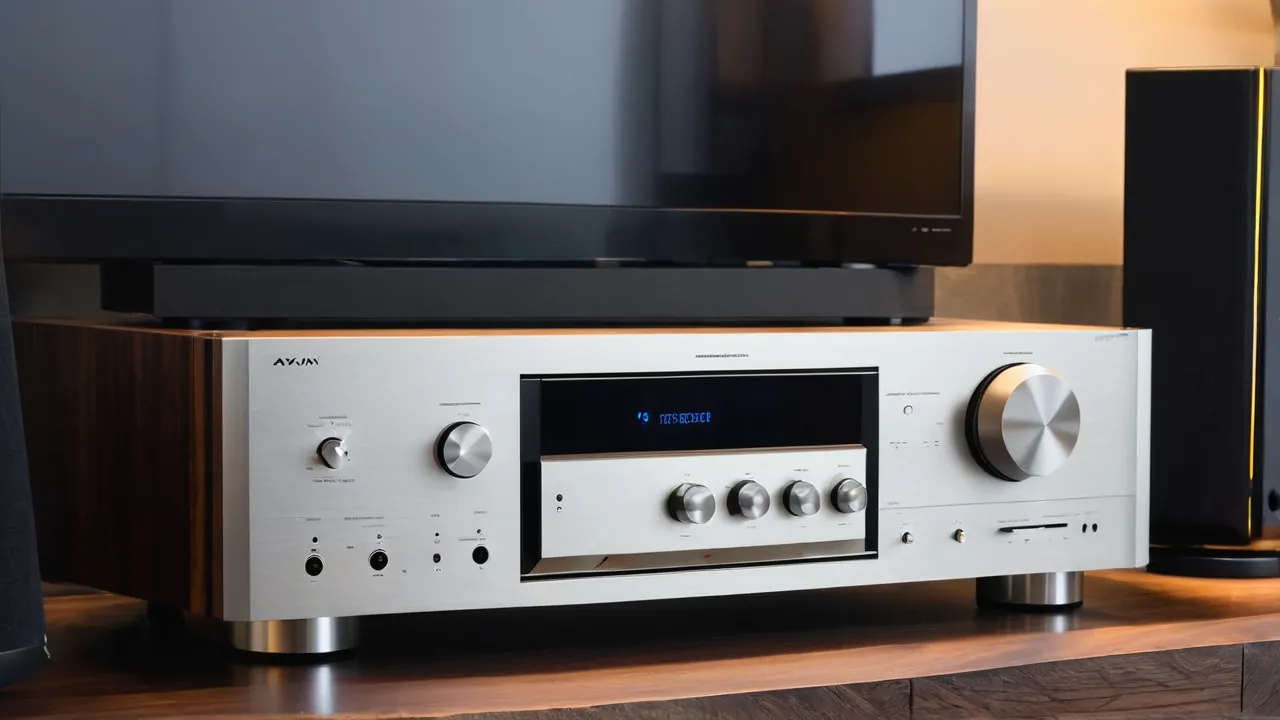
Most AV receiver streaming features are a convenience that ages faster than the amplifier inside, so pay for the ones that rely on open standards and a good network connection, and treat built-in apps as a bonus. A separate streaming device or TV app usually gets updates and new services faster, which means you can buy a receiver for its amplifier, channels and HDMI, and not for its app list.
Why streaming ages faster than amplification
An amplifier circuit built today will amplify just as well in many years. Streaming depends on software, online services, accounts and protocols, all of which change. A service may update its app, change its sign in method, retire an old version of its interface or drop support for older hardware. Receivers update on the manufacturer’s schedule, and older models can stop receiving updates while the services keep moving.
That is the central point: features that depend on an app made by a third party tend to age out, and features that rely on common standards tend to last longer.
Features that tend to age out
- Built in apps for specific services, which depend on the maker keeping them updated.
- Receiver specific mobile apps, which need ongoing support from the maker.
- Voice assistant integrations, which change as the underlying platforms evolve.
- Internet radio directories and online account features that depend on vendor servers.
- Proprietary multi room systems tied to one brand, which may or may not stay supported.
None of these is useless, and many work well. Do not pay a large premium for them, and do not expect them to remain current for the life of the receiver. Check the maker’s history of updating older models.
Features that tend to last
- A wired Ethernet port, which gives stable networking and receives updates and streams without relying on Wi-Fi quality.
- Standards such as AirPlay and Chromecast built in, which are supported across many apps and devices, though they too depend on their platforms.
- Bluetooth, which is a widely used standard for casual listening, though sound quality is limited by the codec.
- HDMI eARC, which lets a TV or streamer send audio to the receiver with little dependence on the receiver’s own apps. Our guides on HDMI passthrough cover the video side.
- Support for local network playback of files from a computer or storage, using common protocols.
- Firmware update capability over the network.
These keep the receiver useful even as services change. A simple rule helps you judge any feature on a spec sheet: ask who has to keep it working. If the answer is only the receiver maker, expect it to fade as models age. If the answer is a wide standard that many devices share, or a plain wired connection, it is far more likely to still work in a few years. Apply the rule to every logo on the box before you let it raise the price you are willing to pay.
Use an external streamer
A dedicated streaming box or a smart TV usually has the most up to date apps and the broadest service support. Connect it to the receiver by HDMI, or by eARC from a TV. That way, the receiver handles the amplification and audio decoding, and the streamer handles the services. If the streamer becomes outdated, you replace it for a modest cost. That approach fits the buy once principle: invest in the part that lasts and replace the part that ages.
Check that your streamer supports the audio formats you want, such as Dolby Atmos, and that the receiver decodes them. Our comparison of DTS:X and Dolby Atmos covers that part.
What to do with an older receiver
If your current receiver has aging apps, you do not have to replace it. Put a modern streamer on an HDMI input, or use the TV’s apps with eARC, and keep the receiver for amplification. Check whether the receiver still receives security and feature updates, and keep it off networks that you do not trust if updates have stopped. If you do not need the network functions, you can leave them disabled. Many owners run a receiver for years in this way, which supports the buy once approach.
Music, High Resolution Audio, and Multi Room
If you listen to music, consider how you will start it. Options include casting from a phone, using the receiver’s app, selecting from a TV, or using a dedicated music streamer connected to an analog or digital input. Casting is convenient, but depends on a phone. A dedicated music streamer or a network audio player can be a separate, upgradeable component. If you play files from a server, check that the receiver’s network player supports your file types and handles large libraries, according to its manual.
High resolution audio and multi room
Some receivers list support for high resolution audio files and multi room features. If you have a library of such files, check the supported formats and sample rates in the manual. If you want multi room, check which services and speakers the receiver supports. These features vary by maker and may need a proprietary ecosystem. If you are not sure that you need them, put them low on the priority list.
Network, Setup, and Updates
Setup and household factors
Streaming features need a stable network, so check Wi-Fi coverage where the receiver sits, or run a cable. Keep the receiver’s firmware updated, and register for updates if the manufacturer offers them. If several people use the system, think about accounts and sign in, and keep a note of settings. Remember that smart features can raise privacy questions. Review the receiver’s network settings and disable features you do not use.
Wi-Fi, Ethernet and reliability
Streaming problems often come from the network, not the receiver. A weak Wi-Fi signal at the cabinet causes dropouts, and a wired connection often solves them. If you cannot run a cable, consider a network adapter or a mesh system node near the equipment. Keep the receiver away from large metal surfaces that block wireless signals, and look at the router’s placement. If your receiver drops off the network after a power outage, check the network settings and consider a reserved address in your router.
Subscriptions, accounts and privacy
Some receiver features rely on accounts with the maker or a service. Consider what happens if the maker retires a service. Read the privacy settings of any app and turn off options you do not want. If you share the system with guests, check how guest access works, and whether a guest can control playback.
Firmware updates and what they can change
Updates can add features, fix bugs and sometimes remove functions that a service no longer supports. Before you buy, look at how often the maker released updates for models a few years old, since that is the best sign of future support. After you buy, check the update setting and keep the receiver connected when an update is released. Read the release notes if you can, and note any changes to your settings after an update. If a new version causes problems, check the maker’s support pages for guidance.
Verdict by Listener Type
- Households that stream movies: HDMI and eARC matter more than built in apps.
- Music lovers: network playback, a wired connection and a good streamer.
- Casual listeners: Bluetooth and casting are enough.
- People who dislike updating: use a separate streamer or a TV, and keep the receiver simple.
Our AV receivers pages and best AV receiver roundup can help you compare models.
Questions for a spec sheet
- Is there an Ethernet port, and does the receiver support updates over the network?
- Which open standards does it support, and which services does it include?
- How long has the maker supported older models with updates?
- Which audio formats does the network player support?
- Does the receiver need a mobile app for setup, and is that app maintained?
Read the manual and owner reports for answers.
Frequently Asked Questions
Are streaming features in an AV receiver worth paying for?
Only modestly. Built-in apps depend on the maker’s updates and often age faster than the amplifier. Open standards such as AirPlay, Chromecast, Bluetooth, and a wired Ethernet port last longer. Buy the receiver for its channels and HDMI, and use an external streamer for services.
Do I need a streamer if my AV receiver has apps?
Not always, but a dedicated streamer or a smart TV usually gets updates and new services faster. Connect it by HDMI or eARC and let the receiver handle amplification and decoding. If the streamer ages, you replace it for a modest cost.
Does AirPlay or Chromecast built in make a receiver future proof?
It helps, since both are supported across many apps and devices, but they still depend on their platforms and on the maker’s firmware. Check how long the maker has updated older models, and treat any built-in feature as a bonus rather than a guarantee.
Is Wi-Fi or Ethernet better for receiver streaming?
Ethernet is steadier, because it does not depend on signal strength at the cabinet and it works well for updates and large files. If you cannot run a cable, put a mesh node or adapter near the equipment and keep the receiver clear of large metal surfaces.
Final Thoughts
Buy the receiver for its amplifier, channels and HDMI, and treat streaming apps as a short lived extra. Prefer open standards and a wired network, and use an external streamer for services. For how we judge claims about features, see How We Review, and for related guides browse the home theater speakers section.
Related buying guides
- AV Receiver Ventilation and Overheating Checklist
- Receiver vs Separates: Do You Need a Preamp and Amp?
- Bi-Wiring vs Bi-Amping Speakers: Is It Worth It?
About the author

The BuyOnceChoice Editorial Team researches durable products worth buying once. Our guides compare published specifications, warranty terms, expert review consensus, and verified owner feedback. We do not conduct our own product trials. See How We Review and our Editorial Policy for our standards.