IPS vs VA vs OLED Monitors for Office Work
Text clarity, glare and long-day comfort decide office panels, not gaming specs. Here is how IPS, VA and OLED compare and who should pick each one.
 By BuyOnceChoice Editorial Team
Updated November 16, 2026
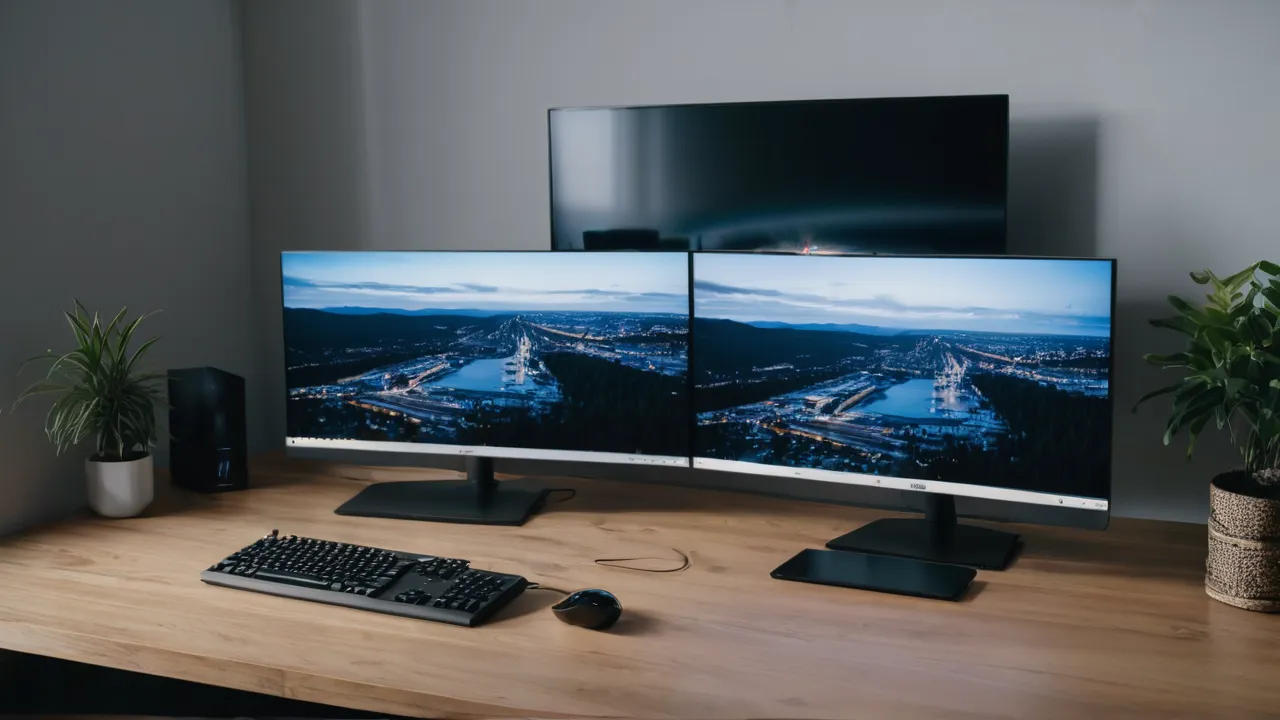
For eight hours of text, spreadsheets and video calls, IPS is the safest panel type, VA gives deeper blacks at the cost of some text softness and motion smearing, and OLED offers the best contrast but demands care with static windows and bright office light. Pick by the work you do all day rather than by gaming reviews.
What Office Work Asks of a Panel
Most panel comparisons are written for gamers, so they focus on response time and motion. An office screen faces a different job. It shows black text on white backgrounds for hours, sits near a window or overhead light, and displays the same toolbars and menus every day. The qualities that matter are text clarity, viewing angle, glare handling, uniform brightness and long-term stability.
Keep that list in mind as you read. A panel can look incredible in a dark showroom and still be tiring in a bright home office. The three technologies below make different trades across those qualities, and none of them wins everything.
A Room Check Before You Choose
Spend ten minutes on a quick room audit. Note where the window sits relative to your desk, how many lamps shine on the screen, and what time of day you work. Bright daytime work near a window favors a matte IPS or VA screen. Evening work in a dim room opens up VA and OLED. A shared family desk favors IPS because of its wide viewing angles. Write the answers down and use them as the filter when you read product pages, so you buy for the room you have.
IPS: The Predictable Default
In-plane switching panels are the most common choice for office monitors. Their main strength is consistency. Colors and brightness hold steady when you look from the side or lean back, which matters when two people look at one screen or when you move around a standing desk. Text edges are generally clean, because the pixel layout is simple and widely supported by operating system font rendering.
Their weakness is contrast. IPS blacks tend to look dark gray in a dim room, and many panels show a faint glow in the corners when viewed from an angle. In a lit office most people never notice. If you work with dark themes in a dark room, you will.
An IPS monitor is the right default if you want one screen to handle documents, photo viewing, video calls and the occasional video without surprises. It is also the easiest type to recommend for shared and family desks.
VA: Strong Contrast, Some Compromises
Vertical alignment panels offer noticeably deeper blacks than IPS, so dark content looks richer and text on a dark background can look sharper to the eye. They are common in curved and large ultrawide screens, which is where many office buyers meet them.
The trade-offs are real, though. Viewing angles are narrower, so edges can shift in color if you sit close to a wide curved panel. Fast-moving items, such as scrolling text or a dragged window, can show smearing on some models because dark transitions are slower. Many people never notice this at office speeds, while some find it distracting. Manufacturers do not list the same figures in the same way, so read the product page and user feedback for your specific model.
VA suits someone who works in a dim room, watches a lot of video between tasks, and sits centered in front of the screen. Skip it if you share the view with others or you scroll long documents all day and are sensitive to smearing.
OLED: Beautiful, With Habits to Learn
Organic light emitting diode panels light each pixel on its own, so blacks are truly off and contrast is excellent. Viewing angles are wide and motion is clean. For creative work and video, the picture can be striking.
Office use raises two cautions. First, static content. A taskbar, a menu bar and a spreadsheet grid stay in one place for hours, and OLED panels can in principle retain wear from that. Makers include protective features such as pixel shifting and refresh cycles, and warranty terms differ on burn-in, so read what the maker actually covers before you buy. Second, text rendering. Some OLED panels use a pixel layout that makes thin text edges slightly fringed on Windows. Settings can help, but results vary by model.
Brightness is another factor. Many OLED panels dim large white areas automatically to protect themselves, which is exactly what a white document looks like. In a bright room the screen may look less punchy than you expect. OLED fits a dim room, mixed work and play, and a buyer who accepts a little care in return for picture quality.
Lifespan expectations differ by type as well. Backlit LCD panels, both IPS and VA, tend to age gradually as the backlight dims over many years of use, which most owners accept as normal. OLED panels age differently because each pixel wears at its own rate, so heavy static content is the main factor. Manufacturers state warranty periods and conditions, but we do not quote lifespan figures here because they vary by model and use. Read the coverage language and keep proof of purchase.
Glare and Lighting Decide More Than You Think
The finish on the front of the panel affects office comfort as much as the type. Matte coatings scatter reflections and are friendlier near windows. Glossy surfaces make colors look richer but mirror lamps and bright shirts. Many OLED panels ship with a glossy finish, while most IPS and VA office monitors use matte coatings.
Before choosing, look at your room. A desk facing a window or beneath a bright ceiling light calls for a matte finish, which pushes you toward IPS or VA. A room with controlled light opens the field.
You can also reduce glare without changing the panel. Turn the desk so the window is at the side, use blinds and place the monitor at a right angle to bright sources. Even a modest change often matters more than a spec sheet.
Brightness uniformity and flicker behavior also vary across all three types. Cheaper panels of any type can show uneven backlight or visible tint near edges, and some use pulse width modulation to dim the backlight. If you are sensitive to flicker, look for a maker statement about flicker-free dimming, and set brightness to a comfortable mid-level rather than relying on low settings.
Color accuracy matters if you edit photos or review brand colors. Many IPS panels and OLED panels cover wide color ranges, while basic VA panels vary more. For ordinary office work, a monitor that looks natural out of the box is enough, and an inexpensive calibration tool is optional rather than required.
Questions to Ask Before You Buy
Check the product page for the panel type, the finish, the warranty terms, and any statement about flicker-free dimming. For OLED, read the burn-in coverage and ask whether the maker offers pixel shifting. For VA, read owner feedback on smearing at your typical scroll speed. For IPS, look for notes on backlight uniformity. Treat any answer that is missing as a prompt to look elsewhere or to confirm through the support page.
Quick Comparison
| Panel type | Text clarity | Glare handling | Best for | Main caution |
|---|---|---|---|---|
| IPS | Clean and consistent | Usually matte | General office, shared desks | Grayish blacks |
| VA | Good, can soften | Usually matte | Dim rooms, centered viewing | Smearing, narrow angles |
| OLED | Excellent contrast, fringe on some | Often glossy | Dark rooms, mixed use | Static content care |
Use the table as a first filter, then read the specifics for the model. Panel type is a tendency rather than a guarantee, so product pages and owner feedback matter.
Who Should Pick Which
- Pick IPS if you want the least risk, you sit at different angles, or the screen is shared.
- Pick VA if you work in lower light, like deep blacks and do not scroll fast or share the view.
- Pick OLED if you can control room light, accept a glossy finish and want the best picture for mixed work and entertainment.
- Skip OLED if the same spreadsheet or code window is open nearly all day, or if you need a bright room with a window beside you.
For a broader view of how we weigh these trade-offs, see how we review.
Frequently Asked Questions
Is IPS or VA better for office work?
IPS is the safer choice for most offices because of wide viewing angles, consistent color, and clean text. VA offers deeper blacks and suits dim rooms and centered viewing. If you share the screen or move around a standing desk, choose IPS. Check owner feedback on smearing for any VA model.
Is an OLED monitor good for office work?
It can be, if you accept some care. OLED has excellent contrast and viewing angles, but static toolbars and spreadsheets raise burn-in concerns, and some panels show text fringing. Read the maker burn-in coverage and use dark mode and auto-hide taskbars. Skip OLED for a window-side desk.
Which panel type is best for eye comfort?
No panel type guarantees comfort. Glare control, brightness set for the room, text size, and flicker-free dimming matter more than IPS, VA, or OLED. A matte finish in a bright room and proper screen distance help most. See a clinician if you have persistent eye symptoms.
Does panel type matter for video calls and spreadsheets?
Only a little. All three types handle calls and spreadsheets well. Text clarity, viewing angle, and glare matter most, which favors IPS or a matte VA screen. OLED works too, but static windows and a bright room call for extra care.
Final Thoughts
For plain office work, IPS remains the safe answer, VA is a smart pick for lower light and a good value on larger screens, and OLED is the choice when picture quality matters and you can manage glare and static content. Look at your room and your daily windows first, then choose the panel type.
When you start comparing models, check the panel finish, warranty coverage and port selection on the product page. Our monitors category and the productivity monitor roundup are good places to continue.
Related buying guides
- Does Your Laptop Port Support a Monitor? Checklist
- Mac Monitor Guide: Scaling, 4K and 5K Explained
- Matte vs Glossy Monitor Screens for Home Offices
About the author

The BuyOnceChoice Editorial Team researches durable products worth buying once. Our guides compare published specifications, warranty terms, expert review consensus, and verified owner feedback. We do not conduct our own product trials. See How We Review and our Editorial Policy for our standards.