Monitor Size by Desk Depth: 24, 27, 32 Inch
Pick monitor size from your real eye-to-screen distance, not the box. A step-by-step sizing method with a desk depth table and a pixel density sanity check.
 By BuyOnceChoice Editorial Team
Updated November 16, 2026
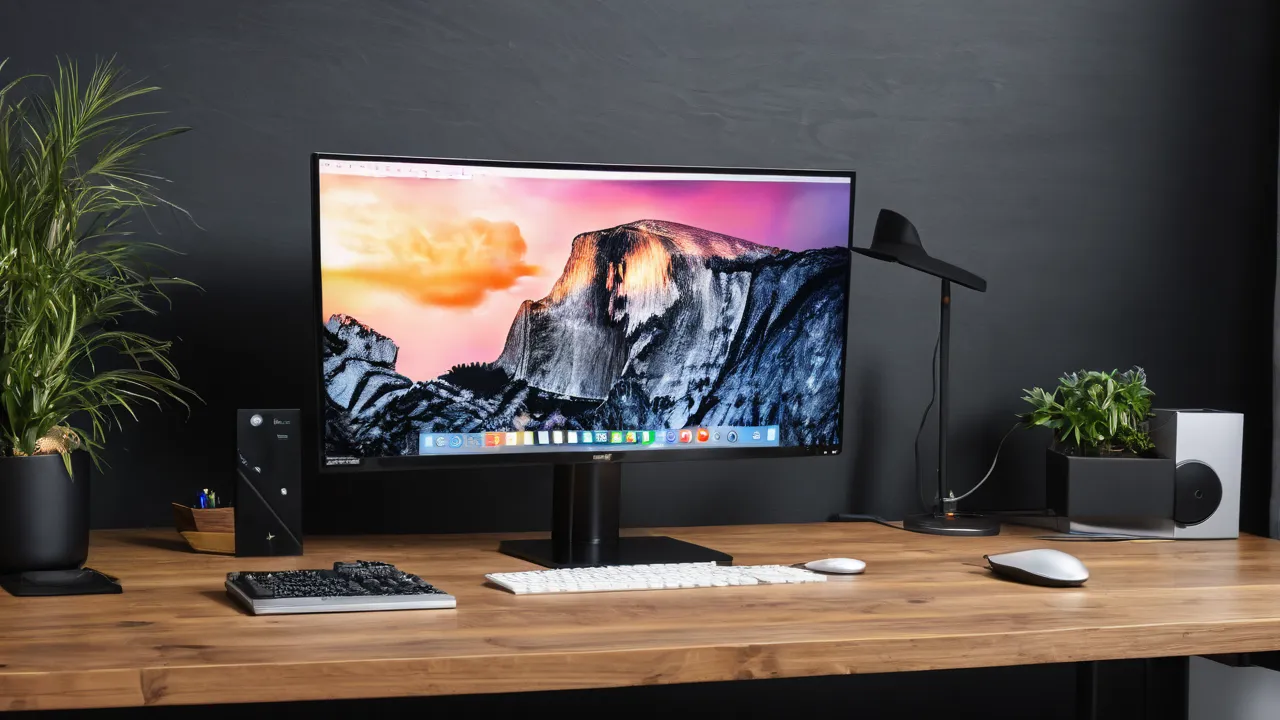
For most desks between 24 and 30 inches deep, a 27 inch monitor is the size that fits without forcing you to lean or squint, while a 24 inch screen suits shallow desks and a 32 inch screen needs roughly an arm and a half of clear depth. The right answer comes from measuring the distance between your eyes and the glass, then matching diagonal size and resolution to it.
Why Desk Depth Matters More Than the Diagonal
A monitor does not sit at the back edge of the desk. The stand base, the panel thickness and the gap you leave behind the screen all eat into the surface, and your eyes sit behind the front edge of the desk by the length of your forearms and keyboard. The result is that the usable viewing distance is often shorter than people expect on a standard shallow desk.
Most office ergonomics guidance describes a comfortable distance as somewhere around an arm’s length, often quoted as roughly 20 to 30 inches. That range is a starting point, not a law. People who read small text all day tend to prefer the near end, and people who watch video or work across several windows tend to prefer the far end.
The practical takeaway is that diagonal size is only half of the picture. A big panel on a shallow desk forces you to sit close, so your eyes must sweep across the screen to see the corners. A smaller panel on the same desk lets you see everything with little head movement. Depth first, diagonal second.
A Four Step Method to Measure Your Own Distance
You can size a monitor in ten minutes with a tape measure and a chair. Sit the way you actually work, with your back against the chair and your hands on the keyboard. Then follow the steps below.
- Measure from the front edge of the desk to the wall or the back of the desk. That is your total depth.
- Sit in your normal position and measure from your eyes to the spot where the screen glass will be. Ask a friend to hold the tape, or lay a ruler on the desk and read it off.
- Subtract the stand footprint. Many stands run a few inches deep at the base, so check the product page for the stand depth and leave a small gap at the back for cables.
- Write the final eye distance down. This is the number you will size against.
If your result is below about 20 inches, you are probably on a shallow desk or sitting too close. Moving the chair back a few inches and using a monitor arm that clamps to the edge can recover a surprising amount of distance, because an arm lets the panel hang over the desk rather than stand on it.
A Worked Example With Made-Up Numbers
Say your desk is 28 inches deep. You push the monitor back so the glass sits 6 inches from the back edge, leaving room for the stand and cables, and you sit with your eyes about 4 inches behind the front edge. Your eye to glass distance is 28 minus 6 plus 4, which is 26 inches. Look at the table: 26 inches falls in the 24 to 30 inch row, so a 27 inch screen fits. Now suppose the desk is only 24 inches deep with the same layout. The distance drops to 22 inches, which points to a 24 inch screen, or to a 27 inch screen on a clamp arm that hangs over the desk edge. Rework the numbers for your own desk before you choose.
Desk Depth and Size Table
The table below is a rule of thumb, built from the common size classes of office monitors. It assumes a single screen centered in front of you. Treat the ranges as guidance and adjust to your own eyes and your own desk.
| Eye distance | Typical desk depth | Size that usually fits | Watch out for |
|---|---|---|---|
| About 20 to 24 inches | Shallow, around 24 inches | 24 inch | 27 inch can feel too wide at this range |
| About 24 to 30 inches | Standard, around 30 inches | 27 inch | 32 inch needs the far end of this range |
| About 30 inches or more | Deep, or an arm mount | 32 inch | Low resolution looks soft at this size |
| Any distance | Corner or L-shaped desk | Ultrawide 34 inch class | Check width, not just depth |
Notice that the table never says bigger is better. It says bigger is possible when distance allows. If you land between two rows, pick the smaller size first and see whether you keep wishing for more room. Returning to a smaller screen is rare, while sitting too close to a large one is a common complaint.
The Sharpness Check: Size Has to Match Resolution
Size and resolution travel together. Pixel density, measured in pixels per inch, tells you how sharp text will look. A 24 inch screen at 1080p lands near 92 pixels per inch. A 27 inch screen at 1440p is about 109. A 32 inch screen at 4K is about 138, and a 32 inch screen at 1440p drops to about 92.
Why does this matter for sizing? Because the same low density looks fine at a long distance and rough at a short one. If your desk limits you to 24 inches of eye distance, a 32 inch panel at 1440p will show visible pixel edges on small text. The same size at 4K, or a smaller screen at 1440p, gives a cleaner picture.
A simple check works well. Open a document with ordinary body text, sit at your measured distance and look at a lowercase letter such as e or a. If the curves look stepped or fuzzy, you need either more resolution, a smaller panel or more distance. Many retailers allow returns, so doing this check in your own room is worth the effort.
Single Screen, Two Screens and Ultrawide Layouts
Depth is only one axis. Width matters when you want more than one screen. Two 24 inch monitors need a surface at least as wide as the two panels side by side, which for common models is a bit over 40 inches once bezels are counted. Always confirm the width on the product page, because bezel sizes vary.
An ultrawide panel in the 34 inch class gives about the horizontal space of two smaller screens with no seam, and its curve helps keep the edges at a similar distance from your eyes. It still sits deep on the desk, so your eye distance rule applies, and you should check that the stand fits within your desk depth. For a deeper comparison of the two layouts, our site covers it in a separate guide, and our category page for monitors lists the options we cover.
If you work with a laptop beside the monitor, leave room for it. A laptop on a stand next to a 27 inch panel needs more width than most people measure in advance. Sketch the layout on paper before buying and include the keyboard, the mouse pad and any speaker.
Width Checks for Two Screens and Ultrawides
Add widths with a tape measure and the product page. Two 24 inch screens are each a bit over 21 inches wide, so together they need roughly 43 to 45 inches of clear desk. A 27 inch screen is about 24 inches wide, and a 34 inch ultrawide is about 32 inches wide. These are approximate class sizes, so confirm the exact width and stand footprint on each product page. Leave a few inches beside the screen for speakers, a lamp, or a notepad, and check that the stand legs do not collide with your keyboard tray.
Height, Tilt and Mounting Choices
Size is wasted if the screen is at the wrong height. A common guideline is that the top edge of the screen sits at or slightly below eye level, so you look slightly down at the center. Larger screens make this harder because the center rises as the panel grows, and a stand with limited height range may leave the top edge above your eyes.
A monitor arm solves two problems at once. It frees the desk surface, which effectively adds depth, and it lets you set height and distance to the inch. Before buying, check the mounting pattern on the monitor, usually called VESA, and confirm the arm supports the weight and size of your panel as the arm maker states it. Follow the arm instructions for clamp thickness limits on your desk edge.
If you use a sit-stand desk, remember your eye position changes. Measure distance in both postures, and prefer an arm or a stand with enough height range for both. Our guide to standing desk options explains how the range of travel is described.
Who Should Choose Which Size
Use this short decision rule when the table leaves you unsure.
- Choose 24 inch if your eye distance is short, your desk is shallow, or you mostly use one window at a time. It is also the easiest size to place on a small desk beside a laptop.
- Choose 27 inch if you have a standard desk and want room for two windows side by side. It is the most common balance of space and sharpness.
- Choose 32 inch if you can sit about an arm and a half away, you prefer large text without scaling, or you share the screen with others. Pair it with high resolution.
- Skip very large or ultrawide panels if your desk is under about 24 inches deep and you cannot use an arm. You will end up sitting too close and turning your head constantly.
Buyers who plan to upgrade a desk later should size for the future desk only if the move is definite. Otherwise, size to what you have. A monitor that fits your current setup well is a better buy than one that fits a desk you may never own.
Frequently Asked Questions
What size monitor fits a 24 inch deep desk?
A 24 inch screen is the safe choice on a shallow desk, because your eye distance is likely around 20 to 24 inches. A 27 inch screen can work if you add a clamp arm so the panel hangs over the edge and you can sit farther back. Measure your actual eye distance first.
Is a 27 inch monitor too big for a desk?
Not on a standard desk around 30 inches deep, where it is the most common balance of space and sharpness. On a shallow desk it can force you to sit close and sweep your eyes across the screen. Check your eye distance and resolution before choosing.
How far should I sit from a 32 inch monitor?
Roughly an arm and a half, often around 30 inches or more, so you can see the whole screen without turning your head. Pair it with high resolution so text stays sharp at that size. If your desk is shallow, use an arm or pick a smaller size.
Does monitor size depend on resolution?
Yes, because pixel density sets sharpness. A 24 inch screen at 1080p is about 92 pixels per inch, while a 32 inch screen at 4K is about 138. At a short distance, low density shows visible pixel edges, so match size to resolution and distance together.
Final Thoughts
Start with a tape measure. Find your real eye distance, subtract the stand, and match size to the table above. Then check sharpness at that distance so a larger panel does not trade comfort for space. If the measured distance falls near a boundary, pick the smaller size, and consider an arm to recover depth.
When you are ready to compare specific screens, read how we evaluate products on how we review and browse our productivity monitor roundup. Check the stand depth, VESA pattern and resolution on each product page before you commit.
Related buying guides
- Monitor Warranty and Dead Pixel Policies Explained
- OLED Monitor Burn In: Who Should Skip OLED
- Ultrawide vs Dual Monitors for Work
About the author

The BuyOnceChoice Editorial Team researches durable products worth buying once. Our guides compare published specifications, warranty terms, expert review consensus, and verified owner feedback. We do not conduct our own product trials. See How We Review and our Editorial Policy for our standards.