AV Receiver Ventilation and Overheating Checklist
Heat shortens a receiver life and can be a fire risk. Use this cabinet checklist to improve airflow, and follow the clearances in your model manual.
 By BuyOnceChoice Editorial Team
Updated November 16, 2026
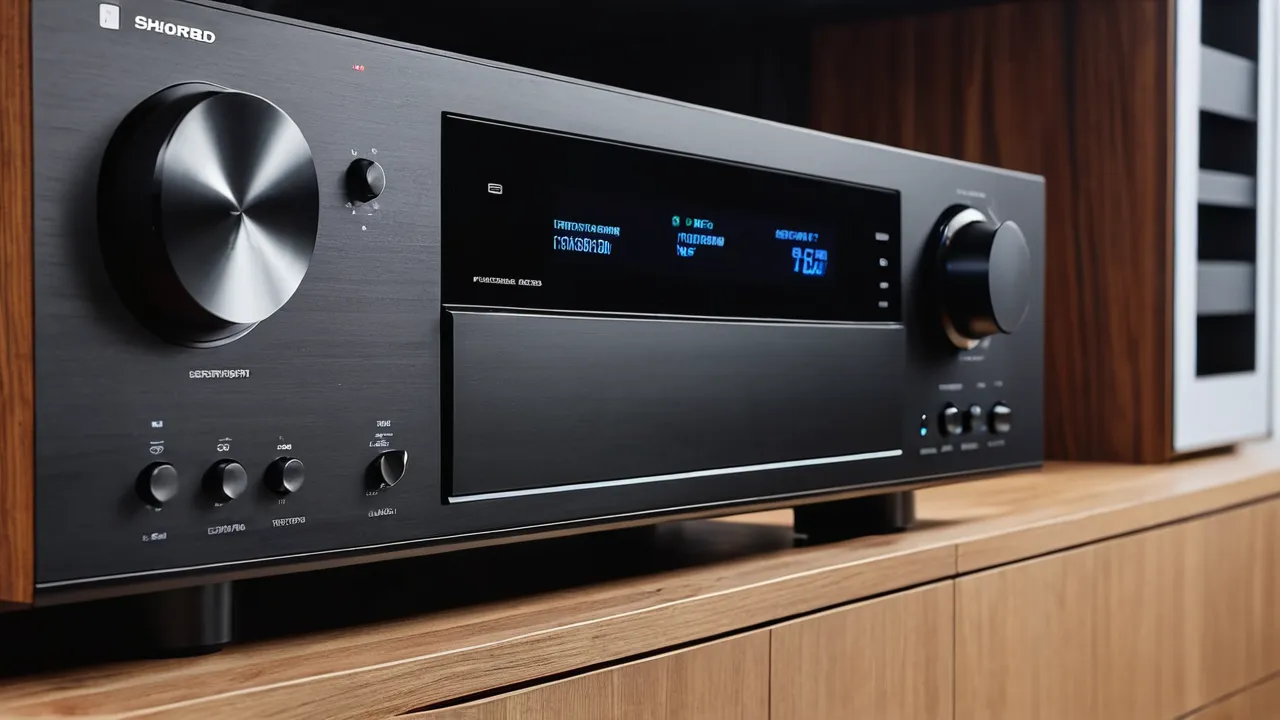
An AV receiver overheats when the heat from its amplifiers cannot escape, which usually means blocked vents, a closed cabinet, or gear stacked on top. The fix is to give it open air: follow the clearance distances in your model manual, keep the top vents clear, and ventilate the cabinet. Clearance figures differ across sources and models, so the manual is the final authority.
Why receivers get hot
Amplifiers waste a share of the electricity they use as heat, especially at higher volume with many channels active, and Atmos layouts with many speakers load the receiver more than stereo. Heat sinks, vents and fans carry that heat away, but they work only if cool air can enter and warm air can leave. Models with class A/B amplification, which most mainstream receivers use, produce heat even at moderate loads. A receiver that feels warm to the touch is normal, but one that is too hot to rest your hand on, or that shuts itself off, is not.
A receiver also heats up from its digital side. Video processing for 4K and high frame rate signals, network streaming, and room correction processors all draw power and warm the main board. A unit used mainly as a switch for sources may therefore run warm even at low volume. This is why heat guidance applies to every owner and not just those who play loudly.
It is also why a receiver left on in standby for long periods can be warmer than expected. Many models offer an eco or auto standby setting, which reduces idle heat and power use, and is worth enabling if you do not need instant network wake-up.
Safety first
Heat is both a failure risk and a fire risk. Never block the vents, never place the receiver on carpet or a soft surface that covers the bottom vents, and never stack other devices or papers on top. If the receiver emits a burning smell, smoke or unusual noises, switch it off and unplug it, and contact a qualified technician or the manufacturer. Do not open the unit yourself, because capacitors can retain charge. For wiring problems in the home, use a licensed electrician. Plug the receiver into a wall outlet or a surge protector rated for its load, avoid daisy-chained power strips, and keep curtains, paper, and other flammable items away from the vents.
The cabinet checklist
- Read the clearance section of the manual and write down the distances for top, sides and back.
- Measure the cabinet opening and compare it to those distances.
- Remove the back panel of an enclosed cabinet, or cut a ventilation opening where the cabinet’s manufacturer allows it.
- Keep the top of the receiver completely clear, since many designs vent upward.
- Put the receiver on the shelf with the most space, and do not wedge it between other components.
- Keep the receiver away from direct sun and nearby heat sources such as a game console exhaust or a radiator.
- Use feet or a rack with spacing if the surface blocks bottom vents.
Because clearance figures conflict across sources, do not rely on a number you read in a forum. The manual for your specific model states the clearance it needs, and following it is also the safe route if a warranty claim arises.
A simple airflow check you can do by hand
After a long listening session, with the unit powered on, feel the top of the receiver and the cabinet’s shelf above it. Warm is normal, and hot enough to be uncomfortable is a warning. Feel the air coming out of the cabinet or back panel: if there is no flow at all, heat is trapped. A cheap thermometer placed on the shelf can show whether temperatures keep rising during a session. If they do, add ventilation before something is damaged.
Placing the receiver among other gear
Stack order matters. If you have a console, a streamer and a receiver in one cabinet, put the receiver on the shelf with the most air and keep it from sitting directly above something that vents upward. Gear that produces a lot of heat, such as a console or a power amplifier, should not be beside or below the receiver’s intake. Leave small gaps between components, even if it means using a larger cabinet.
A few cabinet habits are worth adopting. Leave glass doors open while the receiver is on, since a closed glass front traps heat even when the back is open. Keep the cabinet away from the wall enough that warm air can rise behind it. Dust blocks vents over time, so vacuum the vent slots gently with the unit unplugged, and never spray liquids into them. If you rack mount the receiver, leave an empty rack space above it unless the manual says otherwise.
Forced airflow when a cabinet cannot be opened
If the receiver has to live in a closed cabinet, quiet fans designed for AV cabinets can pull air through. A fan can help, but it is not a replacement for a proper opening. Place the fan to exhaust warm air from the top of the cabinet, and provide a path for fresh air at the bottom. Keep fan power cords tidy and use fans designed for that purpose rather than improvised ones. Check periodically that the airflow is real by feeling for moving air and by checking the unit’s temperature after a long session.
Settings and habits that reduce heat
Some receivers have settings that matter for heat. Turning off unused zones, disabling extra amplifier channels you do not use, and avoiding high volume with low impedance speakers all reduce load. Use the receiver’s power amp assignment correctly: if you are not using the height channels, set the amplifier to the right configuration. Match the speakers to the receiver, a topic covered in our guide to impedance and sensitivity. If you play at very high volume for long periods, expect more heat.
Room temperature counts too. A cabinet in a sunny room or above a heating vent starts from a warmer baseline, so the same receiver has less margin there. In summer, expect higher temperatures and be more careful about airflow. If your equipment sits in a closet or alcove, treat it as a high-heat location and consider moving the receiver into the open room, running cables to a more ventilated spot, or adding the quiet cabinet fans described above.
Troubleshooting a receiver that shuts down
- Turn the volume down and let the unit cool completely before trying again.
- Check that vents are not covered and the fan, if present, spins.
- Disconnect extra speakers or extra zones and try again.
- Look for a protection message on the display, and look up its meaning in the manual.
- Inspect speaker wires for stray strands touching, which can cause a short.
- If the problem repeats, stop using the unit and contact support.
If the receiver still shuts down with an open cabinet and proper wiring, there may be an internal fault, and that is a job for a technician, not for experimentation. Our guide on how long receivers last covers repair versus replace thinking.
Keep a short log if problems repeat: note the volume, the source, the room temperature and how long the receiver ran before it shut down, which helps support staff find the cause.
Choosing a receiver that runs cooler
If heat is a worry in your setup, look for models with larger heat sinks, a heavier chassis, and a manual that lists clear ventilation guidance. A receiver with more power than you need runs cooler at the same volume, because it works within its comfort zone. Browse our AV receiver picks to compare designs, and read our How We Review page for the way we treat cooling.
Frequently Asked Questions
How much space does an AV receiver need around it?
Follow the clearance distances in your model’s manual, because figures differ across models and sources. Many manuals ask for open space above the unit and clear room on the sides and back. Keep the top completely clear, and measure the cabinet opening against the manual before you place the receiver.
Is it normal for an AV receiver to get hot?
Warm is normal, especially under load. Too hot to rest your hand on, a burning smell, or shutdowns are not. Switch the unit off, let it cool, and check vents, cabinet airflow, and wiring. If it keeps happening, contact the manufacturer or a qualified technician.
Why does my AV receiver keep shutting off?
Often it is protection from heat, but it can also come from a speaker wire short or very low speaker impedance. Turn the volume down, let it cool, check vents and strands of wire, and read the display message in the manual. A repeating fault needs support, not experimentation.
Can I put a fan in my media cabinet to cool a receiver?
A quiet fan made for AV cabinets can help, but it does not replace a proper opening. Exhaust warm air from the top and let fresh air in at the bottom. Use fans built for the purpose, keep cords tidy, and confirm the airflow by feeling for moving air after a long session.
Final Thoughts
Overheating is mostly a placement problem you can solve for free. Read the manual for clearances, keep the top clear, ventilate the cabinet, and match the receiver to the speakers. If the unit still runs too hot, stop and ask for professional help.
Related buying guides
- Receiver vs Separates: Do You Need a Preamp and Amp?
- Bi-Wiring vs Bi-Amping Speakers: Is It Worth It?
- Do You Need Dolby Atmos? Decision Rules
About the author

The BuyOnceChoice Editorial Team researches durable products worth buying once. Our guides compare published specifications, warranty terms, expert review consensus, and verified owner feedback. We do not conduct our own product trials. See How We Review and our Editorial Policy for our standards.