How Long Do Vacuum Cleaners Last and Repair Tips
How long do vacuums last? Learn which parts fail first, how upright, stick, and robot types differ, and when repair beats replacing.
 By BuyOnceChoice Editorial Team
Updated November 16, 2026
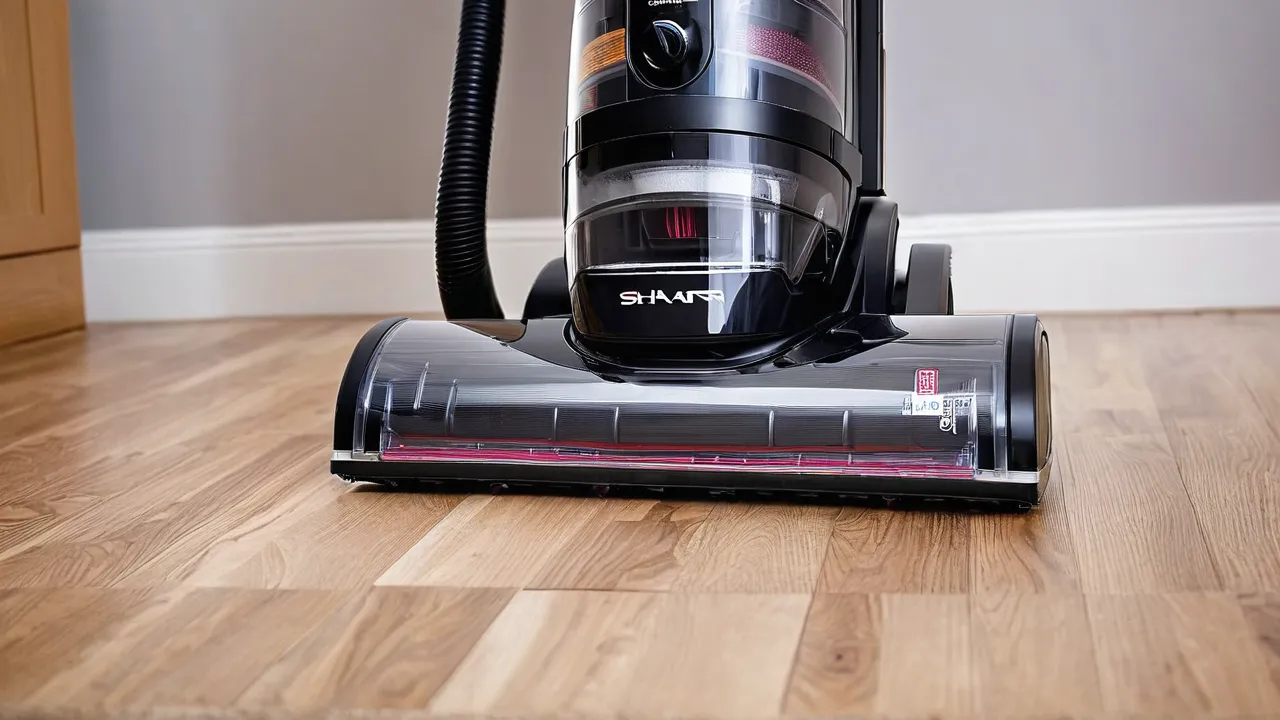
How long do vacuums last? It varies by type, use, and care. Many uprights and canisters last for years, while cordless sticks and robots depend on battery life. The parts that fail first, belts, brush rolls, filters, and batteries, are usually cheap to replace, and maintenance often decides whether a vacuum lasts or gets thrown out early.
What Wears Out First
A vacuum is a motor, a fan, and a path for air, with a brush system and filters. The motor often outlasts everything else. The parts around it wear or clog.
Belts
Many upright vacuums drive the brush roll with a rubber belt. Belts stretch, slip, and break, and the first sign is a brush that stops spinning while the motor runs. A belt is cheap and replaceable in minutes on many models.
Brush rolls
Bristles wear down, and hair tangles. A worn brush cleans poorly. Replacement rolls are available for many models, and some are simple to swap.
Filters
Clogged filters reduce airflow and strain the motor. Washable filters last long if dried and cleaned properly. Foam and HEPA filters need replacement at intervals the maker states.
Hoses and seals
Hoses crack and split, and seals dry out, which leaks suction. Check the hose for pinholes and kinks.
Batteries
Cordless vacuums use lithium-ion batteries that lose capacity with charge cycles and age. Runtime falls over time, and a battery replacement can be a significant part of the machine’s price. Check whether the battery is removable and available.
Battery life is usually described in charge cycles, and a lithium-ion pack is often rated for several hundred cycles, though the exact figure depends on the maker, the depth of each discharge and storage heat. A vacuum used daily at full discharge reaches that count faster than one used weekly. Look at the product page or manual for the battery model, and check whether it is a standard replaceable pack.
Switches and electronics
Power switches, wheels, and boards fail sometimes. Boards in cordless and robot models are harder to replace.
Lifespan by Type
| Type | What limits life | Repairability |
|---|---|---|
| — | — | — |
| Corded upright | Belt, brush, hose | Usually high |
| Canister | Hose, power head | Often good |
| Cordless stick | Battery, motor, switches | Mixed |
| Robot | Battery, wheels, sensors, board | Mixed |
| Handheld | Battery, filter | Low |
Corded designs often outlast cordless ones, since they avoid battery wear and are easier to repair. Robots depend on battery and sensor life, and parts and software support matter. Manufacturers do not publish lifespans, so rely on warranty terms and parts availability. Our vacuum guides discuss typical designs.
Habits That Extend Life
- Empty the bin or replace the bag before it is full.
- Wash filters on schedule and let them dry completely.
- Cut hair from the brush roll often.
- Do not vacuum large debris, wet spills, or fine construction dust unless the vacuum is made for it.
- Check the hose and wand for clogs, and clear them.
- Store cordless batteries at a moderate charge in a cool place, and avoid leaving them in a hot car.
- Do not run the vacuum with a blocked intake, which overheats the motor.
Warning Signs
- Loss of suction with a clean filter and bin, which points to a clog or a leak.
- Burning smell, which suggests a slipping belt or an overheating motor. Stop and unplug.
- Brush not spinning.
- Loud rattling or whining.
- Battery dying in minutes.
- Intermittent power.
Add a quick check for each sign before you decide the machine is finished. Weak suction is most often a full bin, a dirty filter or a blocked hose, all of which cost nothing to fix. A burning smell is different: unplug the vacuum at once and let it cool, because a slipping belt or an overheating motor can keep getting worse.
Repair or Replace
- A belt, filter, hose, or brush: repair, since parts cost little.
- A battery on a good cordless vacuum: replace the battery if available and priced reasonably.
- A motor failure on a mid-range or budget vacuum: usually replace.
- Repair cost near half of a new vacuum: replace.
- Under warranty: use the warranty.
Check parts availability before you buy a vacuum. A model with easy-to-find belts, filters, and batteries has a better chance of a long life. See the How We Review page for how we handle durability claims.
Why Parts Availability Matters So Much
A vacuum that fails because of a ten-minute belt change is a good outcome, and a vacuum that is thrown away because the maker no longer sells a belt is a poor one. Before buying, check whether the brand lists replacement parts for the model, such as belts, filters, brush rolls, hoses, and batteries, and whether those parts are sold directly to consumers. Check how many years of parts support the maker suggests, and whether independent suppliers also stock them. A widely sold model from a major brand is often easier to keep running than a rare import or a model that is discontinued within a year.
Look also at design choices that help repair. A bin and filter that come out without tools, a brush roll that clips out, a battery that detaches, and a hose that can be replaced separately are all good signs. A sealed housing with hidden screws and a non-removable battery makes repair harder and shortens the effective life of a machine that otherwise works.
Lifespan in Practice: Three Illustrative Cases
Consider three cases that show how parts and support shape lifespan. A corded upright used weekly for many years stays useful when the owner replaces the belt, the filter and a split hose, because each part is inexpensive and easy to find. A cordless stick used daily loses runtime after many charge cycles, and a replacement battery restores it, but if the battery costs a large share of a new vacuum, the owner has to weigh the repair against newer models.
A budget robot vacuum shows a third pattern. When the battery weakens and the maker stops updating the app, the robot becomes unreliable even though the motor still runs. These cases are illustrations, not statistics. They show that lifespan is shaped by parts, batteries and support as much as by the motor.
Storage and Handling
Store the vacuum in a dry place, wind the cord loosely, and avoid hanging the machine by its hose. Keep batteries away from heat and freezing. Do not pull a vacuum by the hose or cord, because this damages connections. Clean up lint and hair after use, since a clean machine runs cooler and quieter, and keep the manual so you can look up part numbers when something wears out.
Decision Rules
- Want the longest possible life: a corded model with replaceable parts.
- Prefer cordless convenience: choose a model with a removable battery and available replacements.
- Heavy pet hair: choose a design with easy brush access and plan for belt and filter changes.
- Tight budget: expect shorter life and buy a model with cheap, available parts.
- Robot buyers: check battery availability and software support.
See our home appliances hub for related guides.
When a vacuum starts to struggle, work through a short checklist before deciding it is finished. Empty the bin or change the bag, clean or replace the filters, clear the brush roll, and look along the hose and wand for blockages by holding them up to the light or by running a broom handle through carefully. Check the seals and the belt. Many machines that seem dead return to full strength after ten minutes of this, and the exercise also tells you which part is wearing. If all of that is clean and suction is still poor, a motor or a hidden leak may be to blame, and the repair-or-replace rule applies.
Keep your receipt and warranty card together with the model number, so a claim is easy to file.
Frequently Asked Questions
How long do vacuums usually last?
It varies by type, use and care. Corded uprights and canisters often last for years because belts, filters and hoses are cheap to replace. Cordless sticks and robots depend on battery life and support. Manufacturers do not publish lifespans, so rely on warranty terms and parts availability.
What fails first on a vacuum cleaner?
Usually the parts around the motor: belts, brush rolls, filters, hoses and, on cordless models, the battery. The motor often outlasts them. A brush that stops spinning while the motor runs points to a belt, and weak suction with a clean bin usually means a clog, a dirty filter or a leak.
Is it worth replacing a vacuum battery?
Often yes, if the vacuum is otherwise solid, the battery is available and the price is reasonable. If the replacement costs close to half of a new vacuum, replace the machine instead. Check whether the battery is removable and sold by the maker before you buy the vacuum.
Do corded vacuums last longer than cordless ones?
Often, because they avoid battery wear and are usually easier to repair. A corded model with replaceable belts, filters and hoses can stay useful for many years. A cordless model can last as long if the battery is replaceable and the maker supports parts.
Final Thoughts: Cheap Parts Decide Long Life
Vacuums last when belts, brushes, filters, and batteries are kept up. Choose designs with easy parts access, maintain them, and replace when a motor or board fails on a low-cost machine.
Related buying guides
- How to Choose a Vacuum for Pet Hair and Carpet
- Upright vs Canister vs Stick Vacuums: Which Fits You
- Bagged vs Bagless Vacuums: Cost and Allergies
About the author

The BuyOnceChoice Editorial Team researches durable products worth buying once. Our guides compare published specifications, warranty terms, expert review consensus, and verified owner feedback. We do not conduct our own product trials. See How We Review and our Editorial Policy for our standards.